
Make a Shared Inbox Work for Your Team
Keep the customer context together, make ownership visible and connect channels at a pace your team can support.
Key points
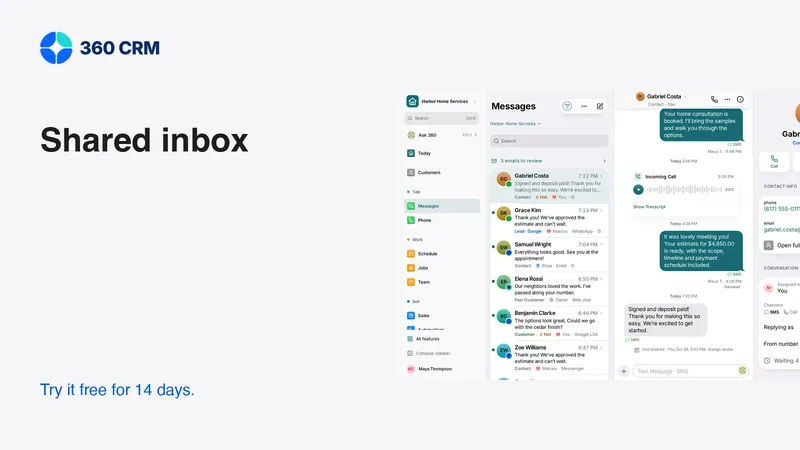
A shared inbox works when every active conversation has an owner and a visible next action. Bring the customer context together, connect channels your team can monitor and keep internal discussion separate from customer replies. Test a handoff, a failed send and a customer request to pause before expanding automation.
The goal is continuity. Another teammate should be able to step in without asking the customer to repeat the story. Shared access alone does not produce that result; the team needs a simple routine for assigning, answering and closing the loop.
Agree on who replies
Decide how incoming conversations are assigned and what happens when the usual owner is unavailable. A shared notification can alert the team, but it does not necessarily identify who is responsible. Make ownership explicit.
The owner should either answer the request or record the next action needed to answer it. If the question belongs to another person, hand it over with context. Avoid silently leaving a thread unassigned because the answer requires effort outside the inbox.
Keep the customer's experience coherent. Several helpful people replying independently can produce contradictory promises. Before sending, read the recent messages and check whether another teammate has already answered or is preparing the response.
Preserve enough context for a handoff
A good internal note explains the customer's request, what has been promised, what is missing and the next reply. It should be short enough to scan but specific enough to act on.
Handoff note template
- Customer request: the question that needs an answer.
- Confirmed facts: information checked against the current record.
- Open question: what still needs review and who can resolve it.
- Next action: what the new owner should do.
- Customer promise: the timing or update already agreed.
Do not copy the whole conversation into a note. Summarize the decision-relevant context and link the estimate, appointment or other record. Keep speculation clearly labeled, and avoid unnecessary private information that does not help complete the task.

Connect one channel well
Start with the channel customers already use most often and that the team is ready to monitor. Confirm receiving, replying, assignment and contact matching before adding another. A successful connection screen is not evidence that the whole conversation workflow works.
Use a contact you control to send a test message. Reply from the inbox and confirm the result at the destination. Then hand the thread to another teammate. Check the business identity, recipient and source record at each step.
Add more channels deliberately. Email, SMS, WhatsApp and social messages have different setup and provider requirements. Do not assume the same permissions, templates or sending rules apply to all of them. The team should know where to find the relevant setup guidance and failure status.
Keep internal notes out of customer messages
The inbox should make it clear whether a person is writing an internal note or a customer reply. Before sending, verify the mode, recipient and channel. This is especially important when a thread contains both office discussion and messages from the customer.
Write internal notes professionally. They may be useful later during a review or export. Avoid shorthand that turns an uncertain impression into an apparent fact, such as “customer approved” when they only asked a question about the proposal.
Test the interface with a new teammate. Ask them to leave an internal handoff and then prepare a reply. Observe whether they can distinguish the two actions without coaching. If the mode is easy to confuse, improve training and the workflow before using sensitive live conversations.
Use templates as preparation
Templates can save time on routine wording, but they should not replace reading the conversation. A customer waiting for a correction needs a different response from someone considering a first appointment.
Use that wording only if the review and handoff have actually happened. Replace details and remove unsupported promises. A template that sounds reassuring while creating no task can make a delay less visible without resolving it.
Keep the template library focused on common tasks. Review obsolete versions and make sure staff know which wording has been approved for the channel. A long menu of nearly identical responses can make an incorrect selection more likely.

Review AI drafts against the original request
An assistant can help summarize a thread or prepare a reply, but the person responsible should inspect the underlying record. Check names, dates, amounts and commitments. A fluent answer can still rely on an outdated estimate or miss the customer's latest correction.
Use limited permissions and the supported approval flow when connecting an external assistant. Preparing a draft and sending it are different actions. A request to summarize a conversation should not become authorization to contact the customer.
Keep sensitive information out of unnecessary prompts. The fact that a conversation is visible in the inbox does not mean every connected service should receive it. The assistant safety guide explains a practical routine for reading, drafting and reviewing actions.
Treat a reply as a workflow change
When the customer responds, read the message and update the next action. A request for information, a decline and a request to pause should lead to different outcomes. Do not continue a generic reminder sequence merely because it was scheduled earlier.
If the request is resolved, close the loop with a clear answer and update the conversation. If it remains open, record what must happen and who owns it. A “closed” status should mean the team understands why no further action is currently needed.
Test reopening a conversation. Customers often return with a new question. The old history should help the team, but the new request still needs an owner. Avoid assuming that a previously resolved thread can be ignored forever.
Make failed sends part of the daily review
A message can be queued, sent, delivered or rejected, depending on the channel and provider. Do not collapse those states into a single assumption that the customer received it. Use the available status and error details.
When a send fails, the team needs plain guidance: correct the address, reconnect the provider, choose an approved template or retry where appropriate. Check whether the first attempt completed before sending again. A delayed status update can otherwise produce duplicate messages.
Assign someone to unresolved failures. If the primary channel is unavailable and another permitted route exists, continue the service there and record what happened. The customer should not remain unanswered because the inbox looked quiet after the attempted send.
Build a small review routine
Review unassigned threads, unanswered customer messages and conversations waiting on your own team. Then check failed sends and overdue promises. Keep the review focused on decisions rather than treating every old conversation as a problem.
For each item, complete the action, assign it or explain the blocker. Do not repeatedly snooze a thread without a reason. If the customer asked to wait, record that preference so the quiet conversation is not mistaken for neglect.
Use your normal alert channels, such as in-app notifications, mobile push and email. Optional integrations can support a team's habits, but the basic workflow should not require a separate chat service. The responsibility must remain visible in the business system.
Start with the workflow your team can maintain
360's conversation tools keep customer messages near the records and next actions. Industry choice recommends a starting workspace while other tools remain available in Settings → Features. Review pricing for the the current published price business plan, unlimited users, separate usage and 14-day trial.
Use fictional data to test the handoff before connecting live customers. Ask another teammate to cover the conversation using only the saved record. If they can understand the request, verify the facts and respond appropriately, the inbox is doing more than collecting messages: it is helping the team keep its promises.
Frequently asked questions
Does a shared inbox need an owner for every thread?
Every active request should have a clear responsible person or staffed queue. Shared visibility alone does not tell the team who must answer or follow up.
Should I connect every available channel immediately?
Start with one channel the team can monitor reliably. Verify receiving, replying and handoffs before adding more, and review each provider's setup and messaging requirements.
What should I check before sending an AI draft?
Read the customer's original request and verify the recipient, channel, dates, amounts and commitments. Use the supported approval flow and do not treat a draft as authorization to send.
Try 360 free for 14 days
Put one workflow from this article into practice. $79/month per business, unlimited users, every tool included.
See how 360 fits your trade
Keep reading
Sales & estimates
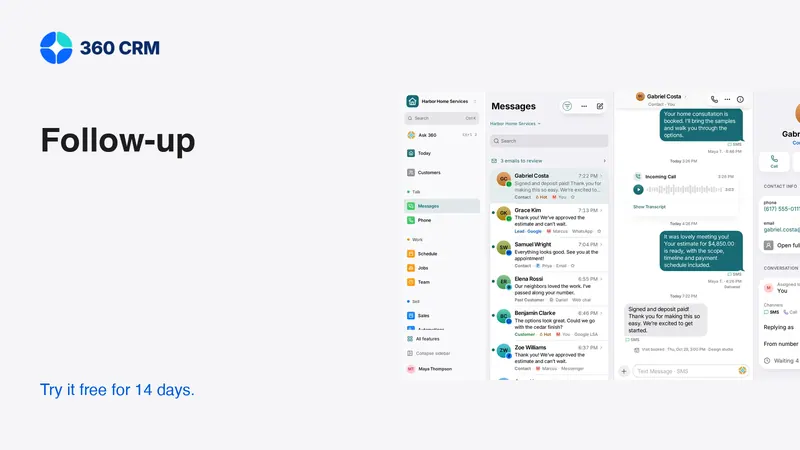
A Follow-Up Routine You Can Keep
Give every inquiry an owner, a next action and a date. A small routine that is easier to maintain as your business grows.
Industries
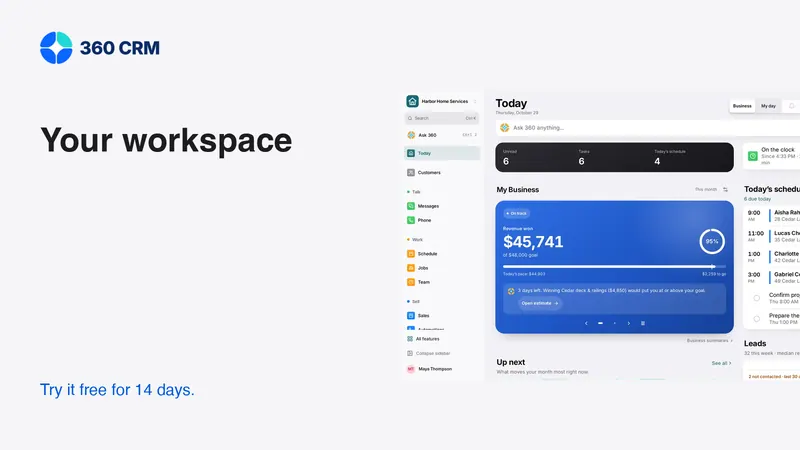
Choose a Workspace That Fits Your Business
Your industry is a starting point, not a limit. Learn what changes, what stays and where to turn on another tool.
Sales & estimates
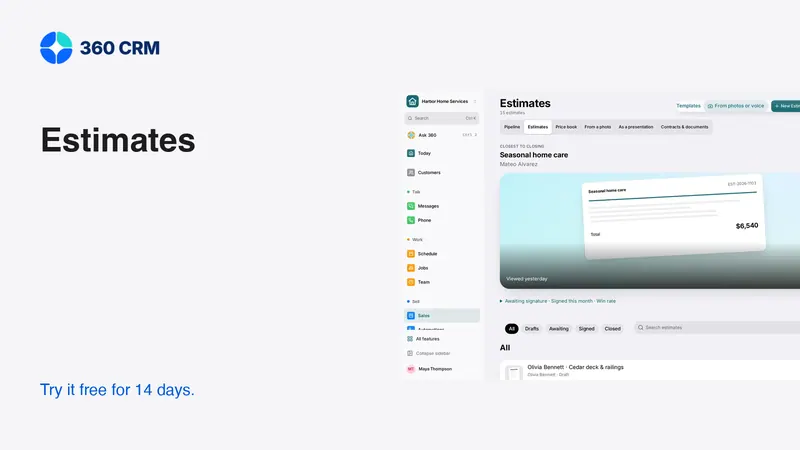
How to Send Estimates Customers Can Say Yes To
Write clear scopes, useful options and respectful follow-ups. Use example messages and a review checklist to send estimates with confidence.