
A Follow-Up Routine You Can Keep
Give every inquiry an owner, a next action and a date. A small routine that is easier to maintain as your business grows.
Key points
Give every customer inquiry an owner, a next action and a date. Review unfinished promises regularly and change the plan when the customer replies. Start with a manual routine the team understands; automate the repeatable parts only after the handoff works. Follow-up should help someone make a decision or complete a request, not create a stream of messages nobody owns.
If you change one habit this week, make it this: nobody closes a conversation until the record says who does what next, and by when. You do not need a sales methodology to begin, only a record another teammate could pick up on a Monday morning and finish.
Start with one clear next step
Before closing a conversation, record what the customer asked and what will happen next. “Send the revised estimate after confirming the material choice” is more useful than “follow up.” The task should describe the work, not merely remind someone that a customer exists.
If the next step belongs to the customer, say what you are waiting for and when you agreed to reconnect. If it belongs to your team, assign the person who can complete it. Avoid moving a task between people without explaining why or preserving the context.
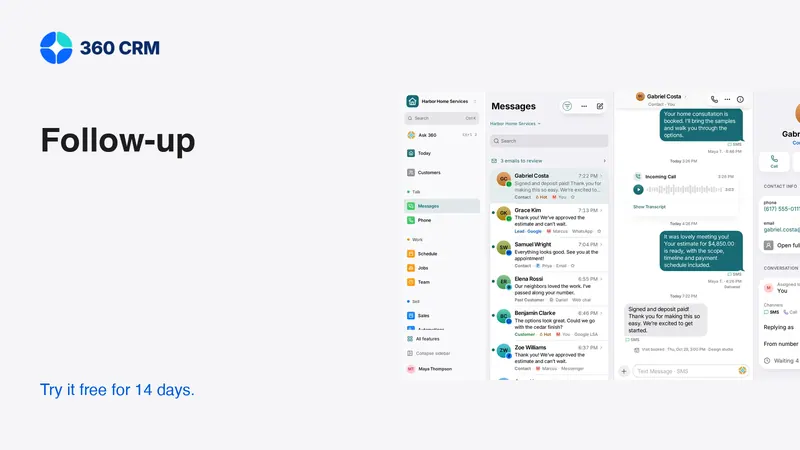
In 360, keep the conversation and relevant notes with the contact, then create the task that represents the promise. A private notebook can be a useful temporary aid, but it should not become the only place where a customer commitment is recorded.
Distinguish the reason for following up
A first inquiry, an unanswered question and an estimate under review need different messages. Read the latest conversation before choosing a template. Do not let the age of a record determine the message without considering what happened most recently.
Three useful purposes
- Clarify: answer a question or obtain information needed to proceed.
- Confirm: check an agreed appointment, scope or next step.
- Revisit: ask whether the customer's timing or priorities have changed.
If you cannot name the purpose, consider whether a message is needed at all. Repeatedly asking “any update?” can shift work onto the customer without helping them. A useful follow-up reduces uncertainty or offers a concrete way forward.

Write tasks that another person can complete
A good task has an action, enough context and an owner. Include the relevant record or document so the person does not have to search for it. Keep the title concise and place supporting detail in the note.
For example, “Confirm the revised finish before sending the estimate” tells the team what must happen. Add who needs to confirm it and where the current draft lives. A task called “Morgan” or “Thursday” leaves too much to memory.
Test the task by handing it to someone who did not attend the conversation. Ask what they would do next. Their questions show whether the record is actionable. Improve the note instead of assuming the colleague should already know the background.
Use messages that respect the customer's situation
The best wording depends on the actual conversation. Keep examples as starting points rather than automatic scripts. Replace every detail and remove any promise you cannot support.
For a customer who needs time:
These messages make room for a real answer. They do not assume the customer is ignoring the business or create artificial urgency. Record the response so the next message continues the conversation instead of starting it again.
Make a short daily review
Choose a routine time to review unanswered conversations and due tasks. Start with promises already made, then look at new inquiries that need an owner. A clear order helps the team avoid spending the entire review on the newest notification.
Open the underlying record before acting. A task may be overdue because the customer replied elsewhere, the estimate was revised or another person completed the work. Correct the record so the review becomes more accurate over time.
For blocked work, name the blocker and the person who can resolve it. Do not repeatedly postpone a vague task without changing its context. “Waiting for the approved material specification from the estimator” explains why the customer has not received the promised document and who needs to act.

Agree on coverage when someone is away
Follow-up should survive ordinary absences. Decide who reviews another person's open promises and how ownership changes. The new owner needs the customer's request, the last commitment and any instruction about when not to contact them.
Do not send a broad alert and assume coverage has happened. Make the reassignment explicit and verify that the person can access the relevant records. A colleague cannot complete a task if its supporting document remains in an inaccessible personal account.
Keep the customer's experience coherent. The covering teammate can introduce themselves briefly, then continue from the recorded context. The customer should not have to retell the entire request simply because the usual person is unavailable.
Automate only a process you understand
Once the manual routine is clear, consider an automation for a repeatable reminder. Write down the trigger, recipient, timing, message and stop conditions before enabling it. If those details are difficult to explain, the sequence is not ready.
Use a controlled contact to test the full path. Reply in the middle, change the appointment, approve the estimate and request a pause. Check the scheduled messages after each change. A visible status update does not prove that every queued reminder has been canceled correctly.
Keep a person responsible for failures. A disconnected account or rejected message should lead to a useful recovery step. Do not measure success by attempted sends alone. The team needs to know whether the intended communication happened and what to do if it did not.
Measure the handoff, not just the send
At the end of the week, review examples where the next action was unclear or repeatedly postponed. Ask whether the team had enough information, the right access and a realistic promise. Improve the note, assignment or timing before adding more reminders.
A simple Friday check works: open ten conversations from the week at random and ask three questions of each. Is there a named owner? Is there a dated next step? Did the customer get an answer to what they actually asked? Count the gaps, fix the records, and run the same ten-record check next week. You are measuring your own routine, not chasing an industry benchmark.
Keep automated acknowledgments out of that count. A “thanks, we got your message” text is useful, but it is not a reply. A quieter week that finishes every promise beats a busy one full of reminders that answer nothing.
Keep preferences and permissions current
A customer may prefer email, request a pause or decline further contact. Record that information where both people and automations can use it. Do not let an old template override a newer conversation.
Review the requirements of each channel before using it. A phone number, an email address and a messaging-app connection do not all imply the same permission for every purpose. Keep marketing separate from the service response when the distinction matters.
When a customer asks to stop, use the supported controls and inspect related sequences. A staff member acknowledging the request is not enough if an automated reminder remains active elsewhere. Make the change visible so another teammate does not accidentally restart the same contact pattern.
Begin with a small, complete routine
Choose one common inquiry type and run it from arrival to resolution. Use 360's everyday tools to keep the record, conversation and task connected. The business plan is the current published price with unlimited users and a 14-day trial; see pricing.
You can expand the process after the first workflow is dependable. The goal is not a perfect automation map. It is a team that knows what it promised, can find the next action and can explain the status to the customer without guessing.
Frequently asked questions
How often should I follow up?
Use the customer's situation and any agreed timing. A useful message should clarify, confirm or revisit something specific. Avoid a rigid sequence that ignores replies, pauses or completed work.
What belongs in a follow-up task?
An action, an owner, relevant context and a date when appropriate. Link the customer or document so another teammate can complete the task without reconstructing the conversation.
When should I automate follow-up?
After the manual process is clear and its stop conditions are understood. Test replies, approvals, declines and failures with a controlled contact before using live customer workflows.
Try 360 free for 14 days
Put one workflow from this article into practice. $79/month per business, unlimited users, every tool included.
See how 360 fits your trade
Keep reading
Industries
Choose a Workspace That Fits Your Business
Your industry is a starting point, not a limit. Learn what changes, what stays and where to turn on another tool.
Sales & estimates
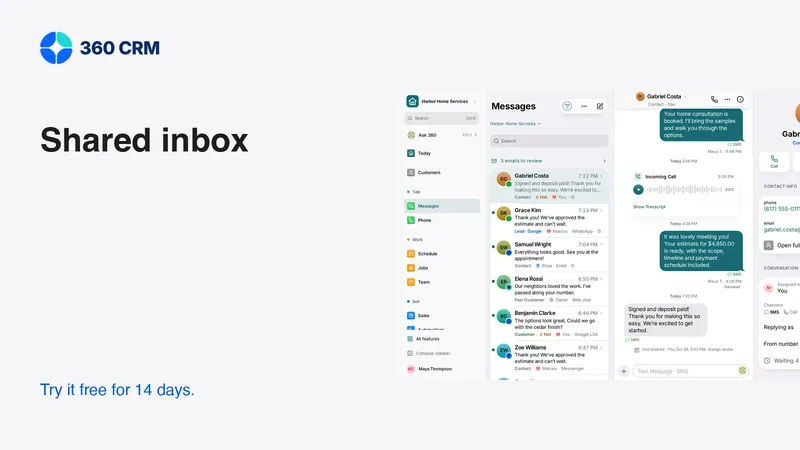
Make a Shared Inbox Work for Your Team
Keep the customer context together, make ownership visible and connect channels at a pace your team can support.
Sales & estimates
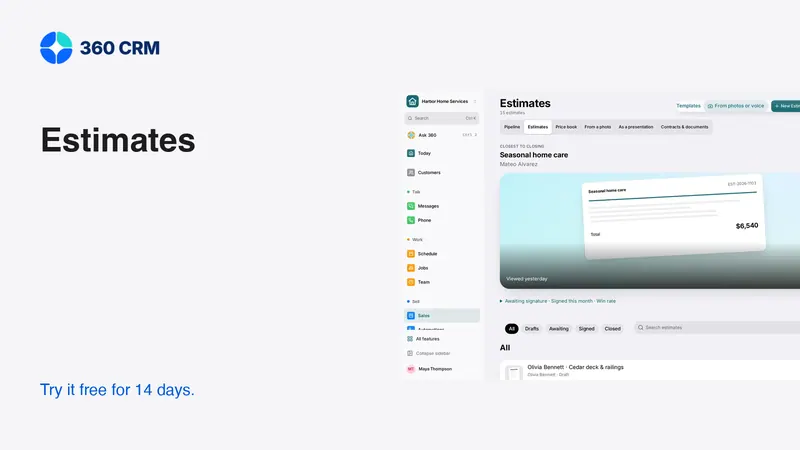
How to Send Estimates Customers Can Say Yes To
Write clear scopes, useful options and respectful follow-ups. Use example messages and a review checklist to send estimates with confidence.