
How to Send Estimates Customers Can Say Yes To
Write clear scopes, useful options and respectful follow-ups. Use example messages and a review checklist to send estimates with confidence.
Key points
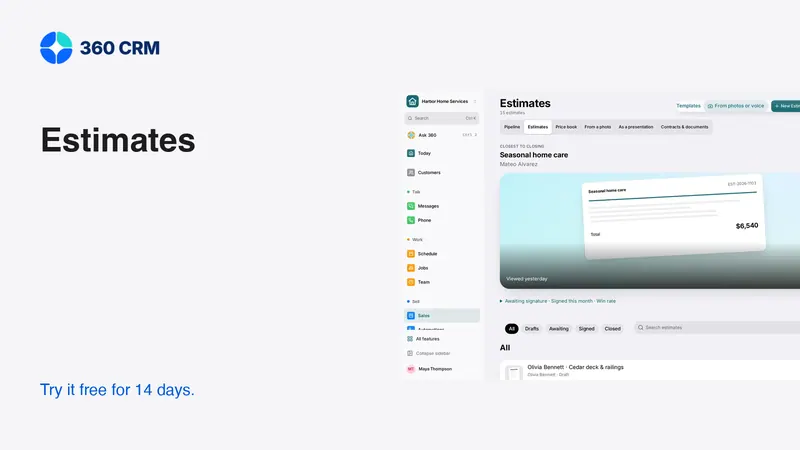
An estimate is easier to approve when the customer understands the scope, the price, the choices and the next step. Write for the person deciding, not just the person doing the work. Separate assumptions from confirmed facts and optional work from the base agreement. Follow up by resolving a question, not by repeatedly asking whether the customer has seen the document.
No estimate format guarantees a sale. This guide gives you a practical way to make the decision clearer and reduce avoidable misunderstandings before work begins. The examples are fictional templates to adapt to your own service and terms.
Start with the customer's requested outcome
Before listing line items, summarize what the customer wants to accomplish. Use the language from the conversation, then confirm that your proposed scope addresses it. If the request is still ambiguous, ask the missing question before turning an assumption into a price.
A useful opening might say “This estimate covers the agreed repair to the identified area and cleanup after completion.” It is less useful to begin with an internal job code that only your team understands. Keep the summary brief, then provide the detail needed to decide.
Record who can approve the work. The person arranging the visit may not be the decision-maker or billing contact. Confirm the recipient, service address and relevant project before sending. A beautifully written estimate for the wrong property still fails at the most basic task.
Make the scope concrete
The customer should be able to tell what is included and what is not. Describe the deliverable, the materials or service assumptions that matter, and the boundaries of the work. Avoid a vague line such as “labor and materials” when the customer needs to compare the actual scope.
A scope review checklist
- What work will be performed, and where?
- What preparation and cleanup are included?
- Which selections or measurements are confirmed?
- What remains subject to inspection or another decision?
- Which related work is excluded?
- What customer access or preparation is required?
- How will a change be agreed and recorded?
Not every estimate needs a long document. The point is to make material conditions visible. A short, specific scope is better than several pages of generic language that leave the central question unanswered.

Label uncertainty before it becomes a disagreement
Sometimes the full scope cannot be established before further inspection. Explain the uncertainty in plain words and identify what happens next. Do not present a provisional figure as a firm price simply because the software requires an amount field.
For example, state that a particular part of the work needs confirmation and explain who will review it. If a change would require a revised estimate, make that process clear. The customer should understand when they are approving a defined job and when they are authorizing an earlier assessment step.
Have the appropriate professional review terms, warranty language and any legally significant conditions for your business and location. This article is a writing and workflow guide, not a universal contract template. Software can organize the agreement; it cannot make unsupported terms appropriate.
Present options as real choices
An optional item should be useful and genuinely optional. Explain what changes if the customer selects it. Keep the base scope complete enough to stand on its own rather than hiding necessary work in an upgrade.
Use consistent wording for alternatives so the customer can compare them. If two options differ in material, finish or service level, explain that difference directly. Avoid forcing the customer to decode a long list of internal product names.
Before sending, select and deselect every option in the preview. Check the totals and the resulting approval view. Then ask someone unfamiliar with the job to explain the choices. Their questions often reveal missing context more quickly than another proofreading pass by the author.
State payment and scheduling steps clearly
The estimate should explain what happens after acceptance. If an agreed deposit is required before scheduling, say so. If the schedule must still be confirmed, do not imply that approval automatically reserves a date.
Keep the amount, currency and payment timing consistent across the estimate, invoice and message. Example arithmetic is not a business rule: for a fictional $2,000 project with an agreed $400 deposit, the remaining balance is $1,600 before any separately agreed adjustments. Your actual deposit terms should follow your agreement and applicable requirements.
Do not paste card details or ask customers to send sensitive payment information through ordinary chat. Use the supported payment flow and verify the recipient and invoice. A secure-looking link is not enough if it belongs to the wrong customer or an outdated estimate.

Send a message that explains the decision
The accompanying message should tell the customer what they are reviewing and how to ask for clarification. Avoid making them search the document to discover why you sent it.
That message gives a useful action without pressure. Customize it to the job, and remove any sentence that does not match the document. Never let a reusable template promise a deposit process, available date or included service that has not been confirmed.
Follow up on the unresolved question
If the customer has not replied, choose a follow-up that helps them decide. Ask whether the scope is clear, whether they need an option explained or whether the timing has changed. Do not assume silence means the document was unread or the customer is ready to proceed.
Record the response and change the next action. A request to pause should stop routine reminders. A question should create a task for the person who can answer it. An automated sequence should never continue as if nothing happened after a real conversation begins.
Preserve the approved version
Revisions are normal. Confusion about revisions is avoidable. Keep a clear record of what changed, why and which version the customer approved. Do not rely on filenames such as “final-new-final” to establish the agreement.
When the customer requests a change, update the proposal through the supported process and inspect the customer view. If work has already been approved, follow your agreed change process rather than quietly rewriting the original scope. The delivery team needs the same understanding as the customer.
Test this in the software with a fictional estimate. Have one teammate prepare it, another revise it and a third identify the approved scope. If they disagree, simplify the process before using it on live work.
Review the handoff, not only the document
An approved estimate should lead to owned tasks: scheduling, material confirmation, deposit follow-up or another appropriate next step. The customer should know what happens next, and the team should know who makes it happen.
In 360, estimates and everyday business tools keep the proposal near the customer relationship. The demo images here use fictional data. Test the actual approval, revision and handoff process during the 14-day trial, and review pricing for the the current published price business plan and separate usage charges.
At the end of each week, review estimates that stalled because information was missing or the next action was unclear. Improve the scope or handoff before adding another reminder. Better decisions come from better information, not simply more messages.
Frequently asked questions
How long should an estimate be?
Long enough to make the scope, price, assumptions and next step understandable. Use concise descriptions and clear sections. Length alone does not make an estimate more trustworthy or easier to approve.
Should I offer several options on every estimate?
Only when the alternatives help the customer make a real choice. Keep necessary work in the base scope and explain the effect of each optional item without overwhelming the decision.
What should stop estimate reminders?
A reply, an approval, a decline, a pause request or an opt-out should change the relevant workflow. Define the stop conditions before enabling automation and test them with a contact you control.
Try 360 free for 14 days
Put one workflow from this article into practice. $79/month per business, unlimited users, every tool included.
See how 360 fits your trade
Keep reading
Sales & estimates
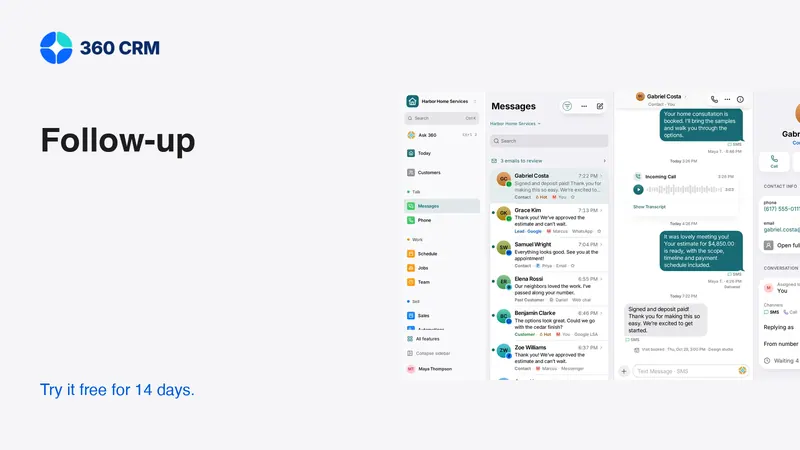
A Follow-Up Routine You Can Keep
Give every inquiry an owner, a next action and a date. A small routine that is easier to maintain as your business grows.
Getting paid
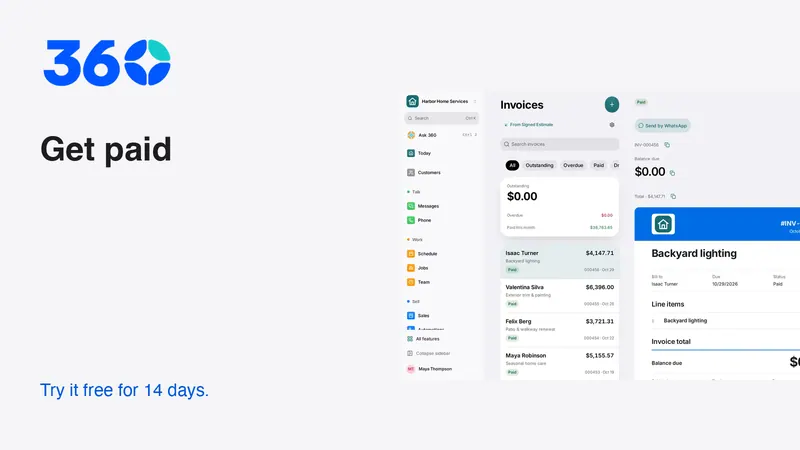
Get Paid Faster: Deposits, Payment Links and Reminders
Make payment terms clear, collect agreed deposits and send useful reminders. A practical guide to cards, Pix and keeping records reconciled.
Sales & estimates
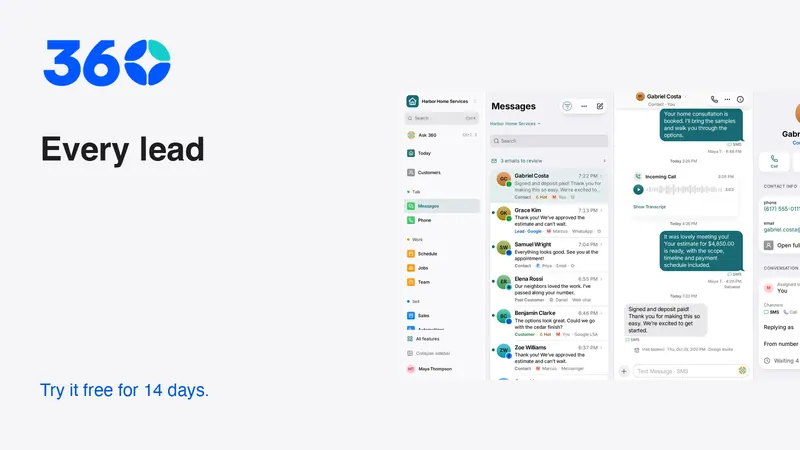
Never Miss a Lead: Build a Reliable Response Routine
Set up missed-call text-back, clear ownership and useful follow-up. Includes message templates and a test plan for busy small businesses.