
Never Miss a Lead: Build a Reliable Response Routine
Set up missed-call text-back, clear ownership and useful follow-up. Includes message templates and a test plan for busy small businesses.
Key points
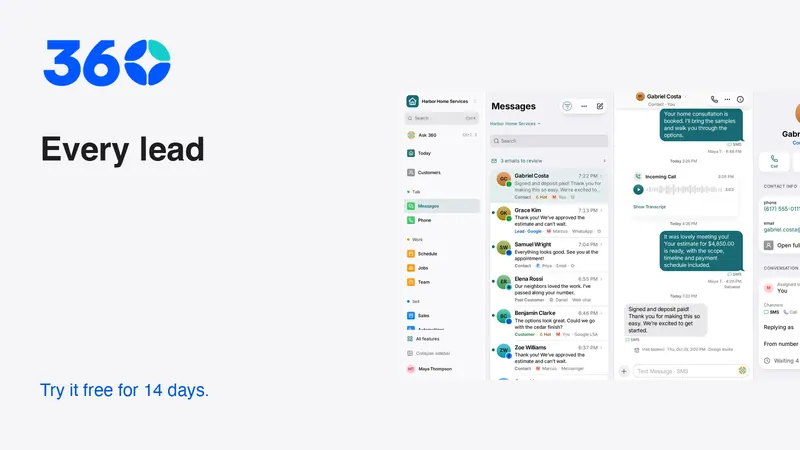
You cannot guarantee that every inquiry becomes a customer, but you can build a routine that makes unanswered leads visible. Capture the inquiry, acknowledge it appropriately, assign an owner and record a next action. Missed-call text-back is one part of that routine, not the whole response. Test what happens when someone replies, calls again or asks you to stop.
The phrase “never miss a lead” is a useful ambition, not a promise that software eliminates outages or human mistakes. A reliable process includes failure alerts and a person who knows what to do when the normal path breaks.
Map the ways people contact you
List the channels your business actually receives: phone calls, website forms, email, messaging apps, social messages and referrals. For each one, identify where the inquiry lands and who checks it. Do not assume a connected icon means the channel is receiving correctly.
Use a contact you control to test each path. Submit the form, make the call and send the message. Confirm the resulting customer record, conversation and assignment. Check that a useful source is preserved so the team can understand why the person contacted you.
Keep the list short enough to maintain. An unmonitored channel can disappoint a customer even if the business responds well elsewhere. Add a new channel when someone is ready to own it, not simply because it is available in the settings.
Separate acknowledgment from a useful response
An acknowledgment confirms that the inquiry arrived. A useful response answers the question or explains the next step. Both can matter, but counting them as the same thing hides unfinished work.
A customer who asks whether you serve their area needs an answer, not just “thanks for contacting us.” A customer requesting a visit needs to know whether the time is confirmed. Decide what your acknowledgment can truthfully say and what must wait for review.
A clear first acknowledgment
Use a different version if the appointment really is confirmed. The wording must reflect the actual state. Avoid inserting a response deadline unless the business has coverage to meet it and an escalation path when it cannot.

Give every inquiry one visible owner
Shared responsibility often becomes unclear responsibility. Assign a person or a clearly staffed queue, then define who takes over if the first owner is unavailable. A notification sent to several people is not the same as an assignment.
The owner should record the next action before closing the record. “Call to confirm the service address” is useful. “Follow up” is incomplete unless the context makes the purpose obvious. Include the agreed date or timing when there is one.
Test coverage during lunch, after hours and when the usual staff member is away. You do not need elaborate routing to begin. A simple, documented backup can be effective if everyone knows when it applies and how the inquiry is reassigned.
Use missed-call text-back carefully
A missed-call message can give a caller another way to explain their request while the team is occupied. Keep it short, identify the business and avoid implying that a person has already reviewed the issue.
Adapt the message to your provider's requirements and the permissions you have. Twilio's messaging policy covers consent and opt-outs for its services. An inbound call should not be treated as blanket permission for unrelated promotional messages.
Check repeat behavior. A caller who tries again while the office is already responding should not receive an endless loop of acknowledgments. Test repeated calls, a reply to the text and a number that cannot receive SMS. Decide how each case reaches a human.
Set speed goals you can actually measure
You do not need an invented statistic about response speed to justify answering customers promptly. Measure your own process. Record when an inquiry arrived, when a person first reviewed it and when the customer received a useful reply.
Define the measurements before reporting them. An automated acknowledgment should not count as a human response. A delivered message should not count as a resolved inquiry. If you compare business-hours and after-hours performance, keep those categories explicit.
Use the results to find practical gaps. Perhaps website inquiries arrive correctly but remain unassigned, or an email connection fails without anyone noticing. Fix that specific break. A dashboard number is useful only if it leads to a change someone can own.

Stop reminders when the conversation changes
A lead who replies should enter a real conversation. A customer who declines or asks for a pause should not continue receiving the same prompts. Define these stop conditions before activating a sequence.
Test a reply midway through the workflow, a changed appointment and a completed estimate. Inspect scheduled messages as well as the current record. It is possible for the visible status to look correct while an old reminder remains queued.
Keep an exception owner. If a provider rejects a message, the team needs plain guidance: check the address, reconnect the account, correct the template or use an appropriate alternate channel. Do not treat “send attempted” as success. Confirm the status the provider actually returned.
Make handoffs readable
When another teammate takes over, leave a short internal note with the customer's request, what has been promised, what is missing and the next action. Keep internal discussion separate from the customer-facing reply.
Customer asked for a revised scope before deciding. The original estimate is still open. Next action: prepare the revision and ask whether they want a call to review it. Do not send the standard reminder until the revision is ready.
That note explains both action and restraint. It prevents the new owner from sending an irrelevant prompt just to clear the queue. A handoff is successful when the next person can act accurately, not when a conversation has merely been assigned to a different name.
Build a daily exception review
Start the review with unanswered and unassigned inquiries. Then check overdue promises, failed sends and customers waiting for information from your team. Keep the list focused on work that needs a decision.
For each item, either complete the next action or assign a concrete task. Avoid repeatedly postponing a vague follow-up. If an item is blocked, name the blocker and who can resolve it. If the customer requested a pause, record that rather than treating the quiet conversation as neglected.
Use your normal team alert channels: in-app notifications, mobile push and email, with optional SMS where configured. Optional chat integrations can help some teams, but the basic process should not depend on everyone joining an unrelated messaging service.
Test the complete loop before using live leads
Run a fictional inquiry from arrival through resolution. Then test an unavailable owner, a duplicate submission, a failed send and an opt-out. Confirm the record, assignment, customer message and recovery step in each case.
360 brings conversations and lead handling into a workspace that adapts to the business type. The business plan is the current published price with unlimited users and a 14-day trial; review pricing before connecting providers. Use the trial to prove the loop, not just to enable its switches.
Keep the routine simple enough that a new teammate can explain it. Software is most helpful when it makes ownership and exceptions visible. The customer should experience a clear next step, even when the team cannot immediately complete the request.
Frequently asked questions
Does a missed-call text count as responding to the lead?
It counts as an acknowledgment. A person still needs to review the request, answer the question or confirm the next step. Track that work separately.
How fast should a small business reply?
Set a realistic standard based on staffing, hours and the type of inquiry. Measure your actual useful response time and improve the gaps rather than promising a deadline the team cannot reliably meet.
What should happen when a message fails?
The responsible person should see what failed and how to recover. Correct the contact or setup, retry where appropriate and confirm the resulting status. Use another permitted channel if necessary.
Try 360 free for 14 days
Put one workflow from this article into practice. $79/month per business, unlimited users, every tool included.
See how 360 fits your trade
Keep reading
AI
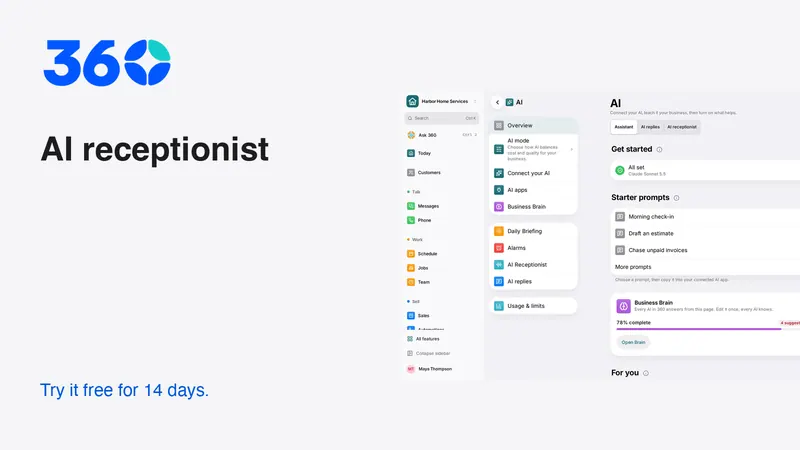
AI Receptionist for Small Business: A Buying Guide
Test an AI receptionist for accurate answers, clear handoffs and safe booking. Includes call scripts, failure cases and a practical launch plan.
Sales & estimates
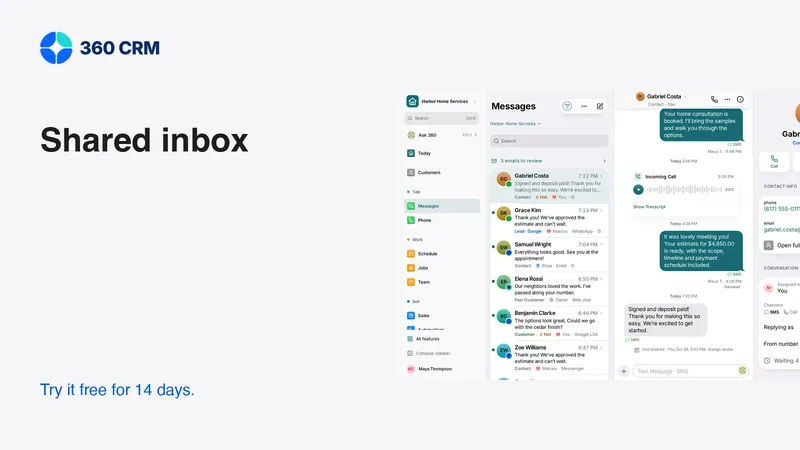
Make a Shared Inbox Work for Your Team
Keep the customer context together, make ownership visible and connect channels at a pace your team can support.
Sales & estimates
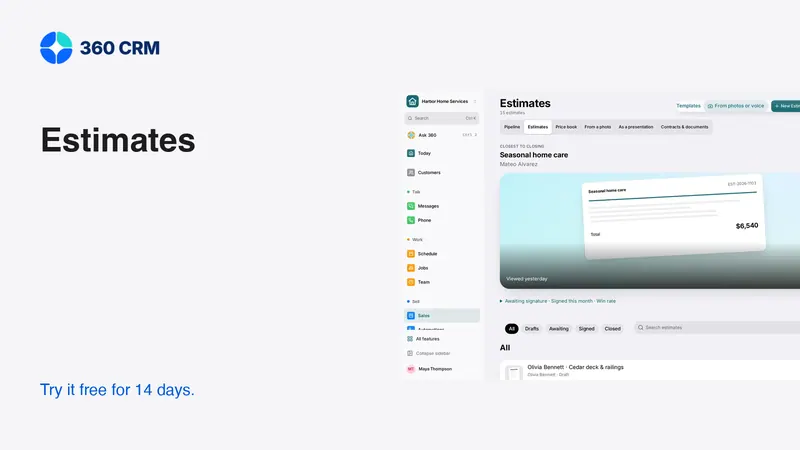
How to Send Estimates Customers Can Say Yes To
Write clear scopes, useful options and respectful follow-ups. Use example messages and a review checklist to send estimates with confidence.