
Help home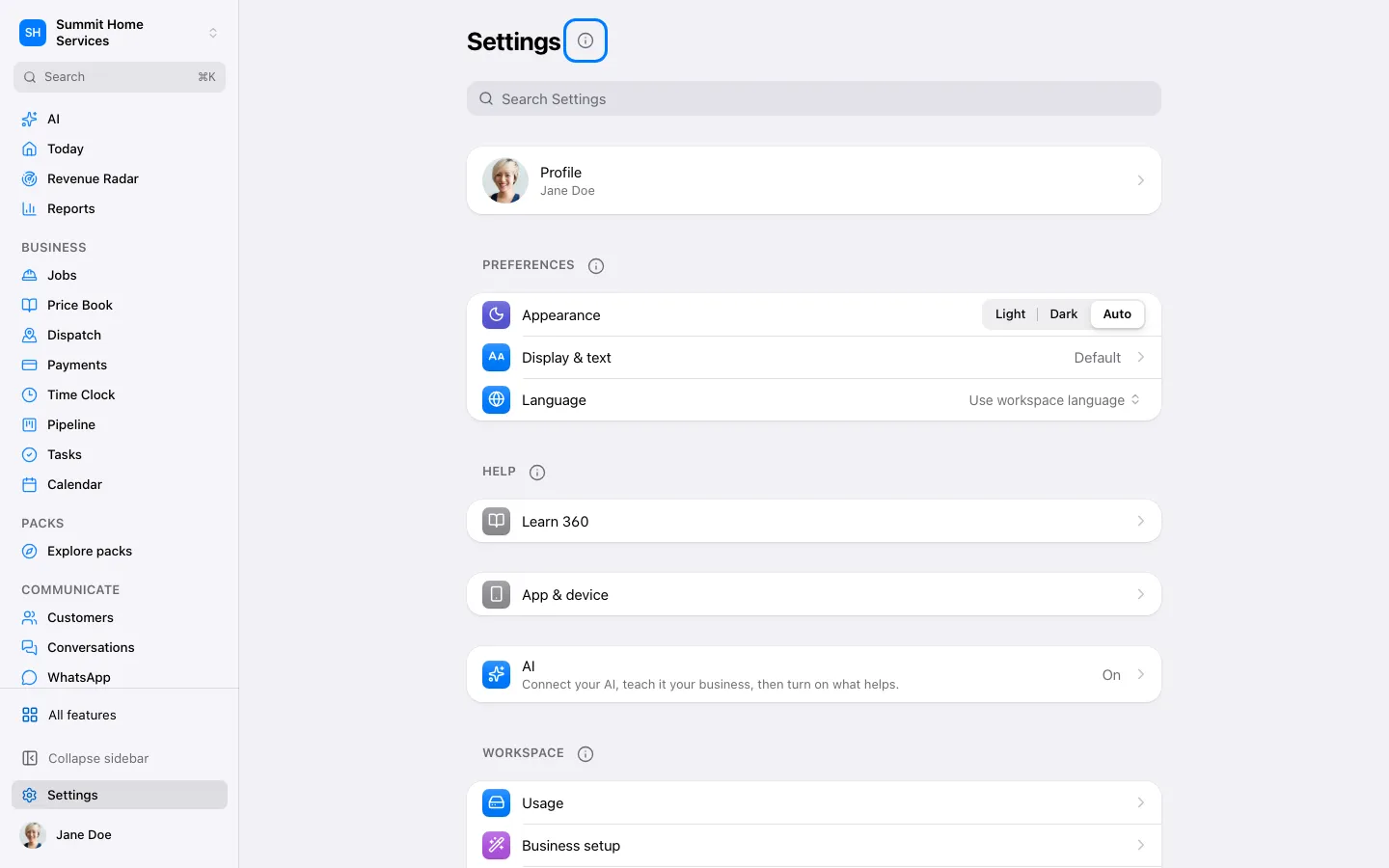
Settings
Settings
Settings is where you manage how 360 works for you and your business.
Step by step
- Open Settings.
- Search for or select the setting you need.
- Review the effect, then save the change.
On your screen

Was this helpful?
Sign in to send your feedback.
Yes / No