Help homeDeals
A deal tracks one possible sale, its value, and its progress.
Step by step
- Open Pipeline and add a deal.
- Choose the customer, amount, and stage.
- Save and add the next task.
On your screen
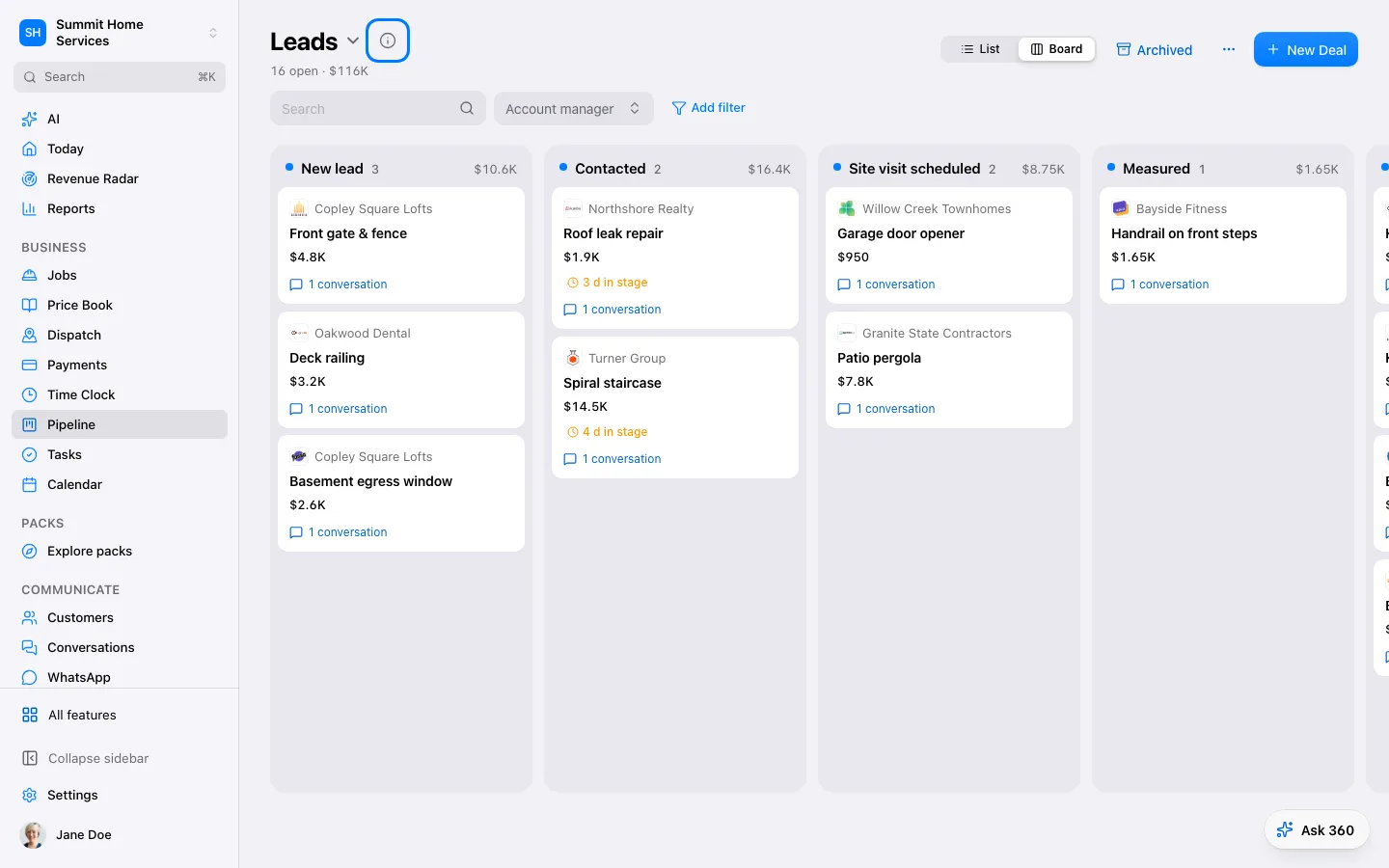 Deals
Was this helpful?
Sign in to send your feedback.
Yes / No 
