
Help home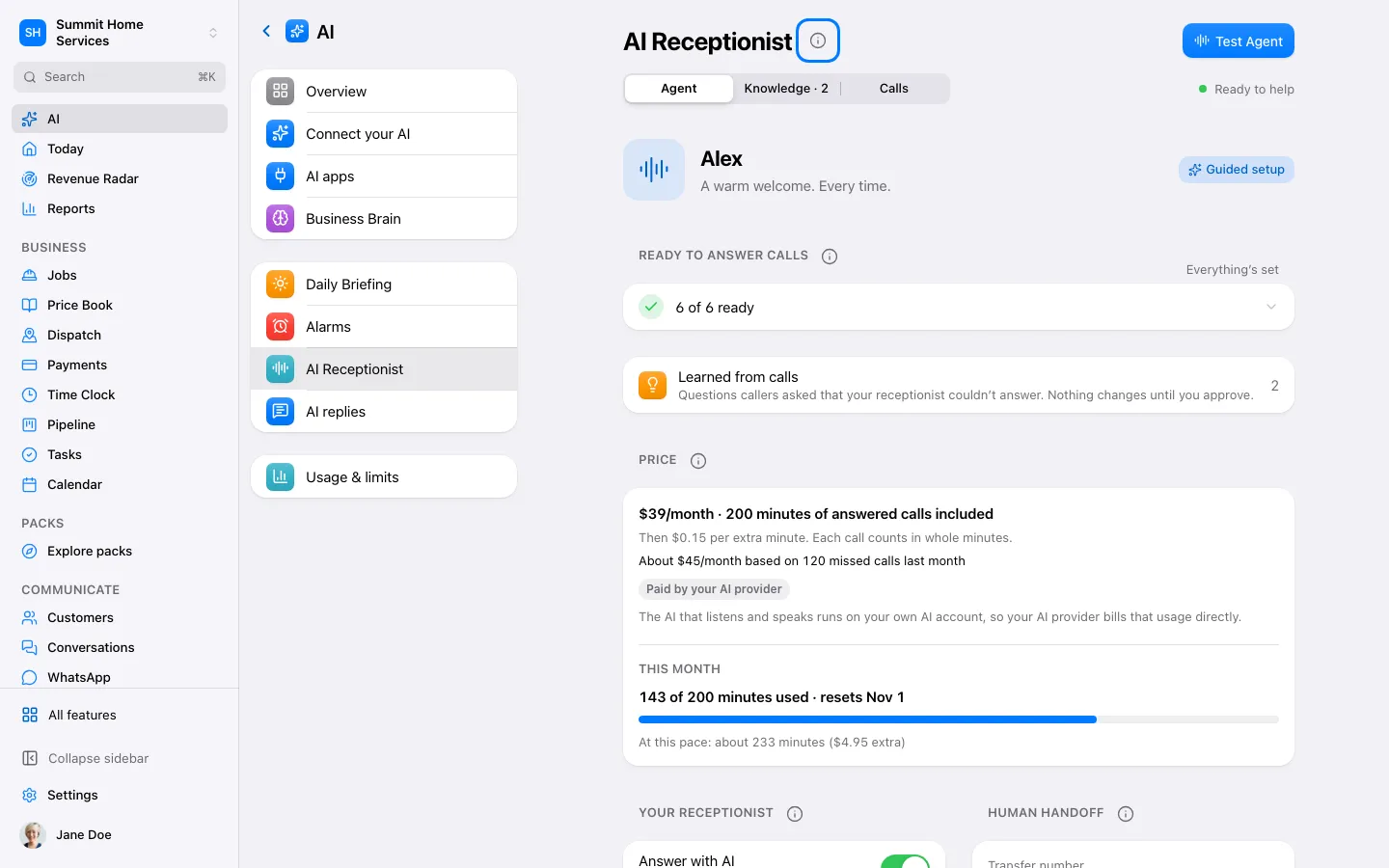
AI Receptionist
AI Receptionist
The AI Receptionist answers calls using the instructions and business facts you approve.
Step by step
- Open Settings → AI → Receptionist.
- Review Business Brain, the greeting, and call handling.
- Make a test call before enabling it on a number.
On your screen

Was this helpful?
Sign in to send your feedback.
Yes / No