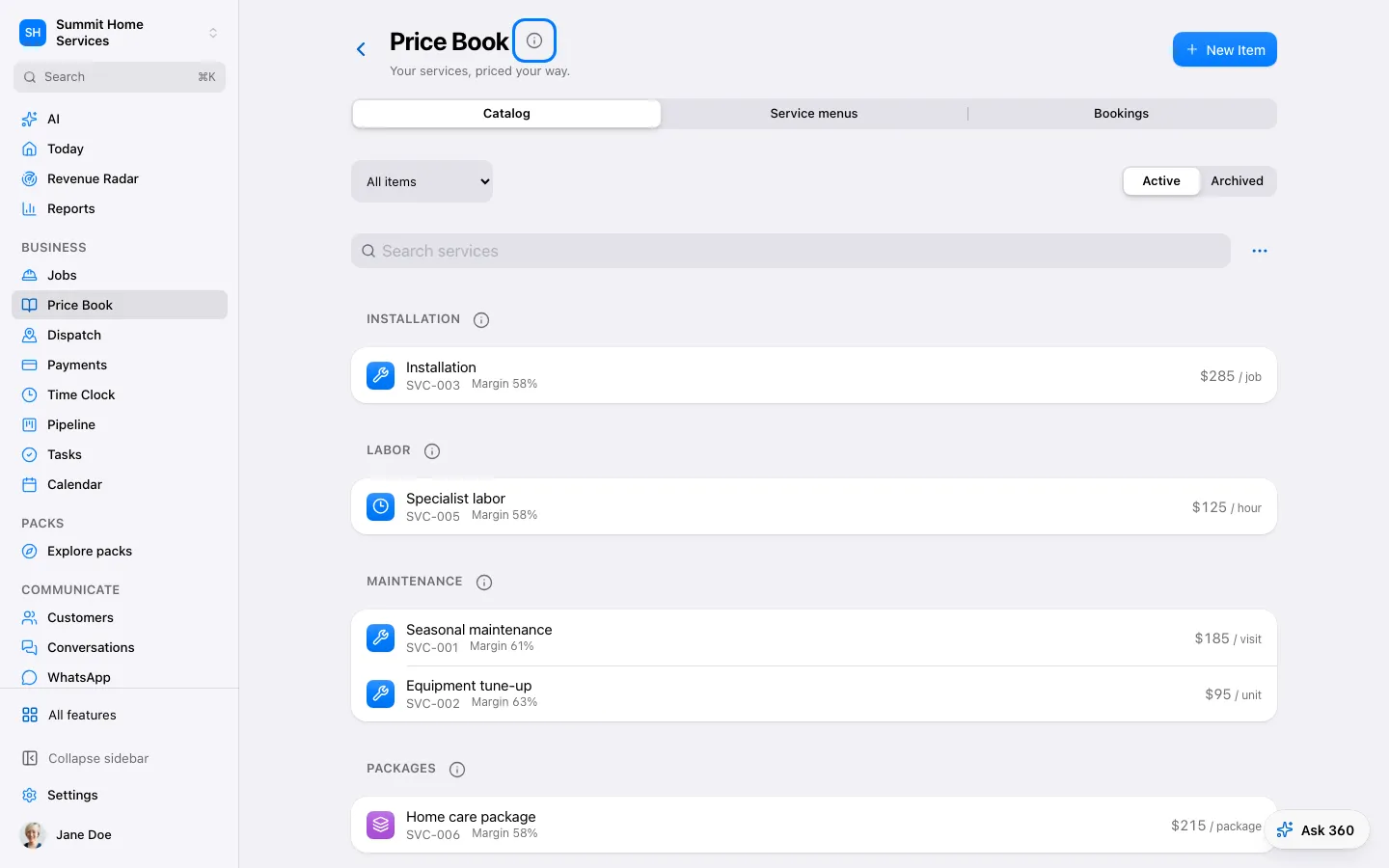
The price book stores reusable services, products, and groups of items.
Step by step
Open Price book and add an item.
Set its name, unit, and price; group related items into a kit if useful.
Save and select the item in an estimate.
Open Price Book → Styles to browse photos by tag. Add up to five images or PDFs under 10 MB each; PDFs use the first page.
Add a name and tag. Mark Standard option to include it when asking for standard options in that tag. Proposed style only requires a photo and has no price.
In Ask 360, choose + → Photos, Take photo, Files or Paste link. Use the image for one estimate or save it to your styles. Public links must expose an image under 5 MB; if access is blocked, save the image and choose Files.
If a style is missing, select its exact tag and check that the item is active. If a photo is unavailable, remove it and upload it again. Choose matching currencies and provide a price for photo-only references before adding them as priced options.