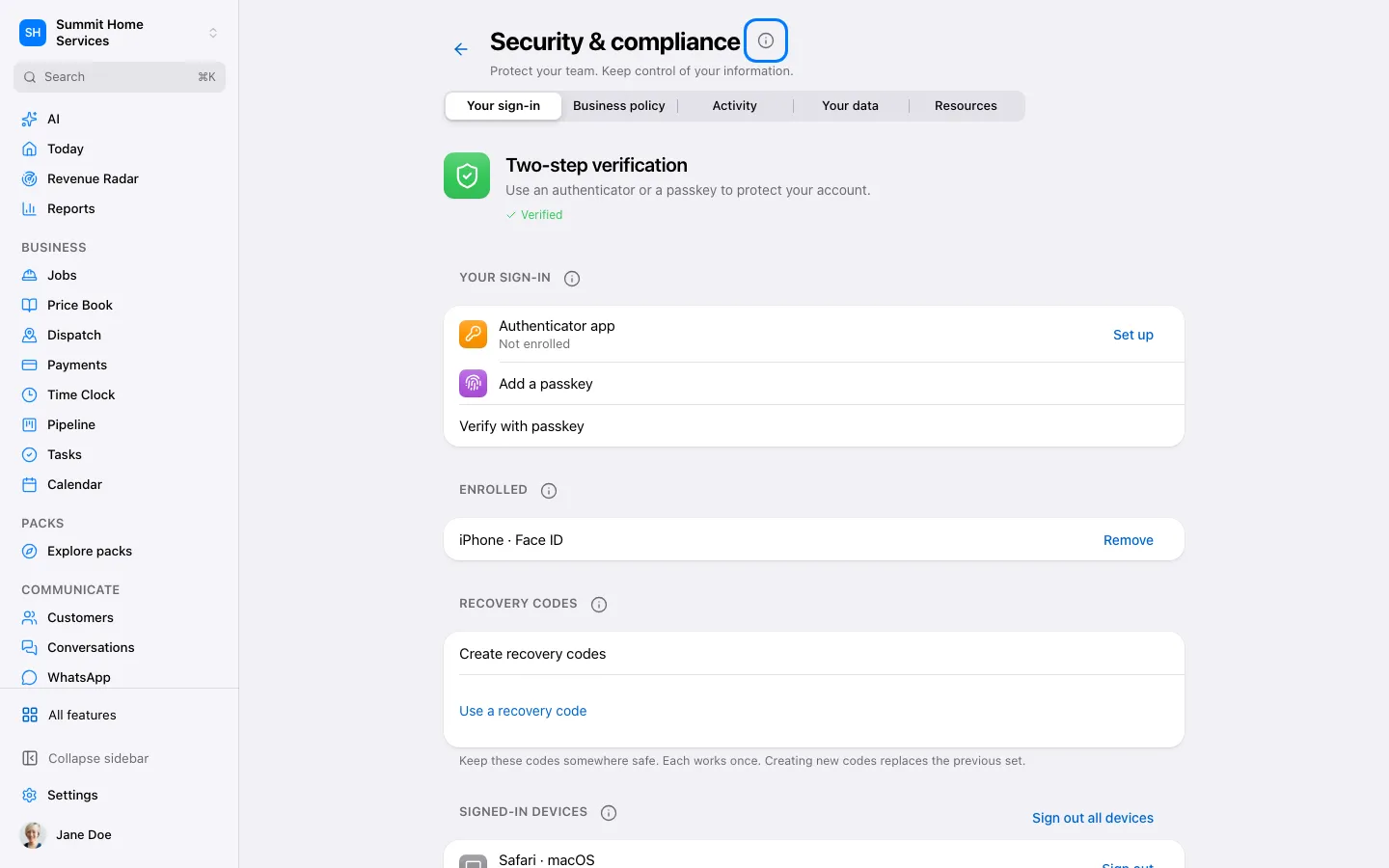
Security settings protect sign-in and help you review account access.
Step by step
Open Settings → Security.
Choose two-step verification and follow the setup instructions.
Store recovery information safely and verify setup is complete.
A passkey works across your businesses. If setup asks for an existing verification, open Security in each business where you already use an authenticator, verify your authenticator or recovery code, then return to add the passkey within 10 minutes.