
Help home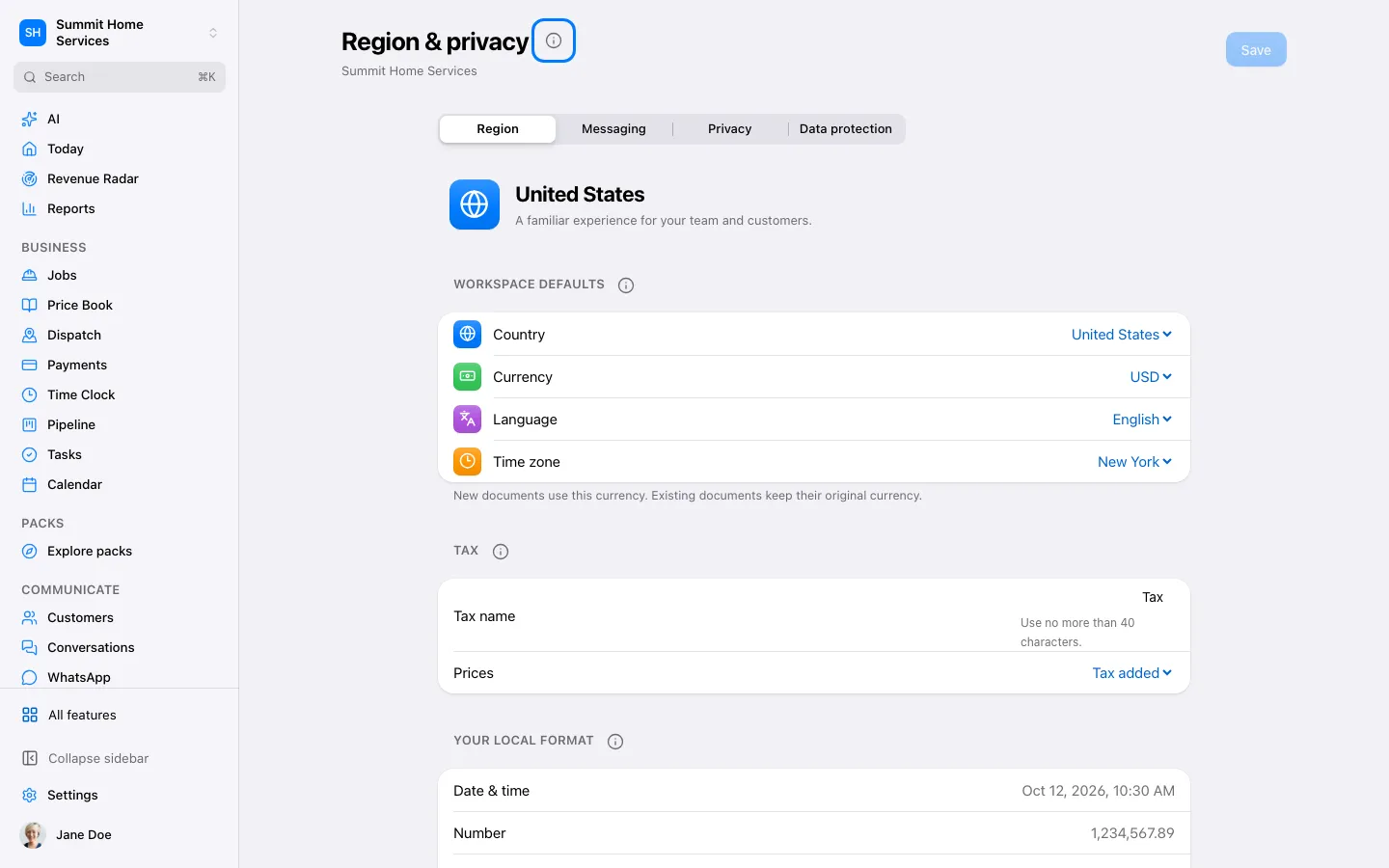
Language, time & currency
Language, time & currency
Regional settings determines how supported dates, times, money, and tax labels are displayed.
Step by step
- Open Settings → Regional settings.
- Review language, time zone, currency, and tax choices.
- Save and preview an appointment and a new quote.
On your screen

Was this helpful?
Sign in to send your feedback.
Yes / No