
Help home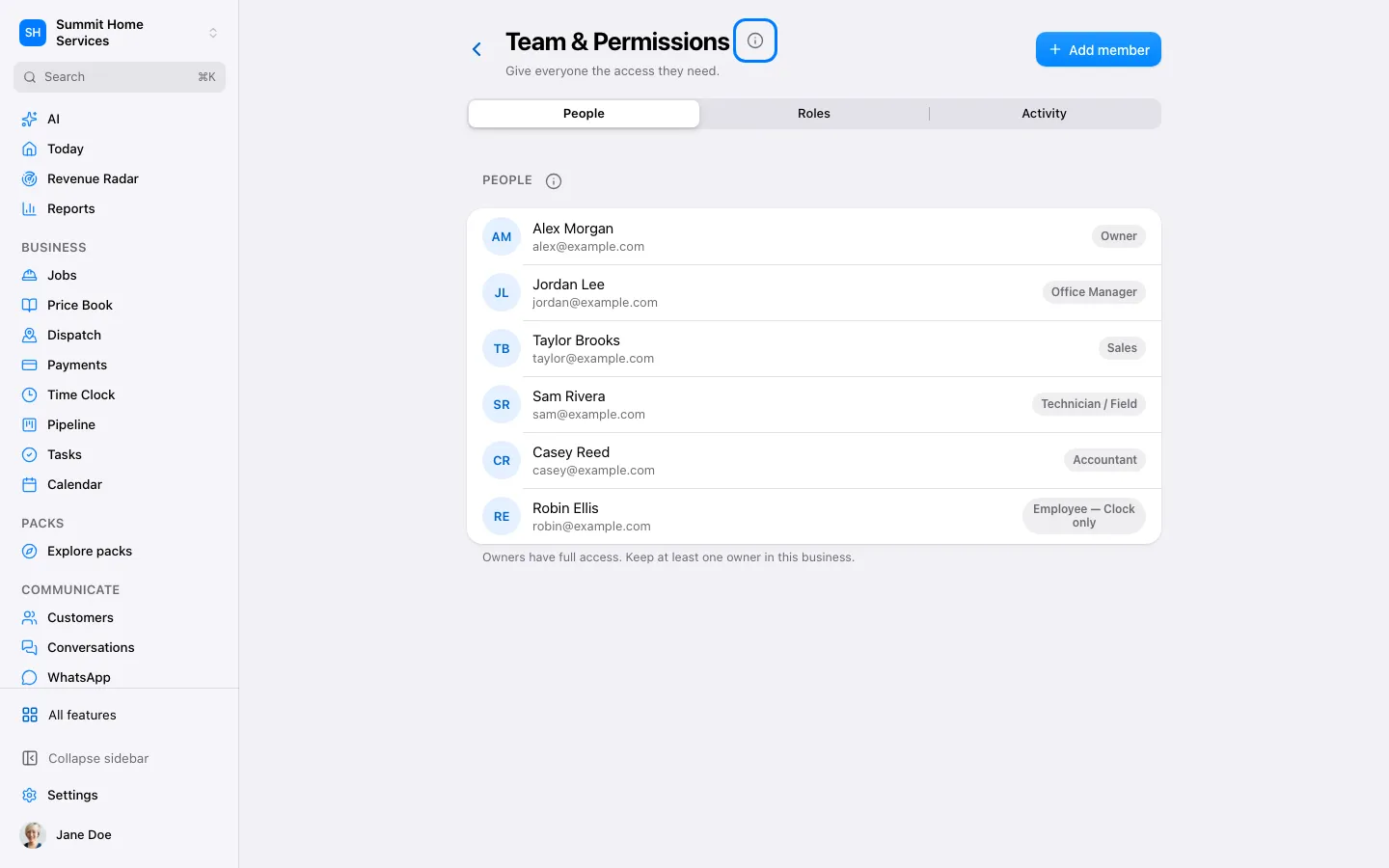
Team & permissions
Team & permissions
Team permissions control what each person can see and change.
Step by step
- Open Settings → Team.
- Invite the person and choose or review their role.
- Check the allowed actions before saving.
On your screen

Was this helpful?
Sign in to send your feedback.
Yes / No