
Help home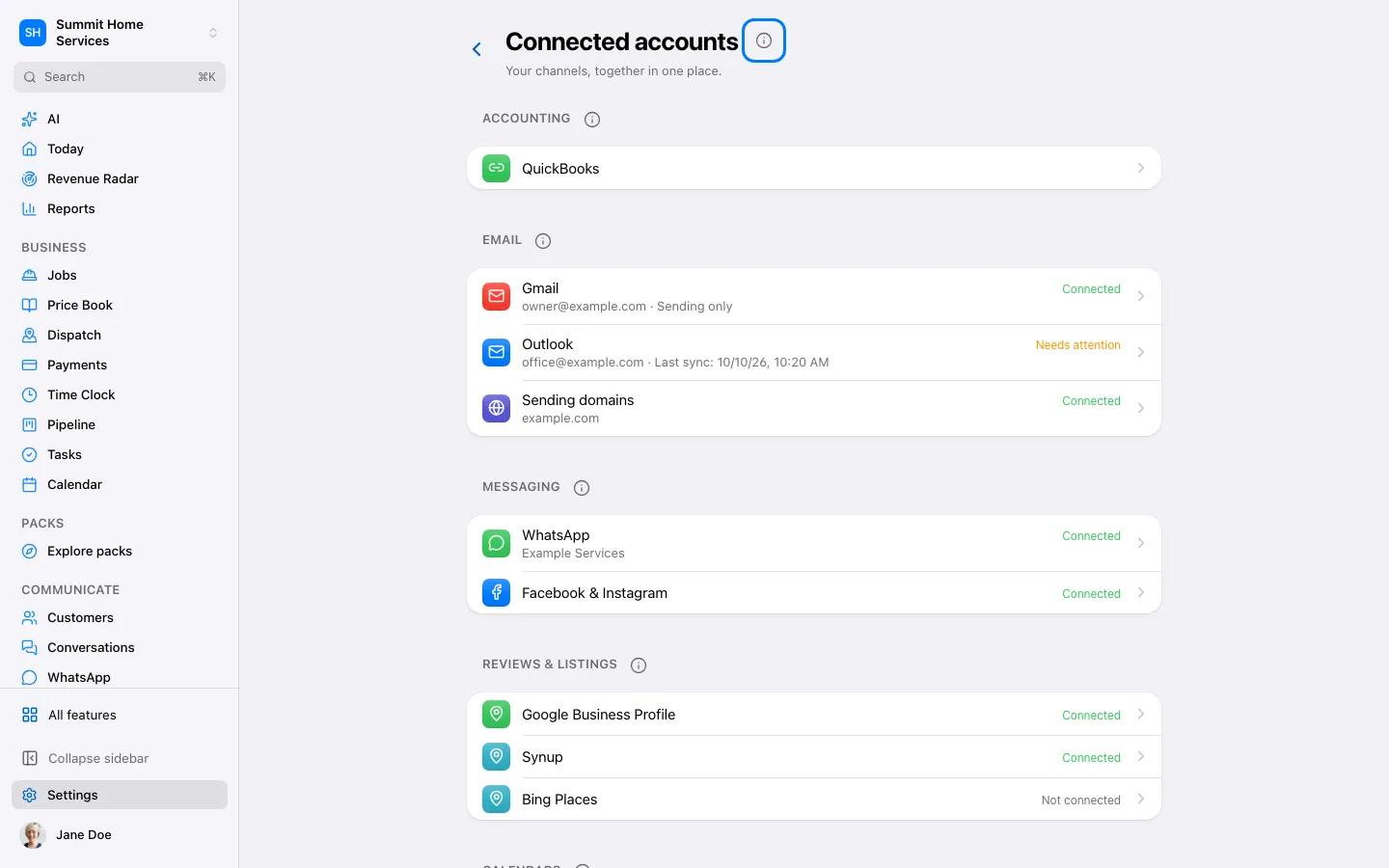
Integrations
Integrations
Integrations link supported services to your business.
Step by step
- Open Settings → Connections.
- Choose the service and follow its connection steps.
- Return to 360 and check that the connection is active.
On your screen

Was this helpful?
Sign in to send your feedback.
Yes / No