
Help home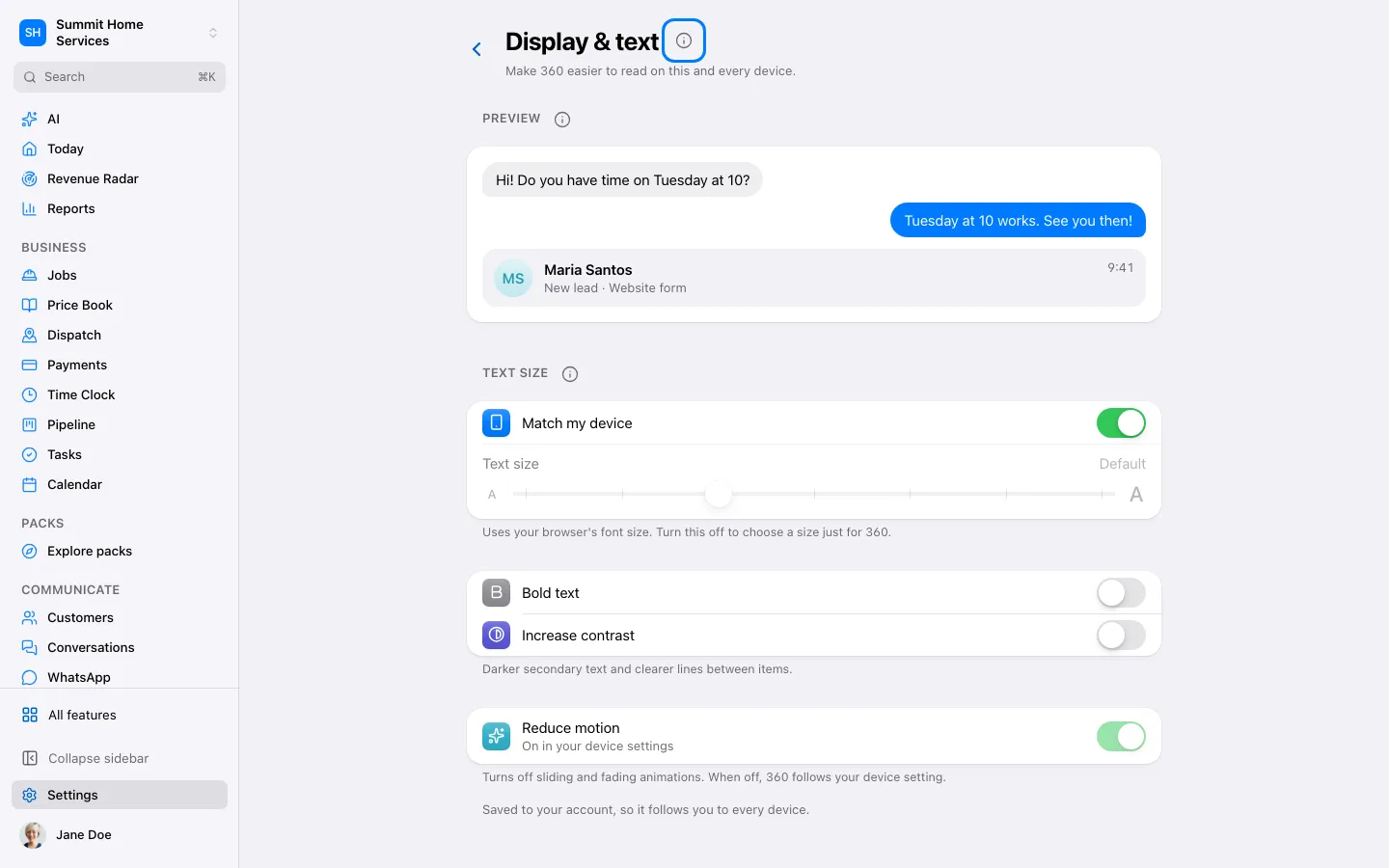
Text size & appearance
Text size & appearance
Display settings adjusts text size and supported visual preferences.
Step by step
- Open Settings → Display.
- Adjust text size or appearance and review the preview.
- Keep the setting that is comfortable for you.
On your screen

Was this helpful?
Sign in to send your feedback.
Yes / No