
Help home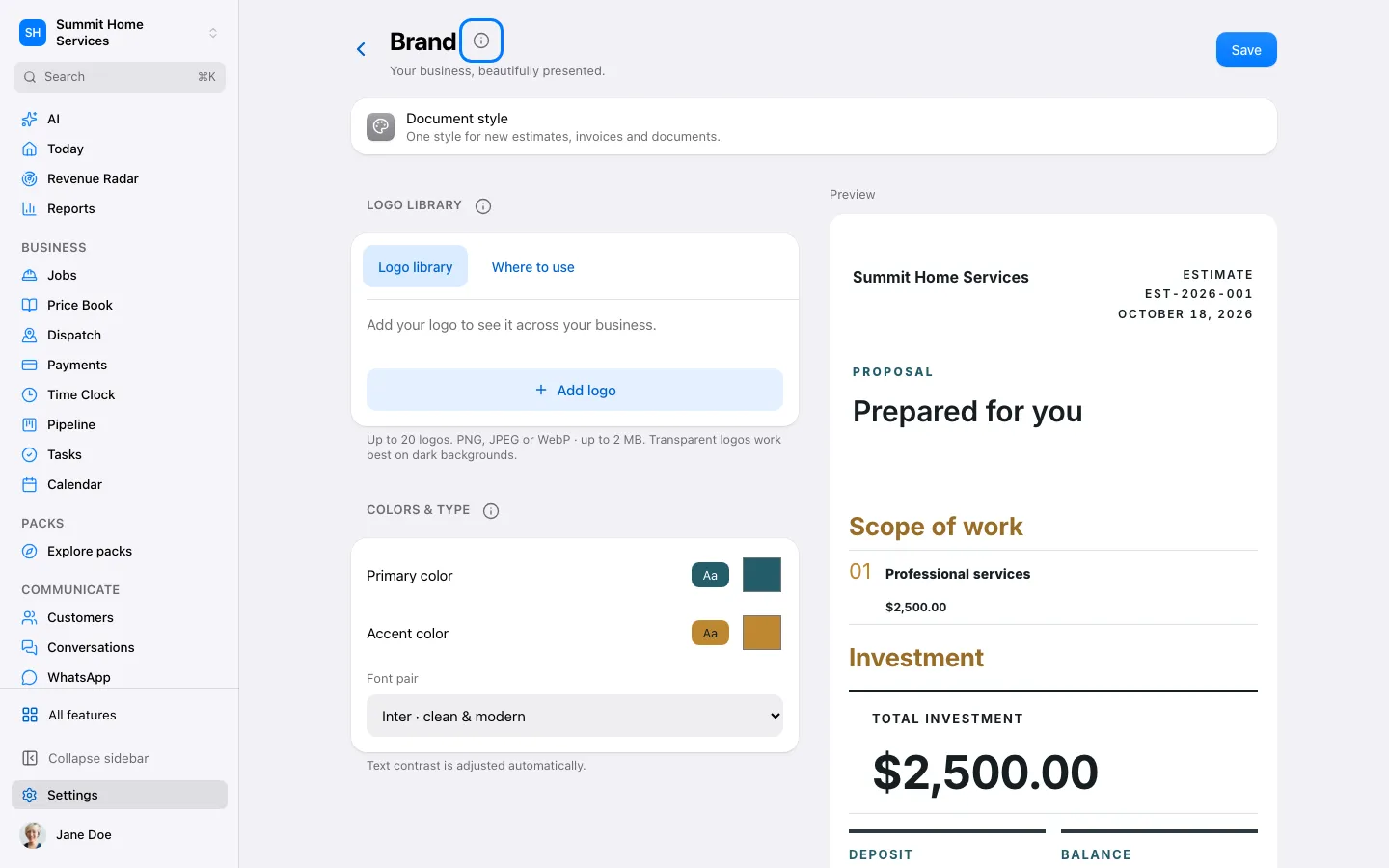
Business appearance
Business appearance
Business appearance controls the identity shown on supported customer-facing pages and documents.
Step by step
- Open Settings → Design & templates, or Your brand & photos in Set up 360.
- Choose your logo and colors, then preview a document style and estimate email. Changes are saved as you go.
- Add at least three photos, name and tag each collection, then save it to your photo library.
- Open Estimate email under Emails & messages to review the saved email, confirm your business details or draft copy from Business Brain.
On your screen

Was this helpful?
Sign in to send your feedback.
Yes / No