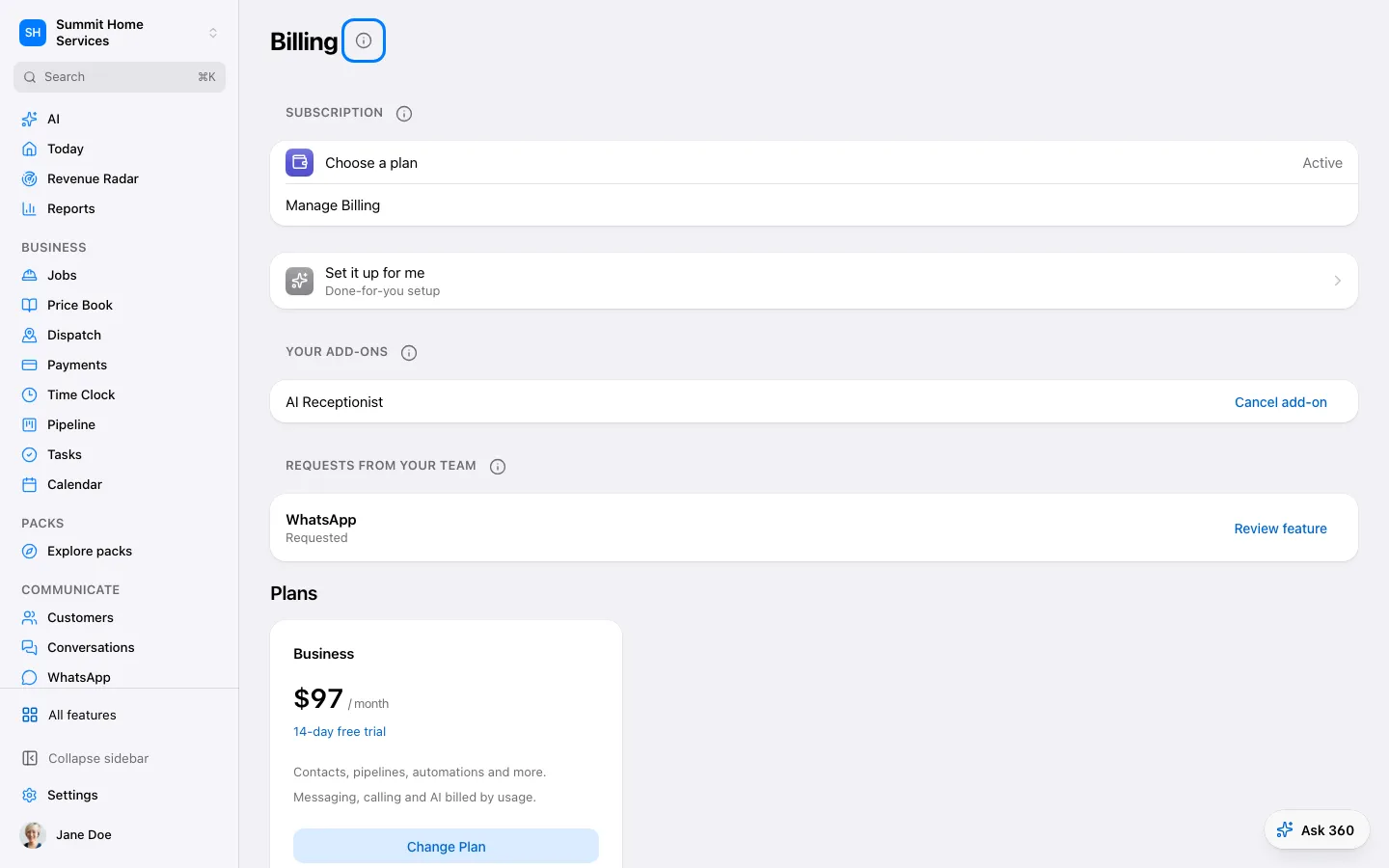
Plan and usage shows your subscription and usage-based charges.
Step by step
Open billing or usage settings.
Review the plan, billing period, and usage details.
Open any charge you need to check before changing the plan.
Open Plans and usage to compare Essentials and All-in, see your usage this month and its pay-as-you-go prices, and set your monthly usage cap. Any plan change shows its price first and waits for your approval.