
CRM for Landscapers: Projects and Repeat Visits
Separate landscape installations from recurring maintenance. Organize site notes, weather changes, approvals and billing with this guide.
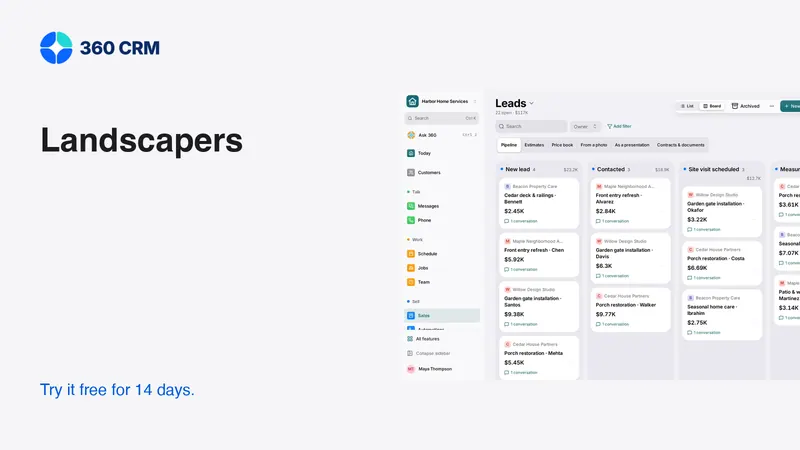
Key points
A CRM for landscapers should support two different rhythms: projects that move through design and approval, and maintenance that repeats over time. Keep customer information together while making those commitments distinct. Test site notes, optional scope, weather changes and invoice handoffs before choosing software. A project pipeline and a recurring route are related tools, not interchangeable views of the same work.
Start by identifying where your team loses context. If the office cannot tell what a customer approved or whether a missed visit was rescheduled, fix that record and handoff before adding more automated messages.
Separate installation projects from maintenance visits
A landscape installation may involve a site visit, a draft scope, several choices and an approval before scheduling. Maintenance may involve an ongoing agreement with repeat visits and occasional exceptions. Combining them into one vague “active customer” status hides the work that still needs attention.
Use a shared customer record with distinct projects or commitments. A customer can have regular maintenance while considering a new installation. Completing a maintenance visit should not close the installation estimate. Declining an optional project should not cancel the recurring service.
During a trial, create that exact situation. Ask the office to find the next maintenance visit and the latest project proposal without a verbal explanation. If they cannot, decide whether the product's structure can be configured simply enough for daily use.
Make the site visit a source of clear scope
Site information should explain what the estimator knows and what still needs checking. Record the customer's goals, relevant access conditions and the areas under discussion. Label photographs so someone who did not attend can understand what each one shows.
Do not let a photograph become proof of a measurement or underground condition that has not been verified. Technical design, drainage, electrical work and other specialist judgments belong with qualified people. Your customer record should preserve questions for review rather than make uncertain information look final.
Site-note checklist
- Which area is included in the proposed work?
- What outcome does the customer want?
- Which measurements are confirmed, and by whom?
- What access or scheduling limits affect the work?
- Which selections are still undecided?
- Who can approve the proposal or a later change?
- What update did you promise, and when?
Keep the note focused on decisions that affect the estimate or handoff. A long narrative is less useful than a concise record with clear unknowns and an owner for resolving them.

Build options that help the customer choose
A customer may be comparing a basic improvement with a larger project. Show the base scope clearly, then describe optional work and its effect on the agreement. Explain the differences without relying on internal product codes or unsupported claims about future results.
For example, separate the agreed planting area from a separately priced extension. Make it clear whether preparation, removal and cleanup are included. If the price depends on a selection or site condition, state what needs confirmation before the proposal becomes final.
Test revisions carefully. Change a material choice and inspect the customer's approval view. The team should be able to identify which option was accepted and which remained optional. Do not rely on a salesperson remembering the conversation after the estimator hands the project to a crew lead.
Handle weather changes as customer communication
Weather can change the working plan without changing the customer's expectations. A calendar move is not enough if the customer still expects the team on the original day. Assign someone to review affected visits and communicate the actual next step.
That wording avoids promising a replacement date before one is confirmed. Adapt it to the actual situation and agreement. If a visit will be skipped rather than moved, say so clearly and explain any billing effect under the agreed terms.
In the trial, reschedule one visit in a recurring series. Check future appointments, reminders and invoices. Then change the entire recurring pattern and inspect the difference. A useful system makes the scope of each change visible before it is applied.
Give crews a practical handoff
The person doing the work needs the accepted scope, access instructions, customer contact and any unresolved issue that affects the visit. They do not need every sales message. Make the operational summary short enough to read on a phone without losing the detail needed to act responsibly.
At completion, record what happened and any follow-up needed. A customer request for additional work should become a visible estimate or task, not disappear into a completion comment. If the crew could not access part of the property, record that exception and assign the customer update.
Test this with someone who was not involved in setting up the demo. Ask them to explain the job from the record alone. Their questions reveal where information is missing or buried. Improve the handoff structure before creating a more elaborate automation sequence.

Keep recurring agreements understandable
A recurring arrangement should explain the included work, visit pattern, exclusions and process for changes. The software should help the office find that agreement and identify which visits it governs. It should not make the business depend on a note that says only “weekly service.”
Review how the app handles pauses, seasonal changes and customer requests to resume. Confirm whether changes affect future visits, existing invoices or both. If a manual step is necessary, document it with an owner rather than leaving it as an unwritten habit.
Avoid assuming that automatic billing and recurring service are the same feature. A recurring invoice can be generated even when the service schedule has changed. The person responsible for billing should verify that the financial record matches the actual agreement and any approved exceptions.
Compare routes, project tools and customer administration
A landscaping business may need route planning, crew dispatch, project management or detailed costing. List these separately from contact management and follow-up. A good sales workflow does not prove a tool can optimize a route or manage a complex installation schedule.
For comparison, Jobber's official pricing describes scheduling, quotes, invoices and plan-specific team features. Verify the exact plan and user count required by your operation. Do not compare a one-person entry plan with a team configuration that needs additional capabilities.
360's landscaping workspace starts with relevant recommendations, and other tools remain available in Settings → Features. The business plan is the current published price with unlimited users and a 14-day trial. Use pricing alongside a written list of the specialist tools you will keep.
Track a small set of useful exceptions
A daily review should show open promises: estimates waiting for selections, visits needing a new date, completed work without a billing handoff and customer questions without an owner. Each item should lead to a concrete action.
Avoid judging the system only by how many messages it sends. A reminder can be delivered successfully while saying the wrong thing about a visit. Review the conversation and current record before deciding that an automation is working well.
At the end of the trial, ask whether another person could cover the office for a day using the records. If the answer is yes, you have improved the business's resilience. If the answer is no, identify the missing context and fix that before adding more features.
Frequently asked questions
Can one customer have maintenance and a separate project?
That should be part of your trial. Keep shared contact information together while preserving distinct scopes, approvals, appointments and billing for the two commitments.
Is a CRM also a route planner?
Not necessarily. Route planning and customer administration solve different problems. Test travel, recurring visits and crew requirements directly if they are important to your operation.
What is the best first automation for landscaping?
Start with a clear process your team already follows, such as an agreed appointment reminder. Confirm the recipient, timing and stop conditions, and assign someone to handle changes and failures.
Try 360 free for 14 days
Put one workflow from this article into practice. $79/month per business, unlimited users, every tool included.
See how 360 fits your trade
Keep reading
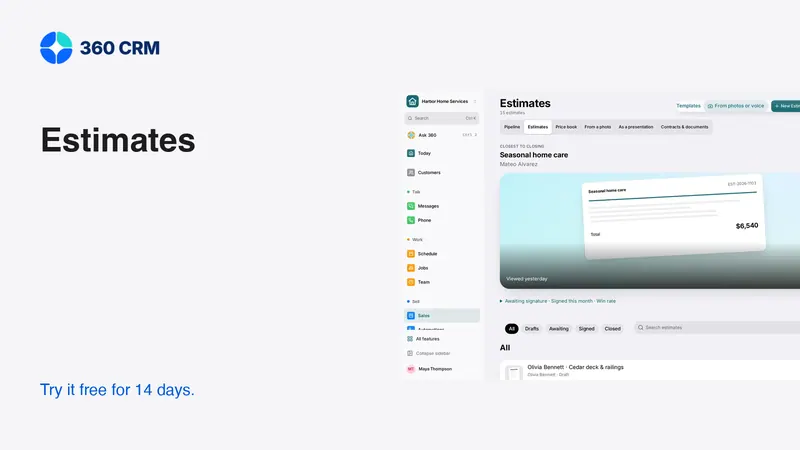
Sales & estimates
How to Send Estimates Customers Can Say Yes To
Write clear scopes, useful options and respectful follow-ups. Use example messages and a review checklist to send estimates with confidence.
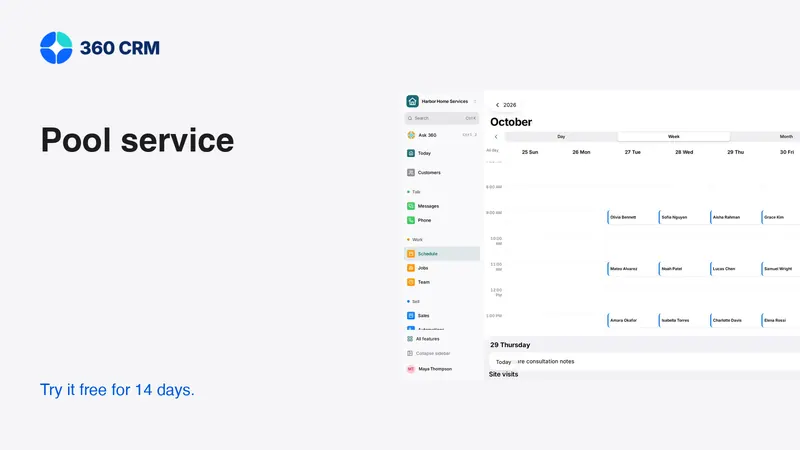
Industries
CRM for Pool Service: Routes, Repairs and Follow-Up
Connect pool visits, access problems, repair estimates and billing. Learn what to test in pool service software before changing systems.
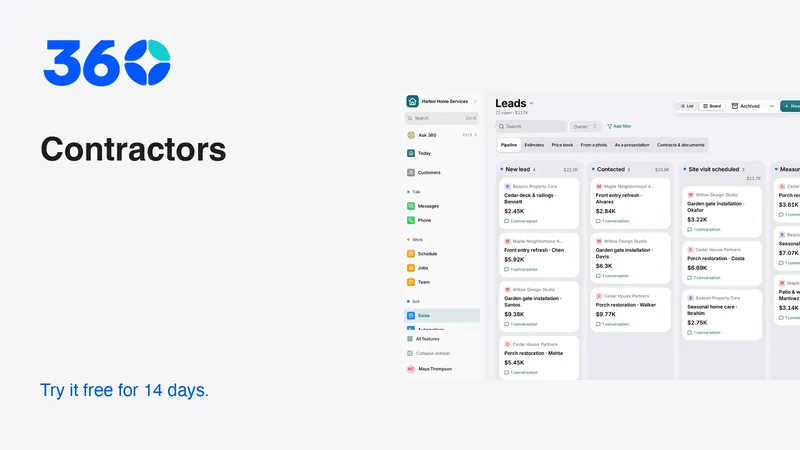
Industries
Best CRM for Contractors: A Practical Buying Guide
Choose contractor software with a real lead-to-job test. Compare estimates, follow-up, team access and costs before moving your customer records.