
Best CRM for Contractors: A Practical Buying Guide
Choose contractor software with a real lead-to-job test. Compare estimates, follow-up, team access and costs before moving your customer records.
Key points
The best CRM for contractors is the one your team can use to take a real inquiry through a site visit, a clear estimate, a follow-up and a payment handoff. Start with the work you lose track of today. Test that work on a phone before comparing long feature lists. Treat construction planning, bookkeeping and customer follow-up as different needs, even when one product offers several of them.
This guide is written by the 360 CRM Team. It gives you a buying method, not an independent ranking or a promise that one app fits every contractor. Use the same test with every product on your shortlist.
Start with the job that fell through the cracks
Think about a recent inquiry that became difficult to manage. Perhaps a homeowner sent photographs by text, someone measured the site, and the estimate stayed in a notebook. Or the estimate went out, but nobody knew whether the customer wanted a revision. Write down where the chain broke. That is your first software requirement.
A useful requirement sounds like “the office can see the estimator's next promised action.” “Needs automation” is too broad to test. Likewise, “must work on mobile” should mean that a person can open the customer, add a site note and find the current estimate while standing at the property. Decide what successful use looks like before attending a demonstration.
Separate the systems you actually need
Customer and lead administration covers inquiries, conversations, appointments, proposals and next actions. Field service tools help organize visits and crews. Construction management can include drawings, schedules, purchasing and project finances. Accounting records the financial books. You may need more than one of these. A sales pipeline should not be mistaken for a construction schedule, and an invoice list should not be mistaken for a complete accounting system.
Build a buying checklist around one customer
Use a fictional customer and a realistic project. Choose something with enough detail to expose problems: a site visit, an optional upgrade, a revised scope and an agreed deposit. Keep the same scenario across vendors so the easiest presentation does not automatically win.
- Capture the inquiry with a source and a preferred contact method.
- Assign a person who is responsible for the next response.
- Schedule a site visit and record access instructions safely.
- Add measurements, photographs and the customer's priorities.
- Prepare an estimate with clear inclusions and exclusions.
- Revise the estimate without losing track of the approved version.
- Record the decision and hand the accepted work to the right person.
- Check the invoice or payment status without guessing from a text message.
Make each item observable. If a salesperson says the product supports revisions, ask them to change the scope and show what the customer sees. If they say everyone can collaborate, ask what an office user and a field user can each access. Record restrictions as well as capabilities.

Test estimates with real decision points
A customer should be able to understand what the price buys, which choices are optional and what happens after approval. Use line items that describe outcomes rather than unexplained internal codes. Separate the base scope from an upgrade. Include preparation, cleanup and any assumptions that materially affect the job.
For a hypothetical repair, your base scope might include removing a damaged component, supplying the stated replacement and cleaning the work area. An optional finish should be visibly optional. Do not bury a necessary part of the job in an add-on that makes the base price appear lower.
Then change one condition. The customer requests a different finish or an additional area. Can the team identify the current proposal and explain the difference? Can it find the signature and the amount that was approved? These are better evaluation questions than whether the product has an attractive PDF template.
Make follow-up useful rather than persistent
A follow-up should help the customer decide. It might clarify a material choice, ask whether access has been confirmed, or offer a call to discuss the scope. Repeatedly sending “just checking in” adds little value and can obscure a reply that needs attention.
Before starting reminders, decide what stops them. A reply, a declined estimate, a signed proposal or a request not to be contacted should change the workflow. Twilio's messaging policy describes consent and opt-out requirements for messages sent through its services. Do not assume that possessing a phone number gives permission for every type of message.
Compare the cost your team will actually pay
Write down the number of businesses and people who need access. Add the channels you plan to connect, likely calling and messaging usage, onboarding help and any paid specialist tools. Compare the same billing period. An annual price expressed monthly is not the same cash commitment as a cancellable monthly subscription.
For reference, Jobber's official pricing separates user counts and billing options, and lists different features by plan. Ask which exact plan passes your trial rather than comparing only the entry price. The 360 business plan is the current published price per business with unlimited users and a 14-day trial; see current pricing.
Do not turn guessed time savings into a return-on-investment claim. Instead, record what the trial reveals: how many times someone re-enters an address, whether a callback is visible, and whether the estimator can finish the task without office help. Those observations support a purchase decision without invented statistics.

Run a practical trial with the people who will use it
Give the office person and the field person separate tasks. Ask the office to assign the inquiry and arrange the visit. Ask the field user to add a note and prepare the next action. Let another teammate take over without a verbal explanation. The handoff exposes missing context quickly.
Test an exception as well as the successful path. Reschedule the visit. Enter an incorrect email and inspect the failure message. Decline an optional line item. Ask what happens if the internet connection drops before a note saves. A polished demonstration matters less than a recoverable failure in a busy working day.
At the end, have each person explain the workflow in their own words. If the process requires a memorized tour through several hidden screens, simplify the configuration or reconsider the product. Training is necessary, but the everyday path should become easy to recognize.
Move records in a controlled order
Keep a backup of the existing export before importing. Clean obvious duplicates and decide how names, addresses, stages and notes map to the new fields. Import a small representative group first. Check long names, multiple contacts at one company, older notes and customers with more than one active project.
Do not move telephone routing or customer reminders until you know who is monitoring the destination. Keep a written transition plan with an owner for incoming calls, forms and email. A successful import does not prove those channels have moved. Confirm each one separately with a contact you control, then review the results together.
Where 360 fits
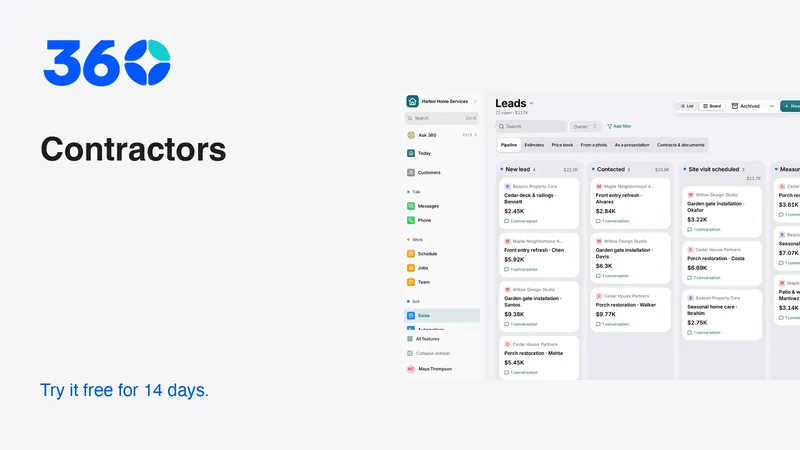
360 focuses on customers, leads and the next thing to do. Its contractor starting workspace recommends relevant tools while keeping other features available in Settings → Features. Your industry choice is a starting point, not a restriction. Test the same estimate and handoff scenario described here; keep specialist construction or accounting tools where they do work your team still needs.
Frequently asked questions
Is a general business app enough for a contractor?
It can be enough for lead handling, conversations and estimates. If your work requires detailed production scheduling, specialist takeoffs or purchasing controls, test those separately rather than assuming a general pipeline covers them.
Should I move every record during the trial?
Start with fictional data or a small authorized sample. Check mapping, permissions and exports before moving the full customer history. Keep the original backup until the transition has been reviewed.
How do I compare unlimited users with a per-user plan?
Price the people who actually need access, then include the features and usage required by your workflow. Unlimited seats do not mean unlimited calling, texting, payment processing or specialist services.
Try 360 free for 14 days
Put one workflow from this article into practice. $79/month per business, unlimited users, every tool included.
See how 360 fits your trade
Keep reading
Sales & estimates
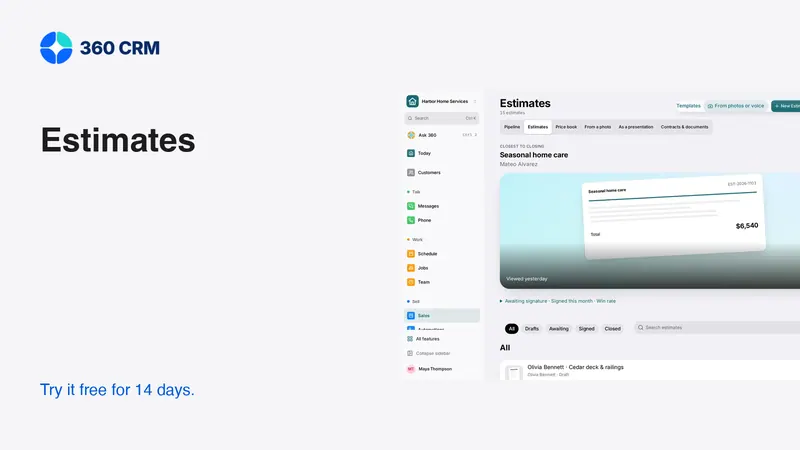
How to Send Estimates Customers Can Say Yes To
Write clear scopes, useful options and respectful follow-ups. Use example messages and a review checklist to send estimates with confidence.
Industries
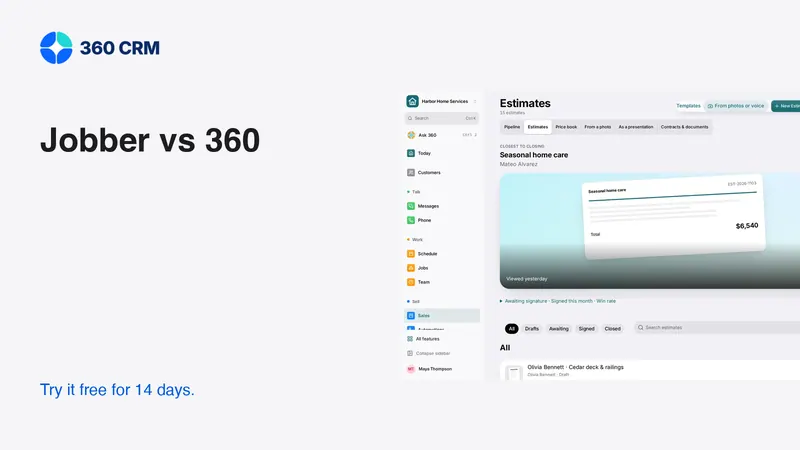
Jobber vs 360: Which Fits Your Working Day?
Compare Jobber and 360 using official pricing, team needs and a practical trial. Understand field service, follow-up and total monthly costs.
Industries
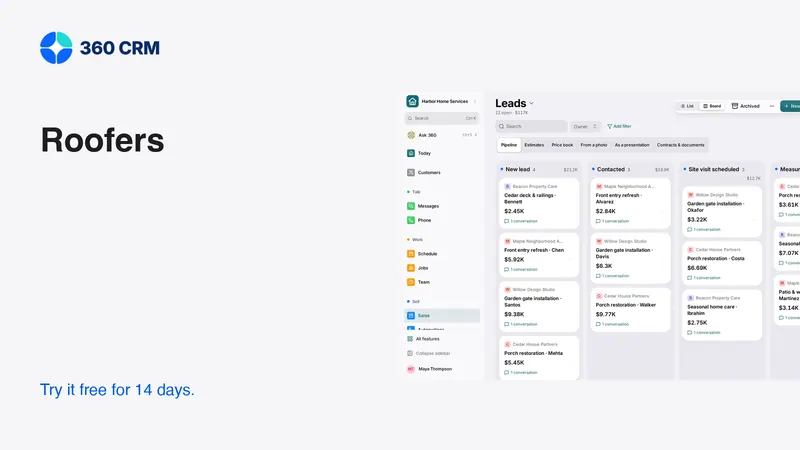
CRM for Roofers: From Inspection to Signed Estimate
Organize roofing inquiries, inspection notes, estimate options and follow-up. Use a practical checklist to test software before switching.