
CRM for Insurance Agents: Renewals Without Guesswork
Organize insurance leads, renewal conversations and handoffs while keeping policy administration separate. Includes a practical trial checklist.
Key points
A CRM for insurance agents should make relationship work visible: new inquiries, requested documents, renewal conversations and the next promised contact. It should work alongside the systems that manage policies, carrier transactions and regulated records. Start with a trial that includes a renewal, a changed contact and a handoff to another agent. Do not assume a generic customer app replaces an agency management system.
The useful question is whether the team can understand the customer's current request without guessing about policy status or reading unrelated sensitive information. Better follow-up begins with clear boundaries around what the record actually proves.
Separate relationship work from policy administration
A relationship record can show who asked for a quote, when an agent plans to call and what information is still missing. A policy system may hold the authoritative coverage, transaction and renewal data. Decide which system owns each fact before importing anything.
HubSpot's insurance overview describes renewal workflows and customer relationship tracking as common CRM uses. That supports the distinction in this guide; it does not establish that every general CRM has carrier integrations or is appropriate for every regulated workflow.
Write a short source-of-truth note for the team. For example, customer communication preferences may live in the relationship tool, while binding status must be checked in the approved policy system. When the two records disagree, the team should know who resolves the difference and how the correction is recorded.
Build a useful inquiry record without over-collecting
Start with the information needed to route the inquiry and arrange the next conversation. Record the customer's stated need, preferred contact method and assigned agent. Avoid collecting sensitive documents or personal information merely because the software provides a custom field for them.
A focused intake checklist
- Customer name and a verified way to reach them.
- Type of inquiry in plain language.
- Assigned agent and backup owner where appropriate.
- Information requested through your approved process.
- Next promised contact and its date.
- Link or reference to the authoritative system when permitted.
Keep preliminary statements clearly attributed. “Customer says renewal is next month” is different from a verified renewal date. A tentative figure should not become a confirmed premium in a template. Accuracy at intake protects the next person from making a confident statement based on an unverified note.

Plan renewals around conversations, not bulk sends
A renewal workflow should identify which customers need attention, why and who is responsible. The purpose is to prepare a useful conversation, not to send the same message repeatedly until a status changes.
Set the timing according to your business process and applicable requirements. This guide does not prescribe a universal renewal deadline. Ask the responsible professional to approve the schedule, message content and escalation steps for your actual products and jurisdictions.
A practical task might say “review the customer's requested change before the renewal call.” That is more useful than “renewal follow-up.” Include enough context for another authorized agent to cover the task. If information is missing, name the missing item and the approved way to request it.
Use messages that invite clarification
A reminder should make it easy for the customer to understand why you are contacting them. Avoid language that implies coverage has been bound, renewed or changed when that has not been confirmed through the correct process.
This is an example communication pattern, not approved insurance advice or a compliant template for every situation. Have the appropriate person review it for your business. The software should help store the approved version and prevent a casual draft from being mistaken for a final customer communication.
When a customer replies, stop the routine sequence and assign the response. A live question deserves a real answer. Continuing generic reminders while the customer waits for clarification makes the process feel unattended.
Make handoffs specific enough to be useful
A shared record is valuable when the usual agent is unavailable. Leave a concise internal note describing the request, confirmed facts, unresolved questions and next promise. Do not rely on a task title such as “call back” to carry the entire context.
Test a handoff during the software trial. Ask a second authorized user to find the customer, explain the next action and identify which facts need verification elsewhere. They should not need access to every record in the business to perform that task.
Inspect role permissions directly. A demonstration using an administrator account cannot prove that a restricted user sees only appropriate information. Ask what happens when access is removed and whether exports, integrations and notifications respect the same boundaries. Use fictional data to test those questions.

Keep documents in an approved process
Customer-management tools often make it easy to attach files. Ease of attachment does not establish that the location is appropriate for sensitive information. Decide which documents belong in the system, who may access them and how retention is handled under your policies.
Do not send sensitive material through a new channel simply because it is convenient for a demonstration. Use your approved secure collection process and provide clear instructions. A customer-facing message should explain what to do without encouraging them to paste private details into an ordinary chat.
During evaluation, ask for documentation on access controls, exports, deletion and provider handling. Read the product's security information and privacy policy, then assess them against your requirements. No general marketing page can substitute for your organization's review of suitability.
Treat AI as preparation with controlled access
An assistant can help summarize a permitted conversation or prepare a draft. It should not independently make coverage decisions, bind a policy or promise an outcome. Review the underlying source before relying on a summary, especially when a customer statement and a verified record differ.
In 360, the supported AI Connect OAuth workflow requires named-business approval for writes and sends, while read-only access blocks changes. Start with a narrow reading task and a fictional record. Verify the connection's permissions and the proposed action before allowing anything to reach a customer.
Keep the assistant out of records it does not need. Approval controls do not eliminate the privacy implications of sharing information with an external service. Review that service's terms and your own obligations before connecting sensitive workflows. The assistant safety guide gives a practical review routine.
Choose software through an end-to-end trial
Build a trial around a new inquiry, a renewal conversation and a reassigned task. Change a contact preference, pause a reminder and correct an unverified date. Check whether each change is visible to the right person and whether the history remains understandable.
Then inspect the connection to your policy system. If a vendor claims an integration, ask which fields move, in which direction and what happens when a sync fails. A marketplace listing alone is not evidence that your exact carrier or workflow is supported.
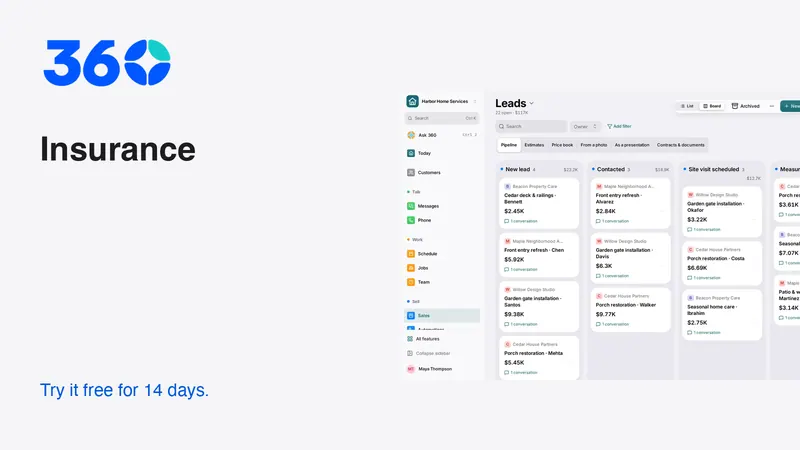
360's insurance starting workspace organizes relevant relationship work. Industry choice recommends tools without restricting access to other features. Compare pricing only after identifying any specialist systems you must retain. The business plan is the current published price with unlimited users and a 14-day trial.
Frequently asked questions
Can a CRM replace an insurance agency management system?
Do not assume it can. Verify policy administration, carrier connections, recordkeeping and the requirements of your operation separately. A general customer app may be most useful alongside your authoritative policy systems.
What is the most useful renewal task?
A task that names the customer, the purpose of the conversation, the responsible person and the next date. Include unresolved questions so another authorized agent can continue the work accurately.
Should AI send renewal advice automatically?
Keep professional decisions and customer commitments under qualified human review. An assistant can help prepare permitted summaries or drafts, but the responsible person should verify facts, wording and authorization before sending.
Try 360 free for 14 days
Put one workflow from this article into practice. $79/month per business, unlimited users, every tool included.
See how 360 fits your trade
Keep reading
Sales & estimates
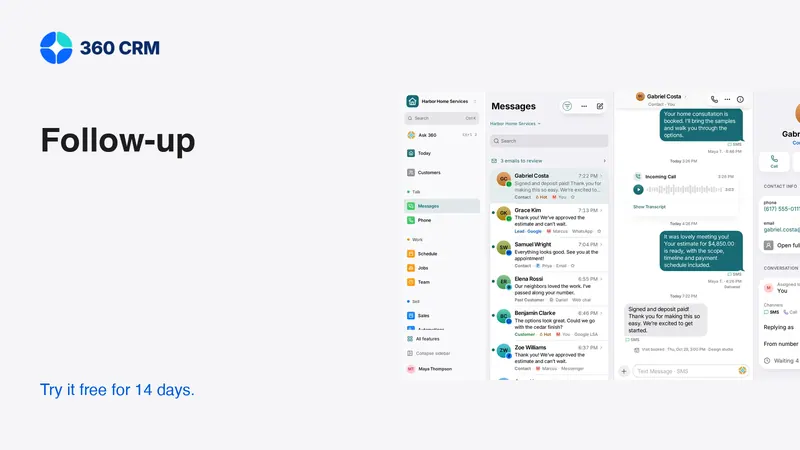
A Follow-Up Routine You Can Keep
Give every inquiry an owner, a next action and a date. A small routine that is easier to maintain as your business grows.
AI
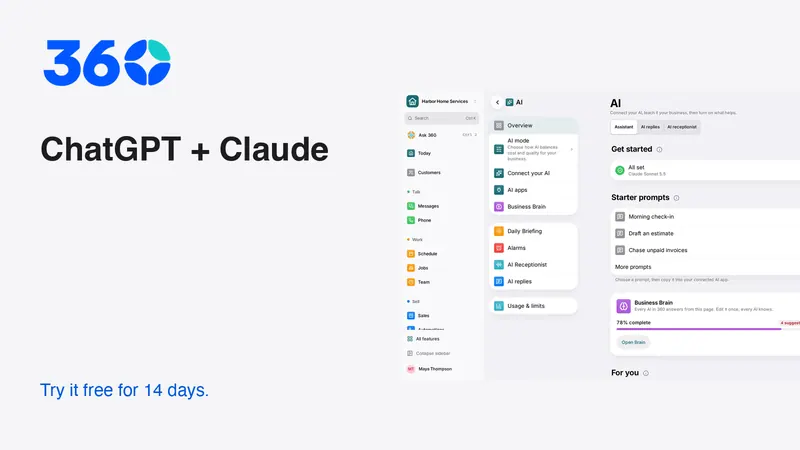
Use ChatGPT and Claude With Your CRM Safely
Connect an assistant with limited access, prepare useful drafts and approve changes. A practical guide to business permissions and human review.
Industries
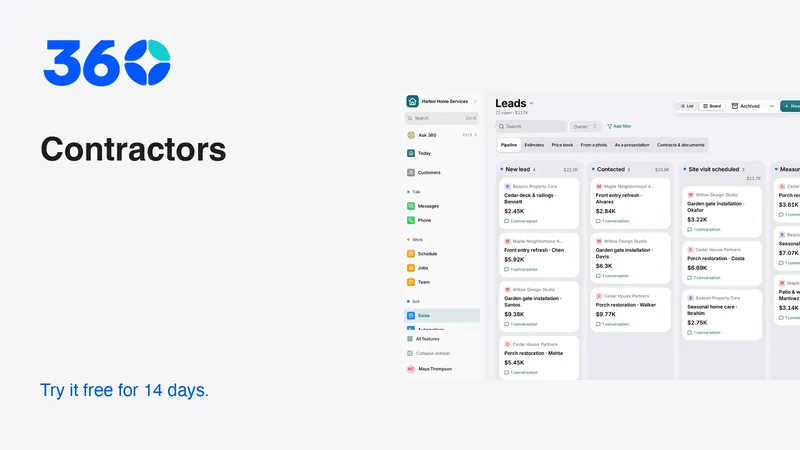
Best CRM for Contractors: A Practical Buying Guide
Choose contractor software with a real lead-to-job test. Compare estimates, follow-up, team access and costs before moving your customer records.