
CRM for Cleaning Businesses: A Practical Setup Guide
Keep first cleans, recurring visits, access notes and customer changes organized. Test a cleaning workflow before choosing business software.
Key points
A CRM for cleaning businesses should distinguish the first clean from repeat visits, keep access and scope notes useful, and make schedule changes visible to the right people. Start with one recurring customer and test an extra request, a skipped visit and an invoice correction. Those are the moments when a simple calendar can stop being enough.
The goal is not to collect every possible detail about a home or office. It is to help the team deliver the agreed service, communicate changes and know what to do next without relying on one person's memory or personal message history.
Define the service before building the schedule
“Cleaning” can mean different work to different customers. A first visit, a standard recurring clean, an end-of-tenancy service and a commercial contract may have different assumptions. Write those differences in customer language before choosing software fields or templates.
For a first visit, note the requested areas, access arrangement, known exclusions and anything that needs confirmation before quoting. For repeat work, identify the agreed scope and how changes are requested. Avoid copying the same generic description into every proposal if it hides a material difference.
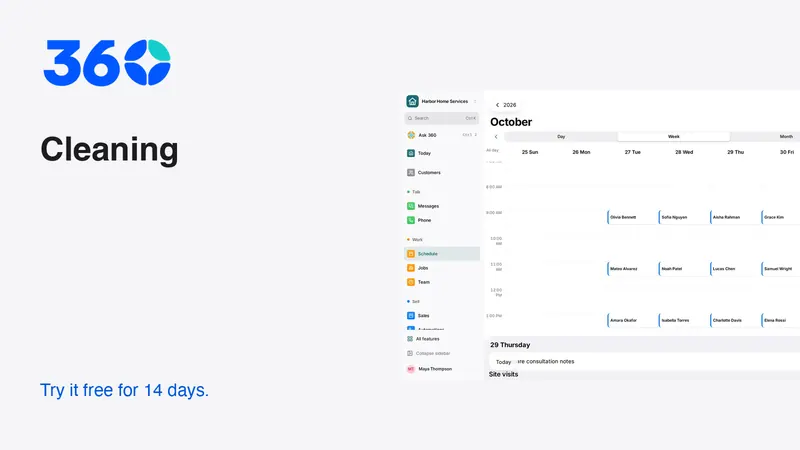
A schedule tells the team when to arrive. It does not automatically tell them what was sold. Keep the accepted scope easy to find from the customer or visit record, and make revisions clear enough that a replacement team member can identify the current agreement.
Keep access notes useful and appropriately private
Access information can include a building contact, parking instructions or the fact that someone must be present. Record what the team actually needs, keep it current and limit who can see sensitive details. Do not put alarm codes, private health information or unrelated household notes in general notifications.
Use a simple customer note structure
- Service address and separate billing contact if needed.
- Agreed rooms or areas and important exclusions.
- Access method and person to contact if access fails.
- Customer-approved preferences relevant to the work.
- Items that require clarification before the visit.
- Date and owner of the most recent scope change.
Avoid judgmental notes about a customer's home or staff. Write factual information that helps deliver the service. Ask whether the customer would understand the note if it were shown to them. Even internal records should be accurate, necessary and respectful.

Separate the first visit from the recurring arrangement
A first clean may reveal that the original scope needs clarification. That does not mean the team should quietly change every future visit. Record what happened, discuss the difference and confirm any revised arrangement with the customer.
In a software trial, create a first visit followed by recurring work. Then change only the first visit. Verify that future appointments, prices and reminders remain correct. Next, change the recurring agreement and check how the software handles appointments already on the calendar.
These are different operations, and the interface should make their effect understandable. If it does not, establish a manual review step before edits are applied. A quick change that silently alters a whole series can create more office work than it saves.
Make skipped and rescheduled visits unambiguous
Customers travel, offices close and access sometimes fails. Decide how your team records a skipped visit, a reschedule and a cancellation. Those events can have different scheduling and billing consequences under your agreement.
Do not simply delete the appointment and lose the explanation. Record the customer's request, the agreed outcome and who confirmed it. If another team member receives a later question, they should be able to explain what happened without guessing.
Use that template only when the statement is accurate. If a fee or schedule change applies, explain the relevant agreed term clearly before asking for confirmation. Do not let a friendly template conceal information that affects the customer's decision.
Give the team a completion and exception routine
A completed visit should leave enough information for the office to close the loop. Record whether the agreed work was completed and whether there is an exception requiring a customer conversation. Keep the note concise so it can be entered from a phone.
An access failure, missing authorization or request for extra work should create a next action with an owner. Do not expect a comment buried in a visit record to notify the right person automatically. Verify who receives the alert and what they are expected to do.
Be careful with photographs. Use them only when appropriate for the agreement and privacy expectations, and avoid capturing unrelated personal information. A product demonstration should use fictional scenes or approved sample material, never a real customer's private home simply because a screenshot is convenient.

Handle extra requests as scope decisions
A customer might ask for an additional room or a service outside the usual arrangement. The team needs a clear way to record the request, estimate the effect and get approval. A casual message should not become an invisible obligation for the next crew.
During a trial, add an extra request to an existing customer. Check whether it becomes a separate estimate, an approved change or a one-time note, and decide which pattern suits your process. Then verify the billing handoff. The invoice should reflect the agreed change without charging the customer twice.
Useful software makes the difference between requested and approved work visible. If your current workflow uses a verbal approval, decide how the responsible person records it. The important point is that the office and the team can identify the same agreed scope.
Keep billing aligned with visits and agreements
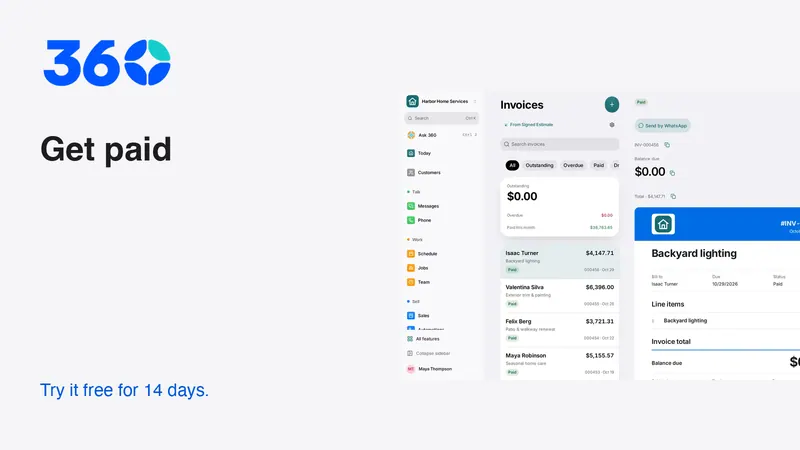
Recurring work can be billed per visit, on an agreed schedule or under another arrangement. Choose a system that matches the agreement you actually sell. Do not assume that generating a recurring invoice proves the service was delivered or that payment succeeded.
Test a skipped visit, a partial payment and a customer query about an invoice. Confirm who pauses reminders while the query is investigated. If payment is collected automatically, verify the customer's authorization and the provider's supported process rather than treating a saved card as unlimited permission.
For a field-service comparison, Jobber's pricing page lists invoicing and scheduling features and separates reminders and payment automation by plan. Read the exact plan details before comparing costs. In 360, inspect the cleaning business workflow and business pricing, including usage charges.
Keep communication in one owned conversation
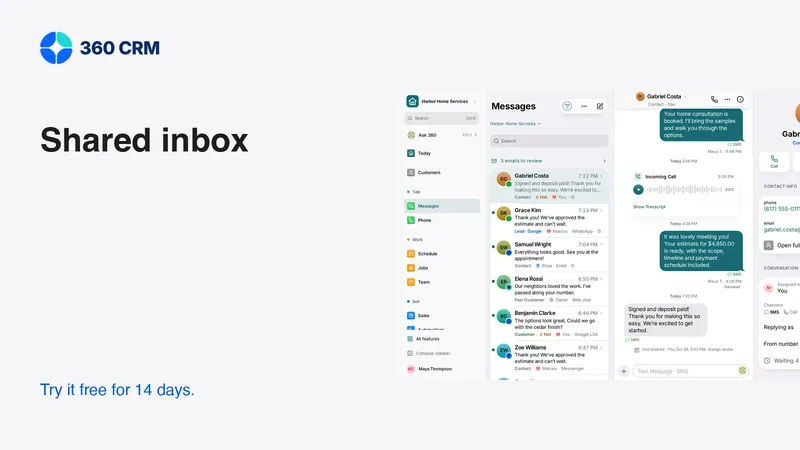
A shared inbox can help the office see a change requested by text even when the usual team member is absent. It still needs ownership. Assign the conversation, leave an internal handoff note and record the next action before moving on.
Start with the channel customers already use. Connect another only when someone can monitor it. A WhatsApp message, an email and a phone call may concern the same visit, but the team should not assume the app has merged them correctly without testing contact matching.
For texting, review Twilio's messaging policy and your provider's setup requirements. An appointment reminder and a promotional offer are different communications. Keep permissions and opt-outs attached to the right contact and purpose.
Choose a focused starting workspace
A small cleaning team may need contacts, conversations, a calendar, estimates and invoices first. Recurring agreements, crew tools or time tracking can be useful when they match the operation. Enable them deliberately instead of filling every screen with tools nobody uses.
360's industry choice recommends a starting layout; it does not restrict access to other features. Settings → Features lets a business turn on additional tools as it grows. Test the everyday path with the people who will use it, and keep a short written guide for the exceptions that need office judgment.
Frequently asked questions
Do I need a CRM if I already have a recurring calendar?
A calendar may be enough for a very simple operation. Consider additional software when scope changes, customer conversations, approvals or billing regularly become disconnected from the visit schedule.
Should access codes appear in reminder texts?
Keep sensitive access details out of broad messages. Store only necessary information in an appropriately restricted place and verify what customers and team members can see.
What should I test before importing cleaning customers?
Use a fictional recurring customer with a first clean, an extra request, a skipped visit and an invoice adjustment. Confirm that future appointments and messages stay accurate after each change.
Try 360 free for 14 days
Put one workflow from this article into practice. $79/month per business, unlimited users, every tool included.
See how 360 fits your trade
Keep reading
Sales & estimates
Make a Shared Inbox Work for Your Team
Keep the customer context together, make ownership visible and connect channels at a pace your team can support.
Getting paid
Get Paid Faster: Deposits, Payment Links and Reminders
Make payment terms clear, collect agreed deposits and send useful reminders. A practical guide to cards, Pix and keeping records reconciled.
Industries
Best CRM for Contractors: A Practical Buying Guide
Choose contractor software with a real lead-to-job test. Compare estimates, follow-up, team access and costs before moving your customer records.