
Help home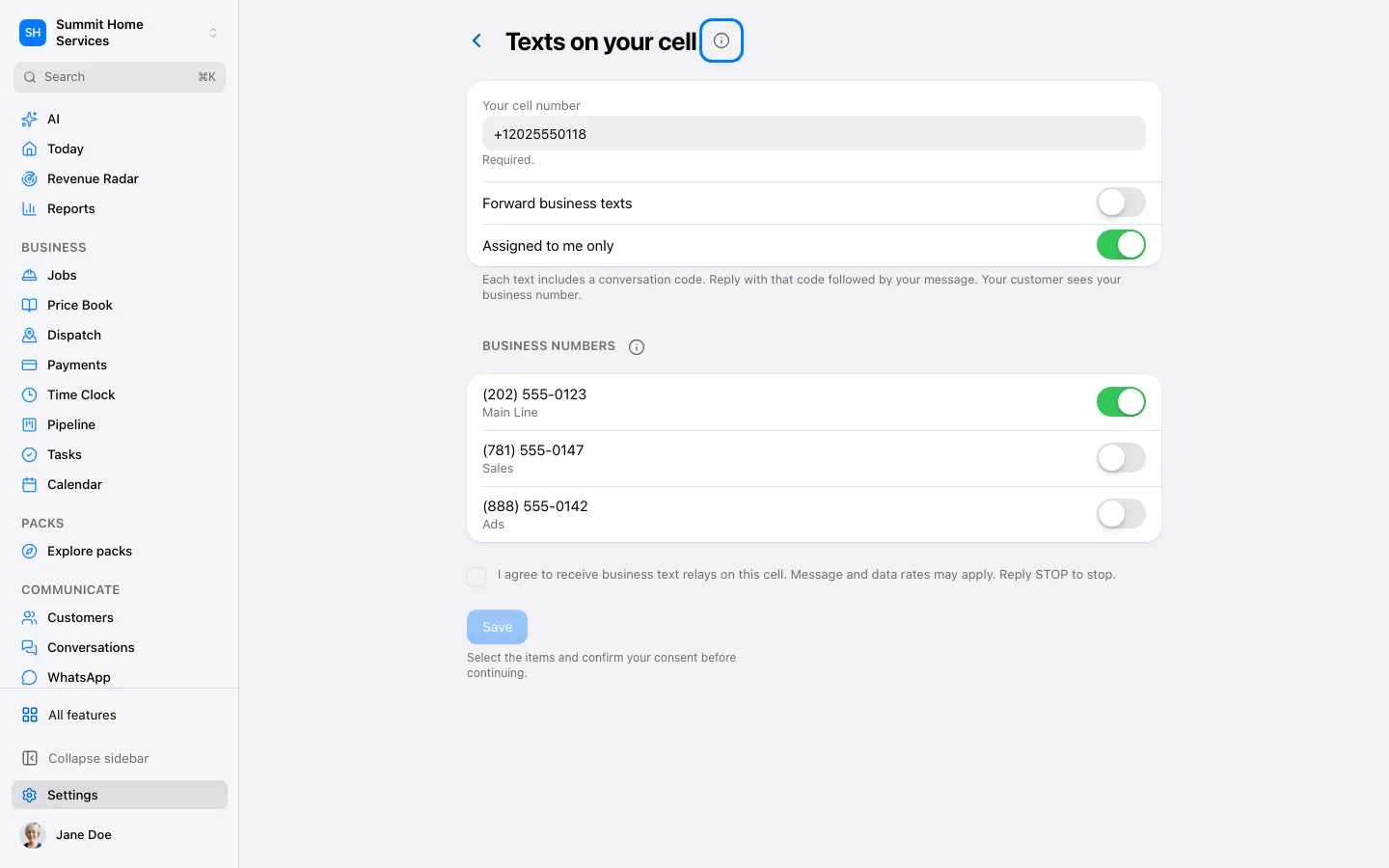
Text relay
Text relay
Text relay forwards supported business messages to a configured destination.
Step by step
- Open Settings → Phone → Text relay.
- Choose the destination and review which messages are forwarded.
- Save and send a test message.
On your screen

Was this helpful?
Sign in to send your feedback.
Yes / No