
Help home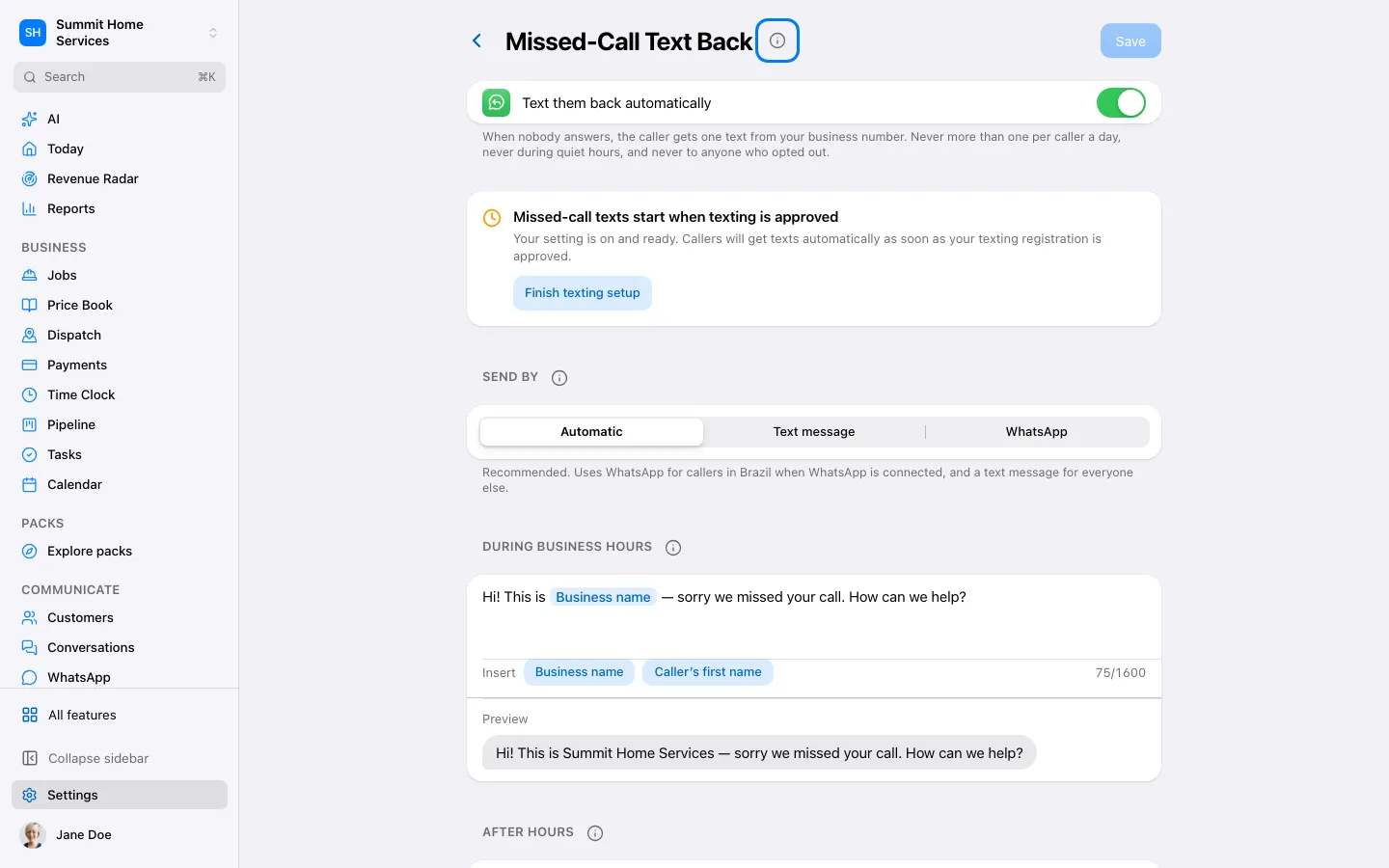
Missed-call text back
Missed-call text back
Missed-call text back sends a configured message after a missed call.
Step by step
- Open Phone settings and find missed-call text back.
- Review the message and the sending number.
- Enable it and test by missing a call from your own phone.
On your screen

Was this helpful?
Sign in to send your feedback.
Yes / No