
Help home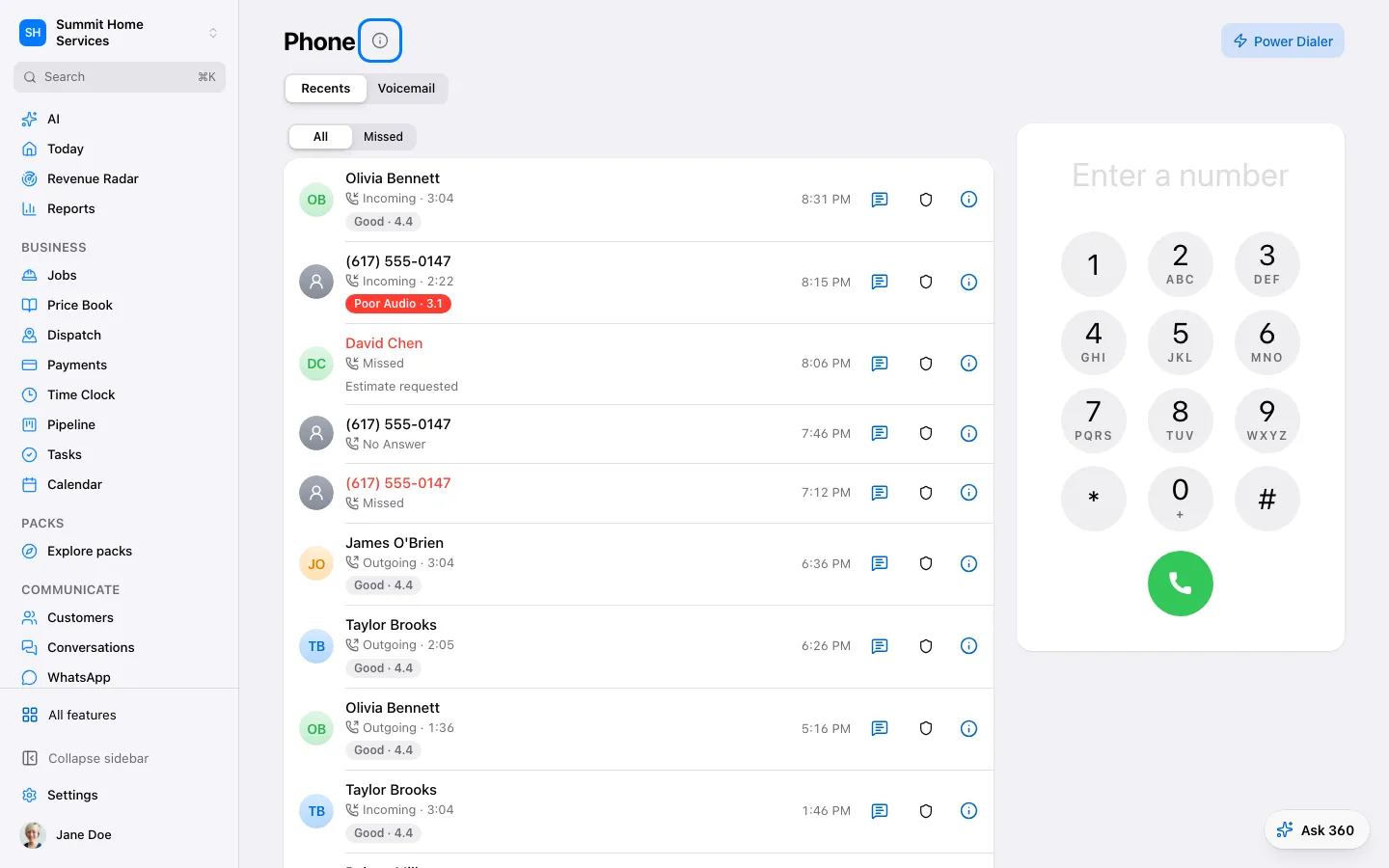
Phone & call flow
Phone & call flow
Phone settings decide which number customers call and who answers it.
Step by step
- Open Settings → Phone and choose a number.
- Set who rings, the ring time, and the fallback.
- Save and call the number to test the full flow.
On your screen

Was this helpful?
Sign in to send your feedback.
Yes / No