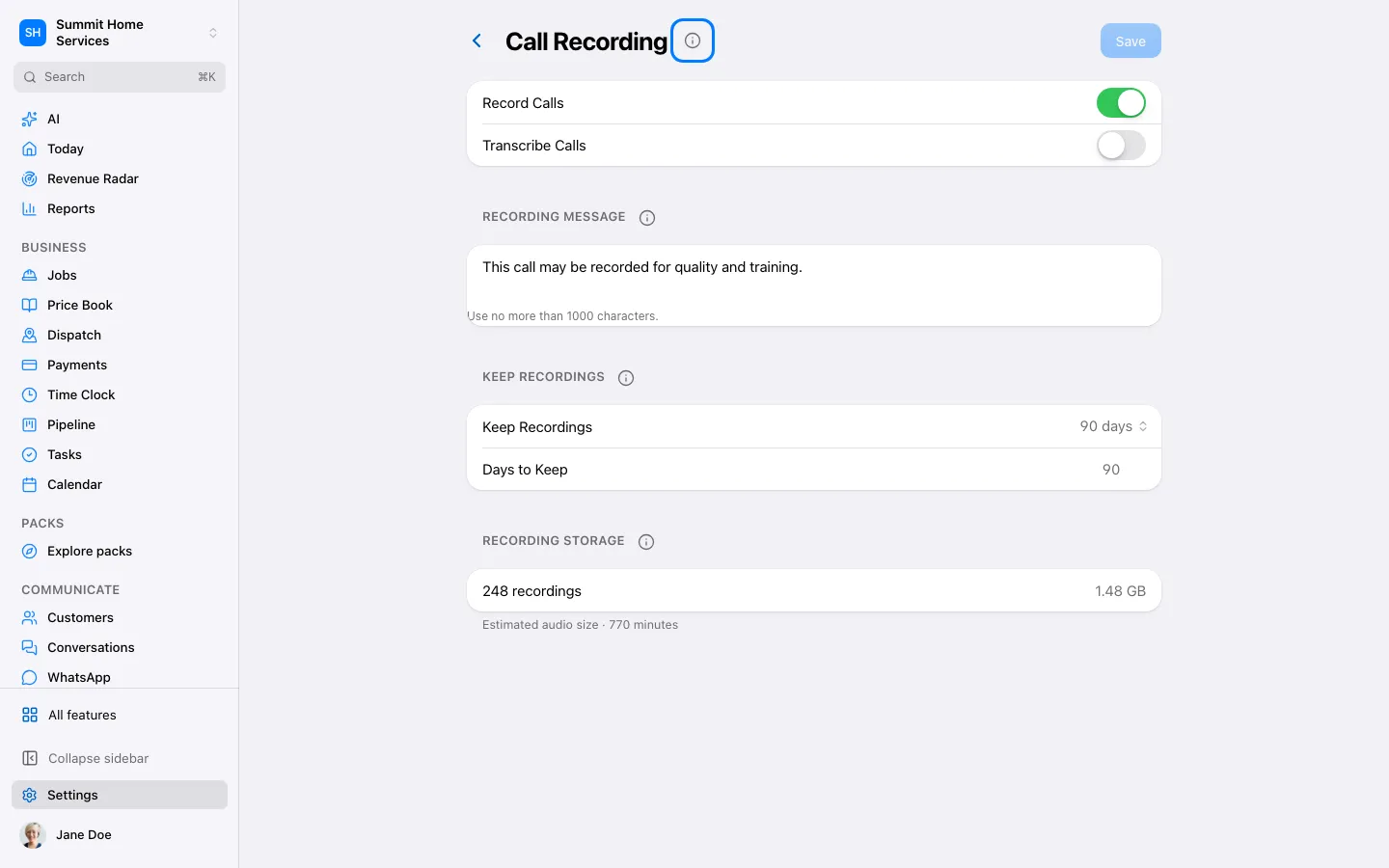
Save call audio, and choose transcription separately. Both prices are shown before you turn them on.
Step by step
Open Settings → Phone → Call recording and review the price for recorded minutes.
Turn on Record calls to save audio only. To add text automatically, turn on Transcribe recorded calls separately and review the extra price.
Save your choices. You can change them at any time. Each number keeps its own recording override.
For one recording, open its conversation and tap Transcribe beside the estimated price. Progress and retry instructions appear under the recording. Voicemail transcription keeps its own setting.