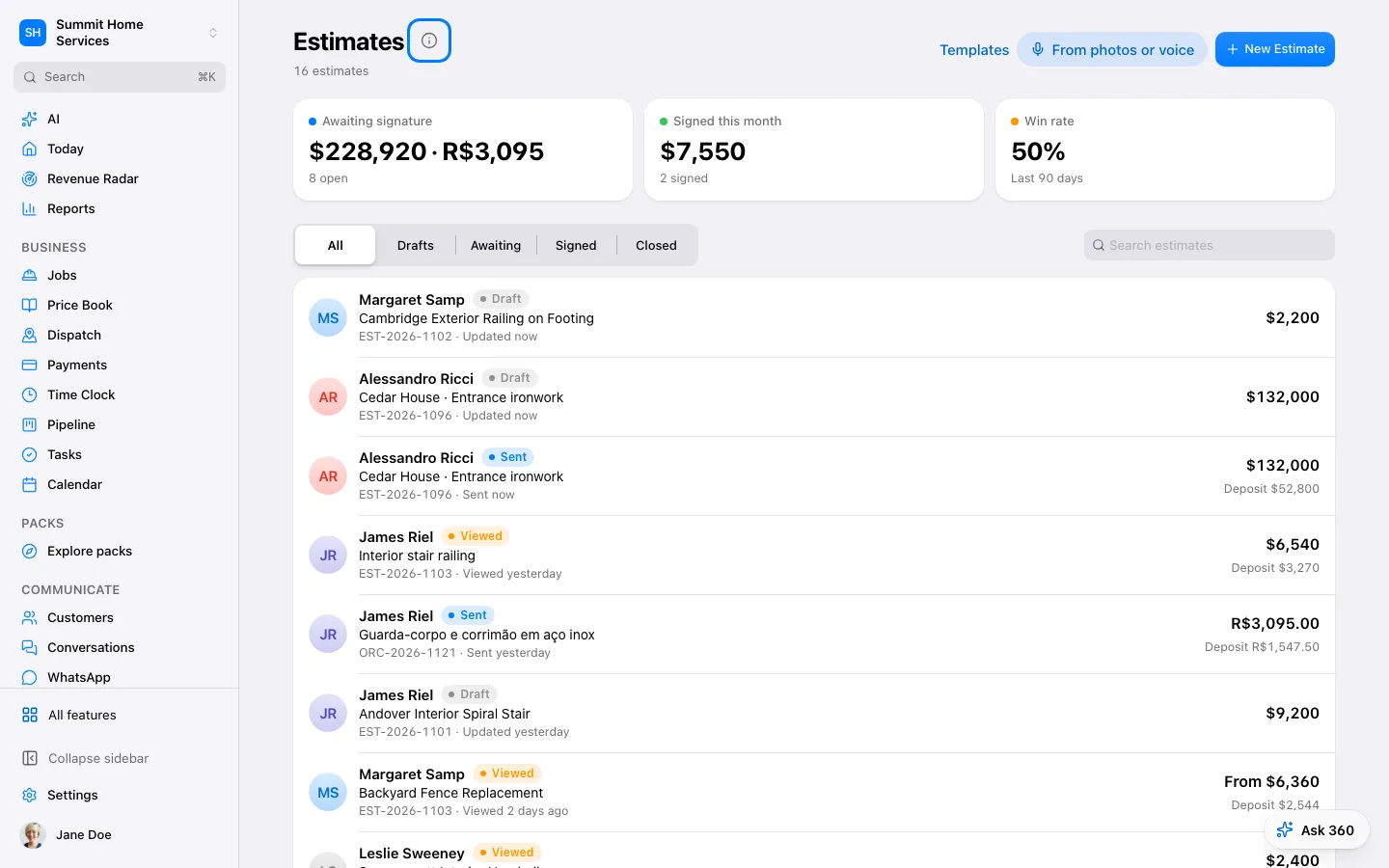
An estimate explains the proposed work and price before the customer agrees.
Step by step
Open Estimates and create a draft for the customer.
To price by voice, choose New estimate → Describe the job and talk through the work. Theo checks what is missing, asks a few one-tap questions and prices each line from your price book, past jobs or supplier lists. Lines marked “AI price — check this” need your OK before you send.
Add items, prices, terms, and any payment schedule.
Preview the customer version before sending.
If Ask cannot use a requested template, open Settings → Estimates and choose it as the active business template, or ask to use the current template. Review the customer preview before sending.
Roofers: open a measured roof report → Materials → Good · Better · Best. Pick GAF, Owens Corning, CertainTeed or your own names, link each product once to your price book (Roof reports → Roofing systems), then tap Create Good / Better / Best estimate. Each option shows its warranty and, when financing is on, a monthly example.
If Ask cannot use a requested template, open Settings → Estimates and choose it as the active business template, or ask to use the current template. Review the customer preview before sending.
Roofing: in a roof report, tap Measure this address to get the planes, pitch and squares from satellite data. The price per address is shown before you approve it and comes from your usage balance; the same address is free for 30 days. It's a satellite estimate — verify on site. Pro reports (EagleView, GAF QuickMeasure, Hover) can be ordered from the report once your account with them is connected.
Roofing: Roof reports → Website quote puts an instant roof quote on your website. Homeowners type their address, see their roof from above and get your Good / Better / Best range from your price book (items priced per square, unit SQ), then book a visit or ask for a call. With no prices, they leave their details and you send the price.