
Help home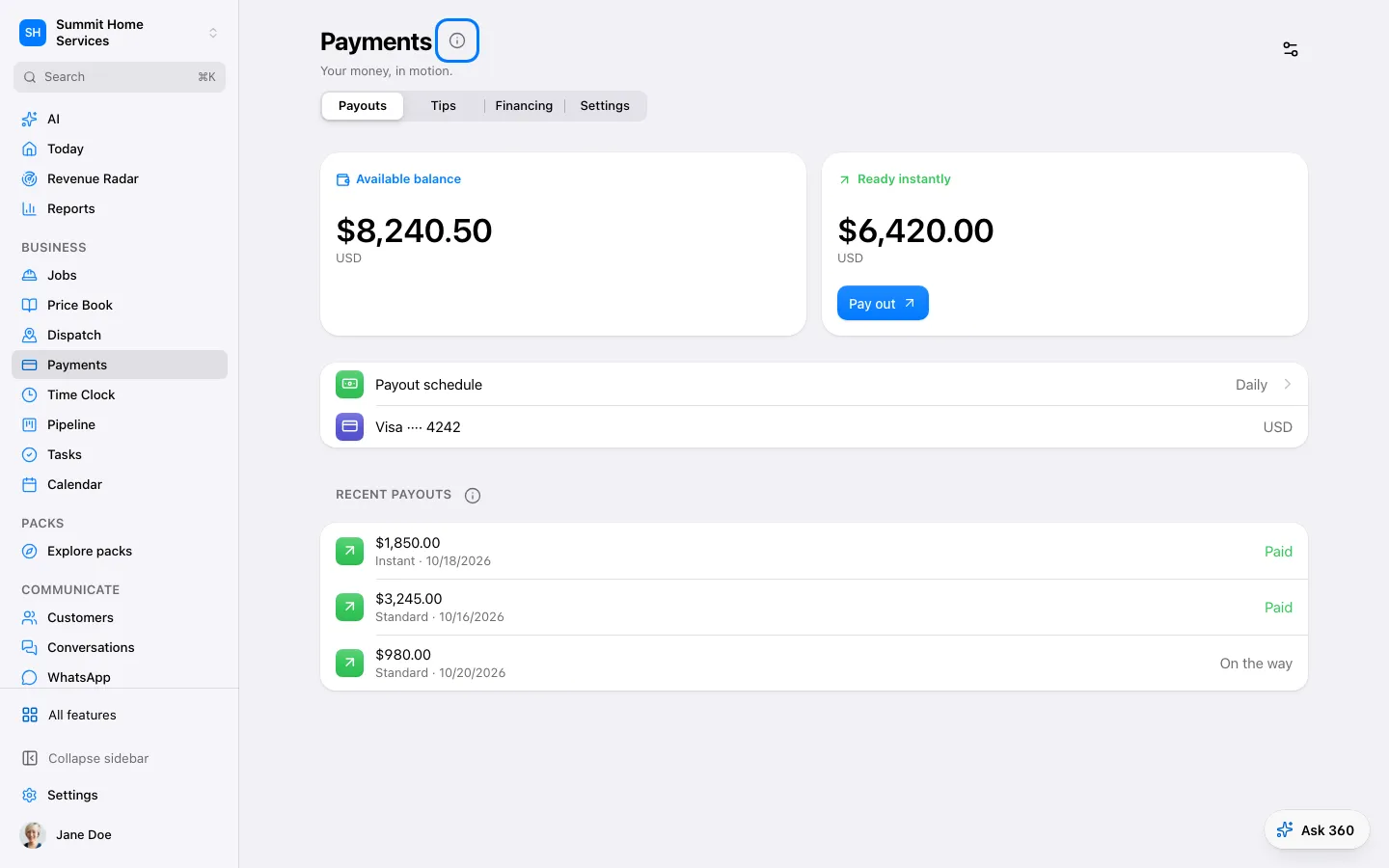
Payments
Payments
Payments tracks charges and their status through the payment services you connect.
Step by step
- Open Settings → Payments and connect an available service.
- Enable the payment options suitable for your business.
- Use a payment link or invoice and verify the returned status.
On your screen

Was this helpful?
Sign in to send your feedback.
Yes / No