
Help home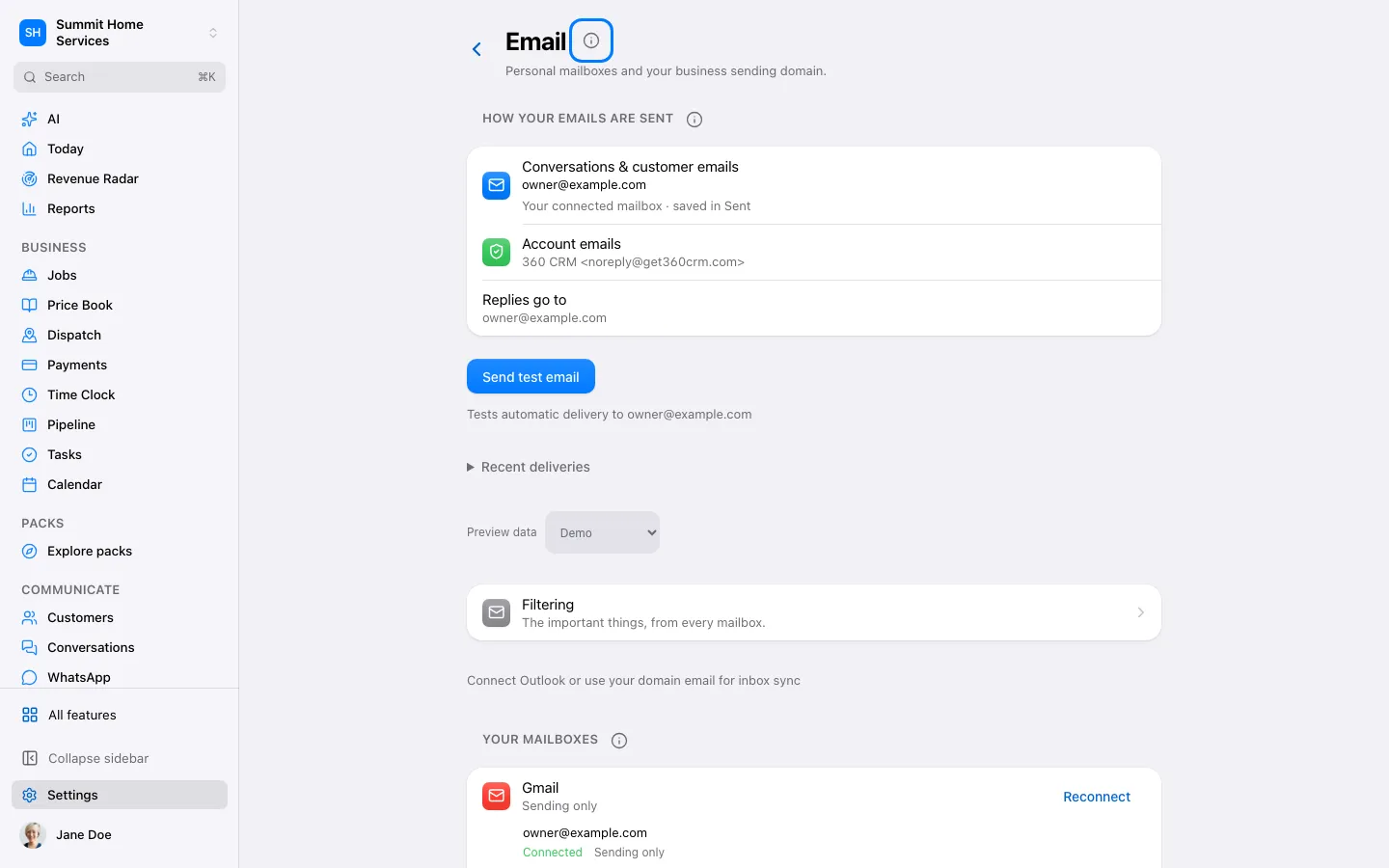
Email connection
Email connection
An email connection lets 360 receive and send through an authorized mailbox.
Step by step
- Open Settings → Email or Connections.
- Choose the provider and authorize the correct mailbox.
- Send and receive a test message before relying on the connection.
On your screen

Was this helpful?
Sign in to send your feedback.
Yes / No