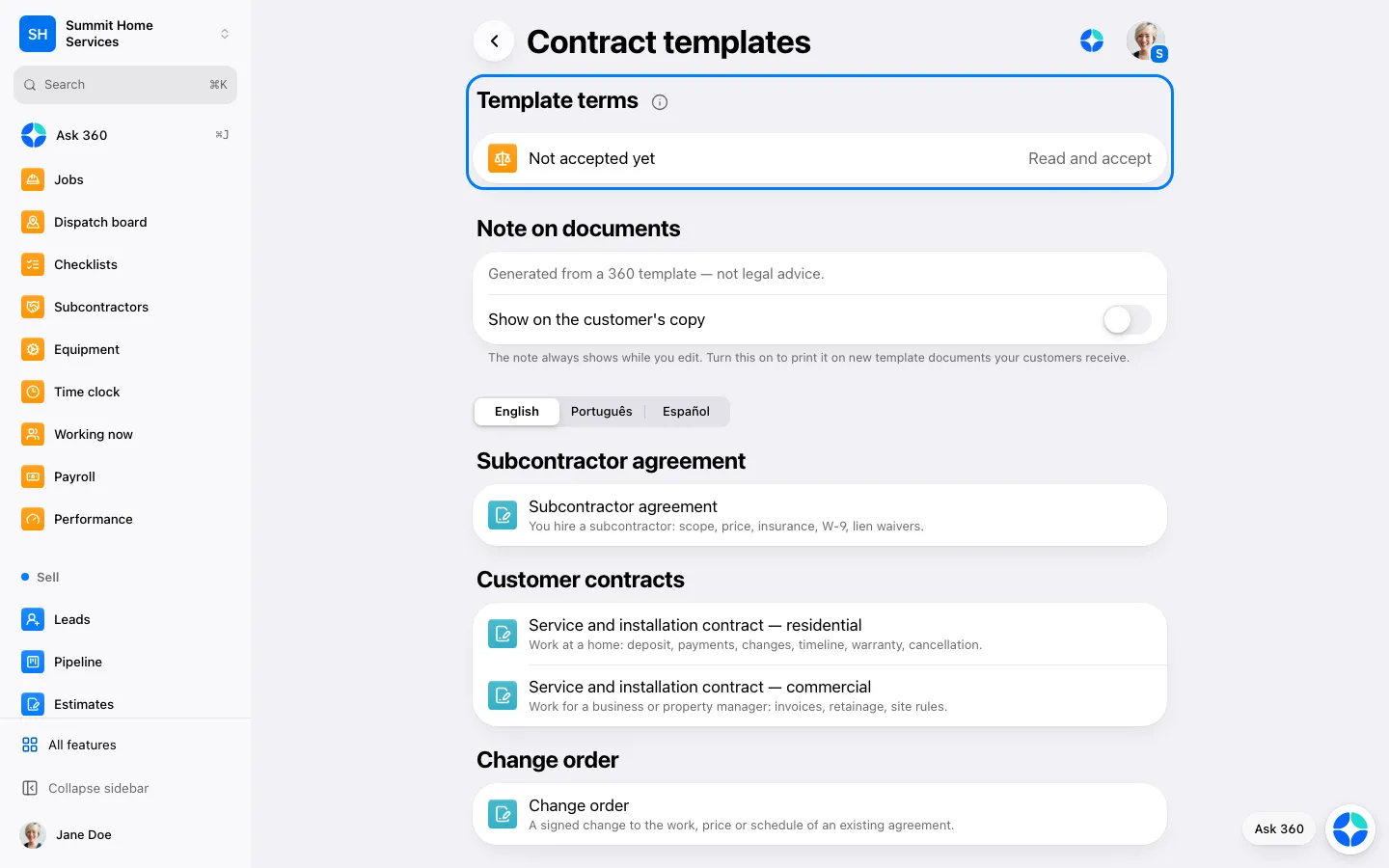
Contract templates are generic starting points for agreements, change orders and lien waivers. They are not legal advice.
Step by step
Open Settings → Contract templates. An owner or admin reads the template terms and taps Agree and continue. Team members see “Ask an owner to accept the template terms.”
Pick a template: subcontractor agreement, customer contract (residential or commercial), change order, independent contractor acknowledgment, lien waiver or work authorization. Choose English, Português or Español.
Fill the highlighted fields, such as scope, price, dates and state. Text in [brackets] marks a point where your state may have its own rule: replace it or delete it.
Lien waivers come in four generic types (conditional or unconditional, progress or final). The Florida and Massachusetts forms use the wording of the statute and are in English only. Other states with their own required forms are not included.
Add the signer and send it like any other document. The note “Generated from a 360 template — not legal advice” shows only while you edit, unless you turn on Show on the customer's copy.
If the template terms change, 360 asks an owner or admin to read and accept them again before the next template is used.