
Help home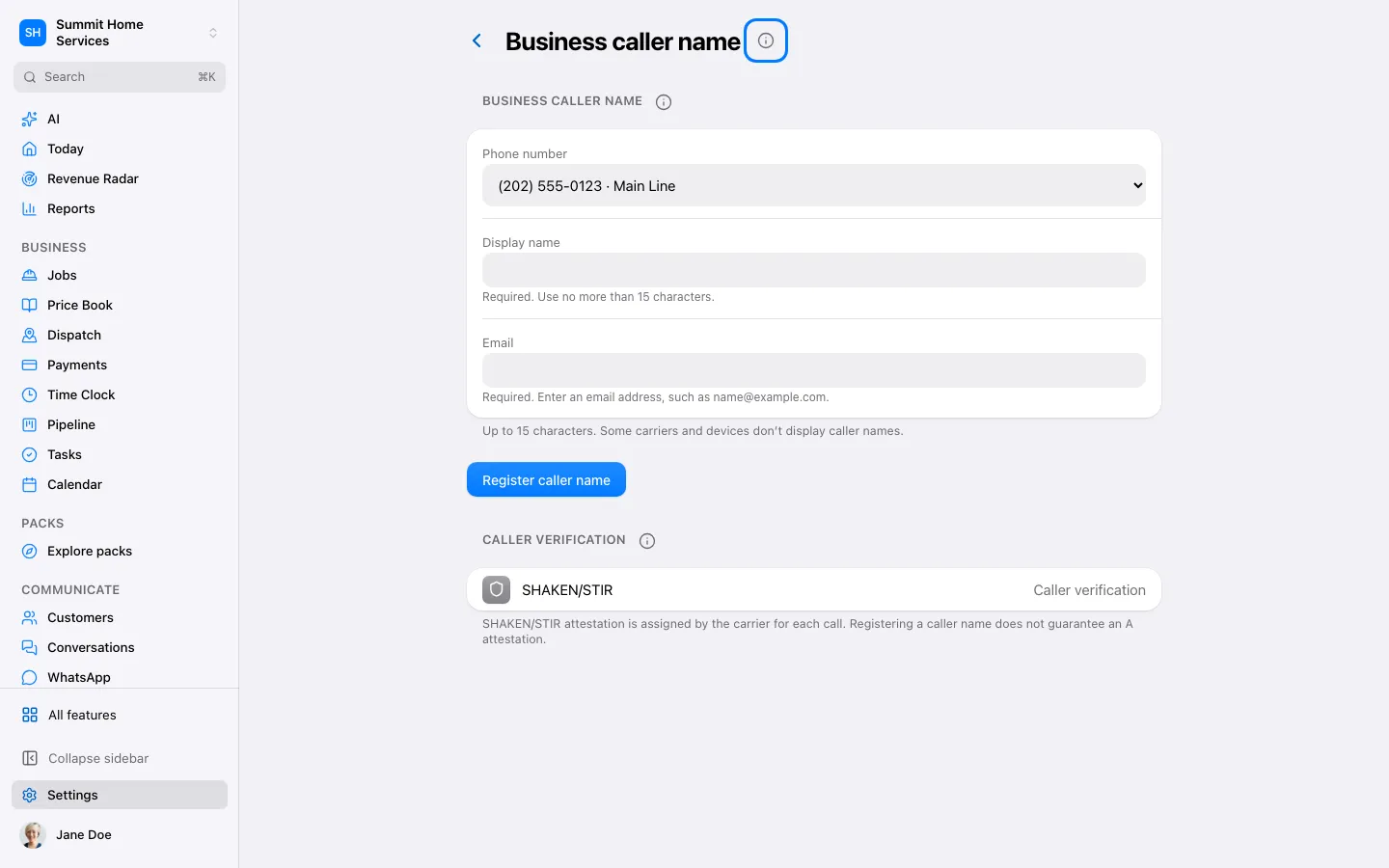
Caller name
Caller name
Caller name configures the business identity requested for supported outgoing calls.
Step by step
- Open Settings → Phone → Caller name.
- Review the business name and eligible numbers.
- Submit the setup and check the provider’s status.
On your screen

Was this helpful?
Sign in to send your feedback.
Yes / No