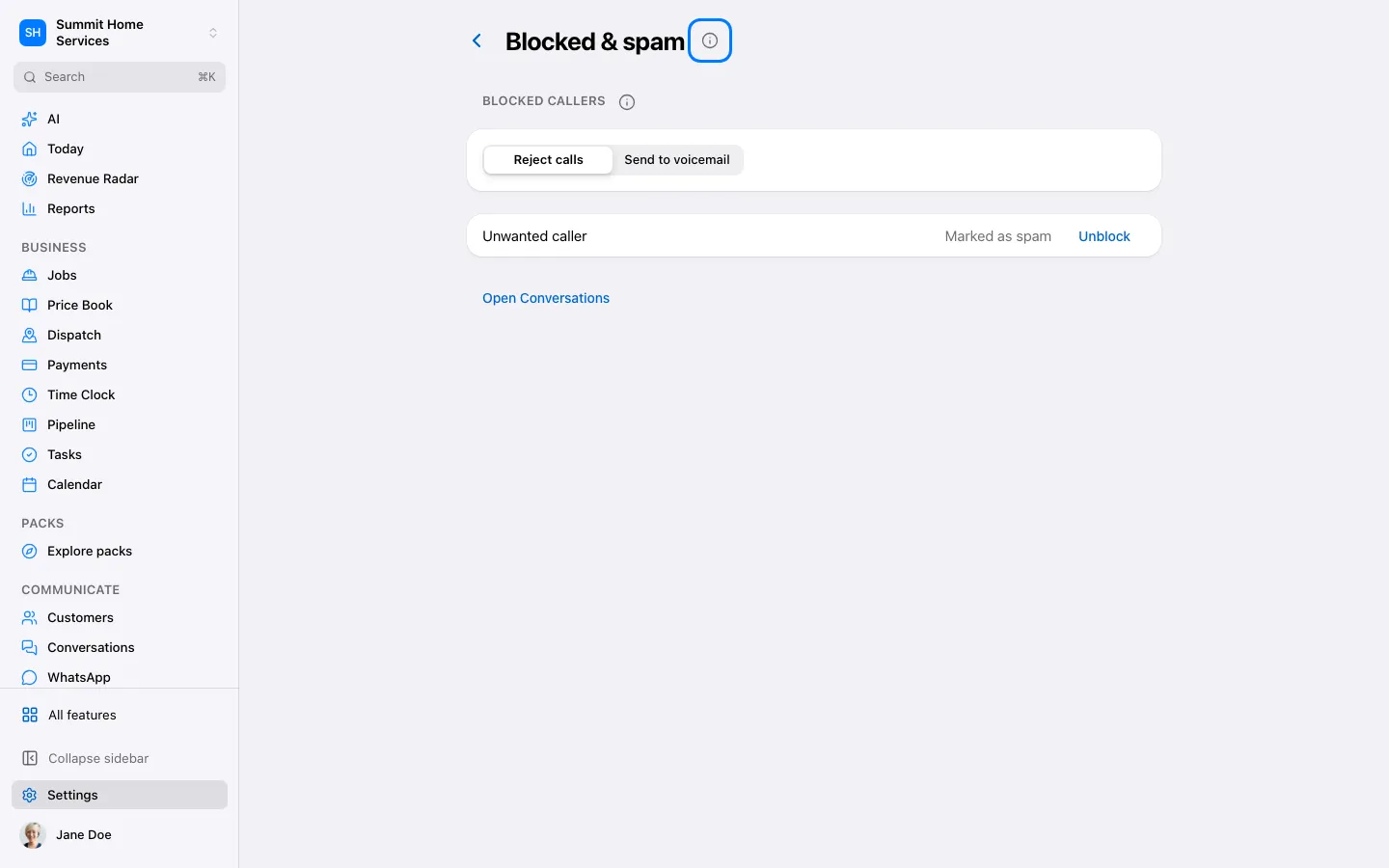
Blocking stops supported communication from selected contacts or numbers.
Step by step
Open the contact or blocked contacts settings.
Check the identity and choose Block with the intended scope.
Review the blocked list if you need to undo the choice.
Open Settings → Phone → Spam protection. Label only is selected by default.
Choose Label only, Send to voicemail or Block. The preview explains what callers will experience.
Review a flagged number and choose Not spam, Always block or Call back. Not spam clears the label; existing communication preferences remain available on the contact.
Free spam protection is always on. An administrator can turn on Spam Shield Plus here when available, after reviewing the price and call-volume estimate. Extra checks run while the phone rings and may arrive after the first ring. Known callers with answered calls and Not spam numbers are not charged. If it says Coming soon, keep free protection on; no extra checks are billed.