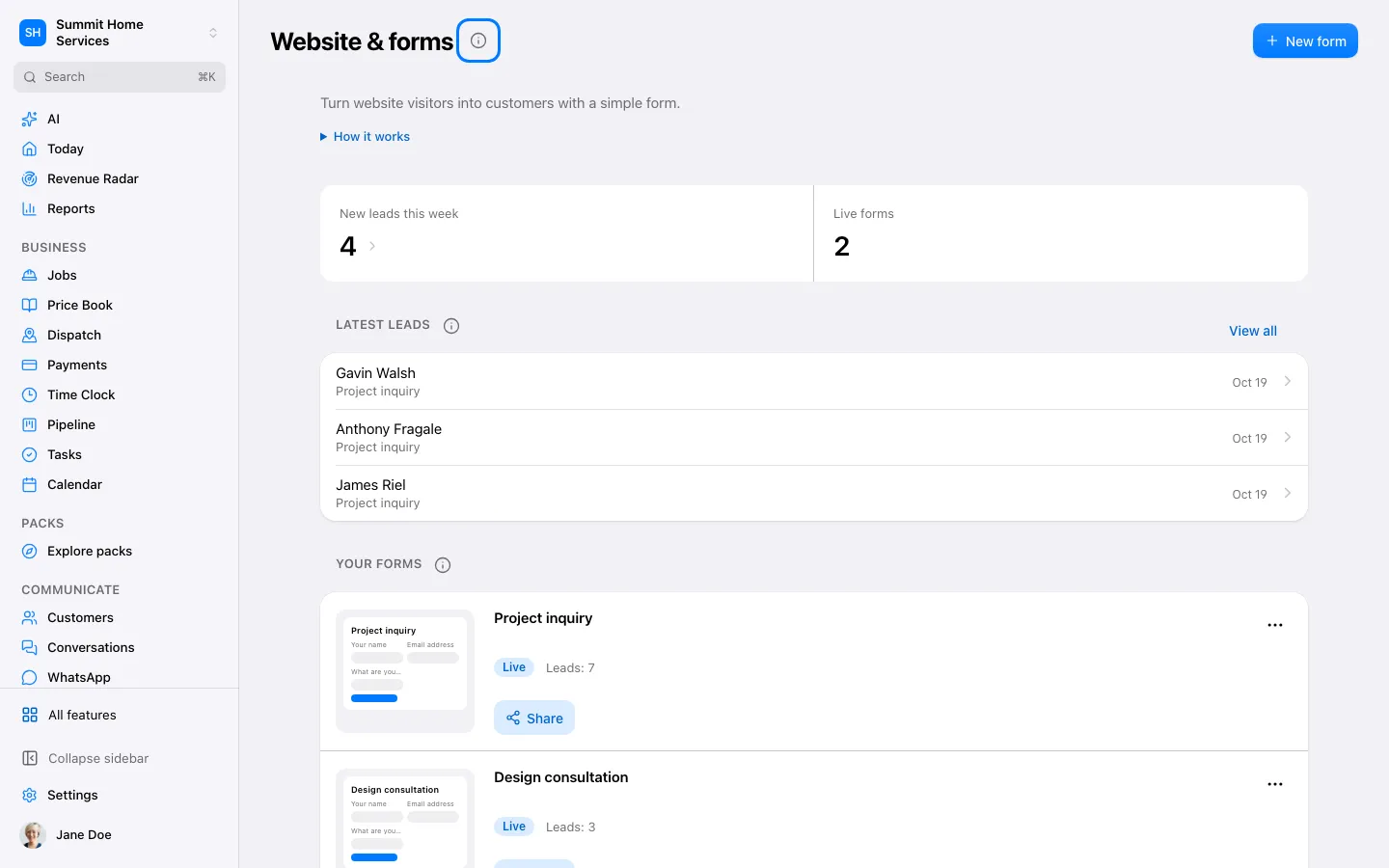
Website tools let you publish pages and forms connected to your business.
Step by step
Open Website and select a page or form.
Edit its content and the action visitors should take.
Preview on mobile and desktop, then publish when ready.
Turn on Price from a photo to let homeowners send photos from your website: Theo shows a ballpark range from your price book and past jobs (never invented), then offers a visit. Set the services and the range width; with Theo on Asks me first, check each range on Today before it's sent.