
Help home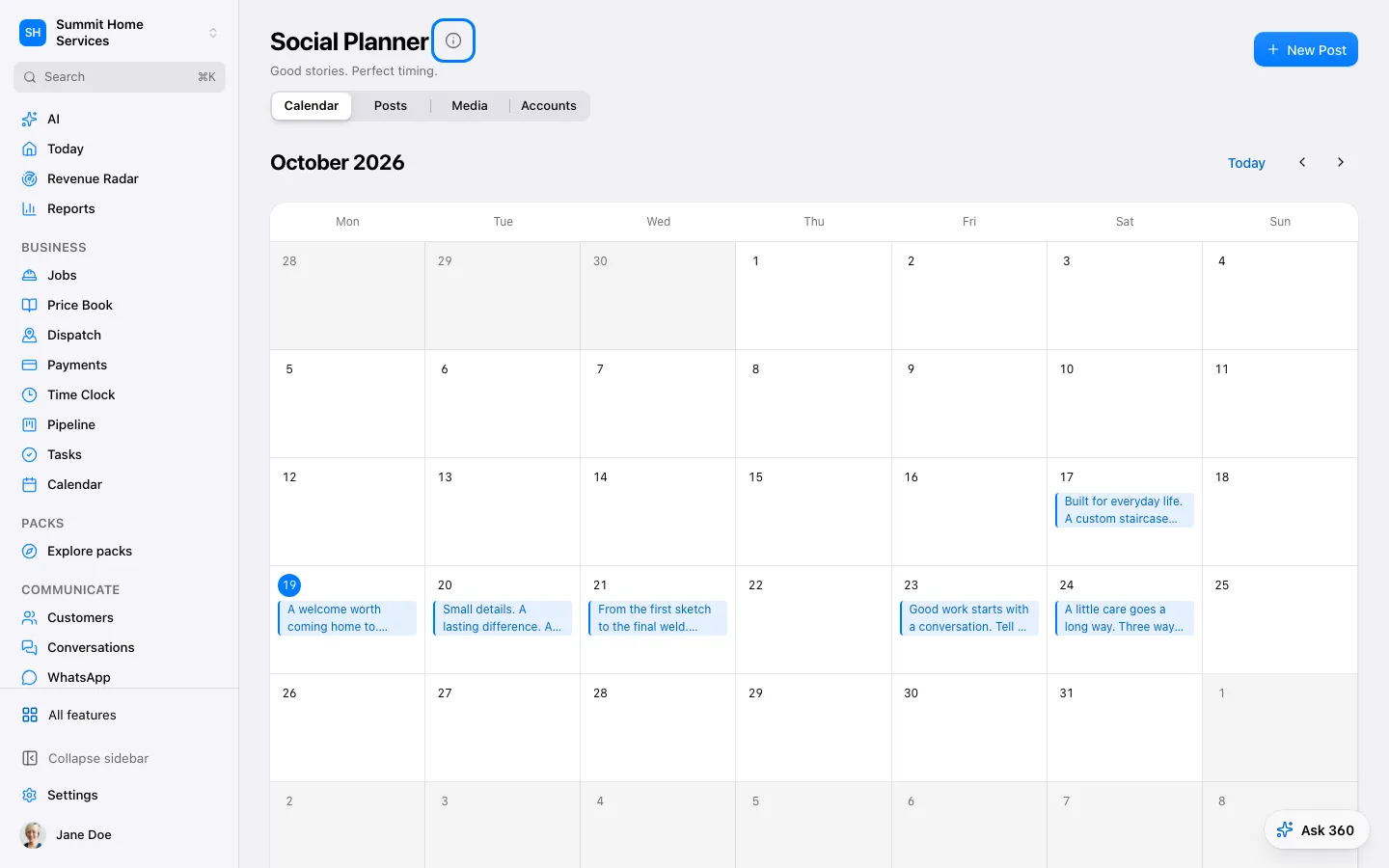
Social posts
Social posts
Social posts lets you prepare and schedule content for connected accounts.
Step by step
- Open Social and choose a connected account.
- Write the post and add approved images.
- Preview and schedule, then check the publishing result.
On your screen

Was this helpful?
Sign in to send your feedback.
Yes / No