
Help home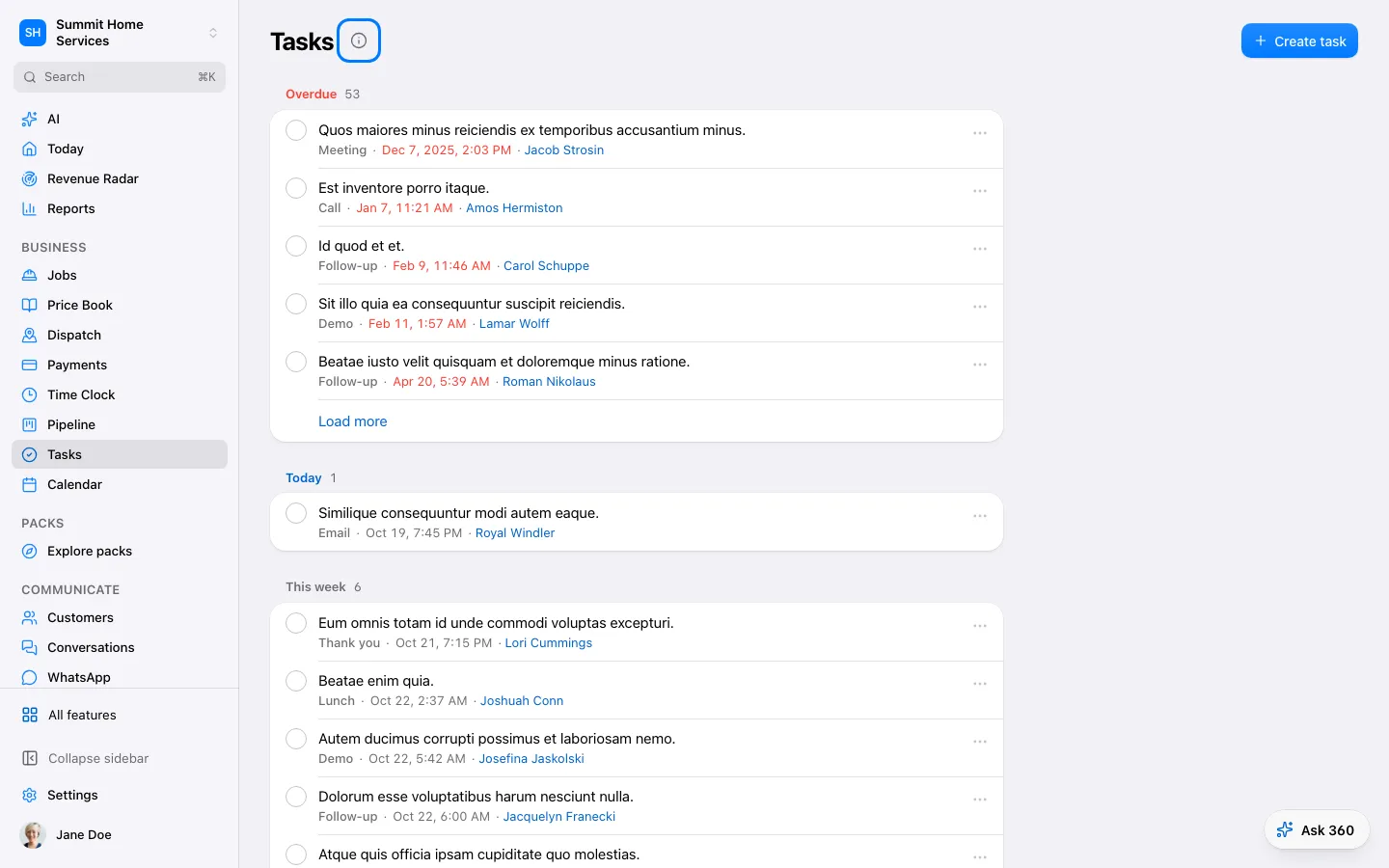
Tasks
Tasks
A task is a reminder to do a specific piece of work.
Step by step
- Open Tasks and add a task.
- Write the action and set the date and person responsible.
- Save, then mark it complete after doing it.
On your screen

Was this helpful?
Sign in to send your feedback.
Yes / No