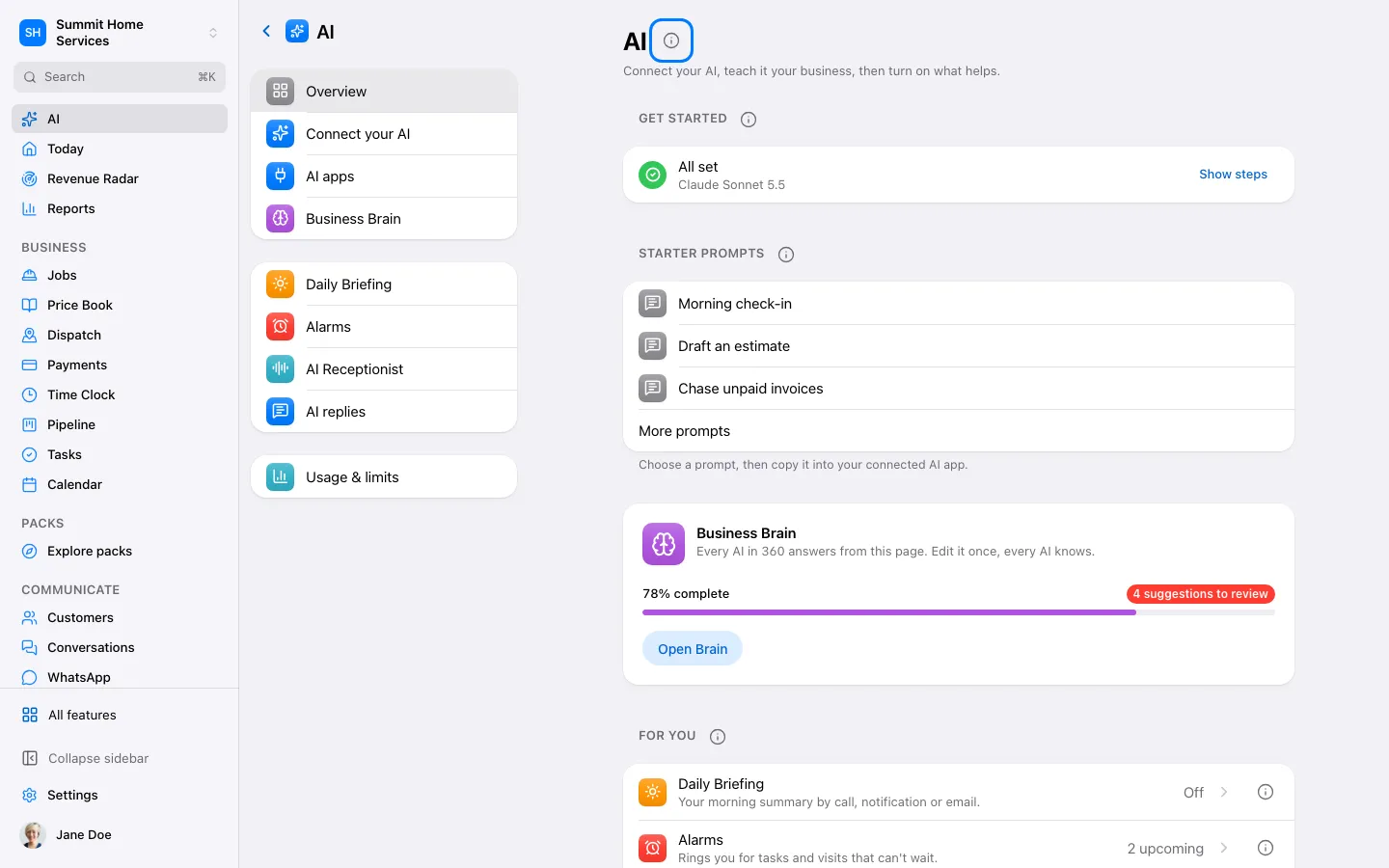
Ask 360 is an assistant for questions and supported actions in your business.
Step by step
Open Ask 360.
Describe what you need, including the customer or date.
Review the answer and any proposed action before confirming.
Hands-free: tap the sound-wave button (or hold the mic) to Talk to 360. Say “Update” for what's new; anything that sends, costs money or changes settings is read back and waits for your “yes” or a tap on Confirm. Say “that's all” to end.
In Settings → AI → AI mode, choose Save money, Balanced or Best quality. Review the estimate, then save.
Open Advanced to choose a model for everyday tasks and bigger tasks. Saving checks access before applying the change.
This mode applies to AI built into 360. When using ChatGPT or Claude directly, choose the model in that app.