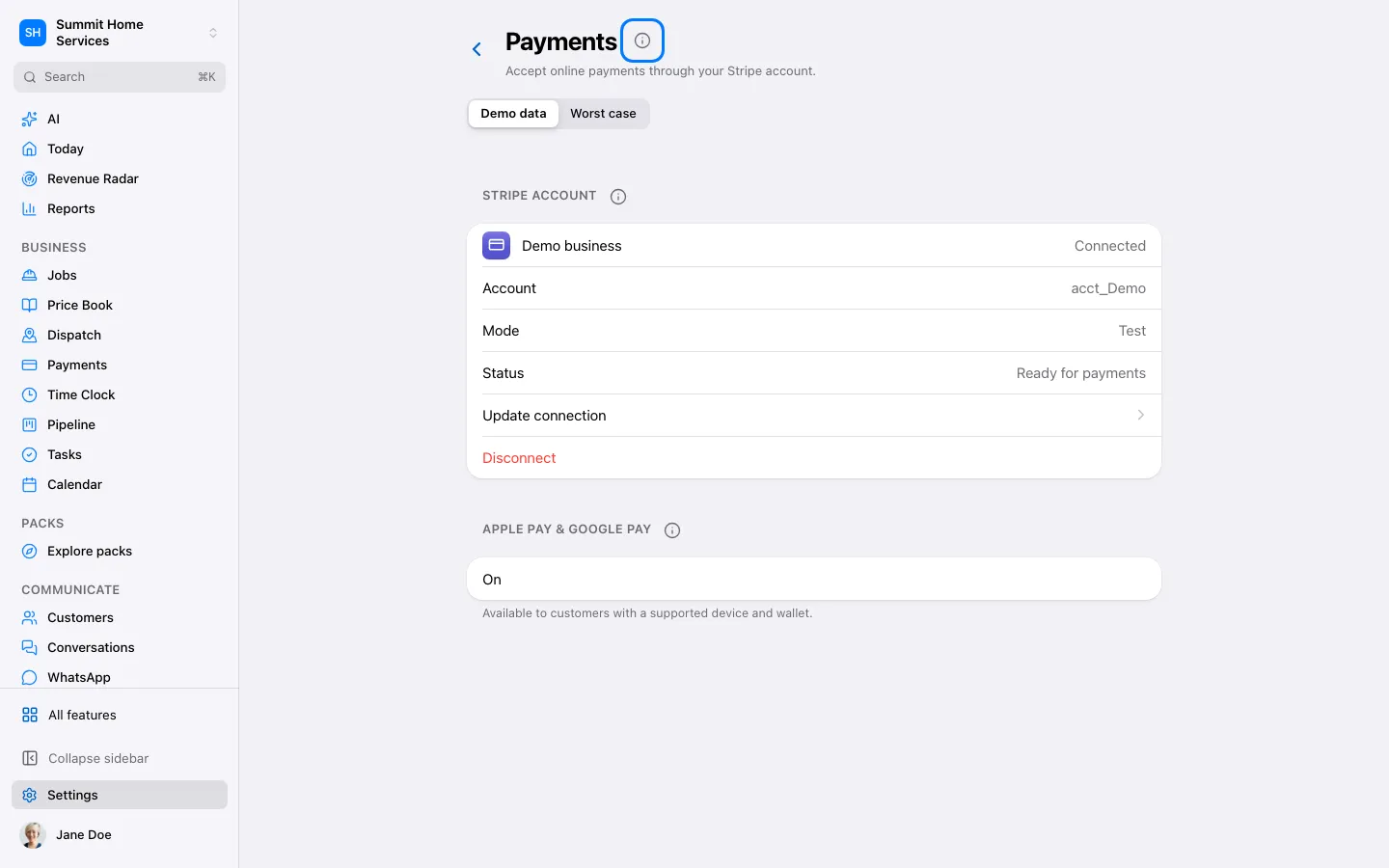
Open Settings → Payments → Stripe using an account allowed to manage payments.
Step by step
Open Settings → Payments → Stripe using an account allowed to manage payments.
Choose Connect and finish the Stripe account authorization and business verification. Select the account that receives this business’s payments.
Return and check the connection status. Review the payment methods and currency supported by the account.
Create a test draft invoice and preview the customer payment page. Confirm amounts before sending; connecting Stripe does not collect an existing invoice automatically.