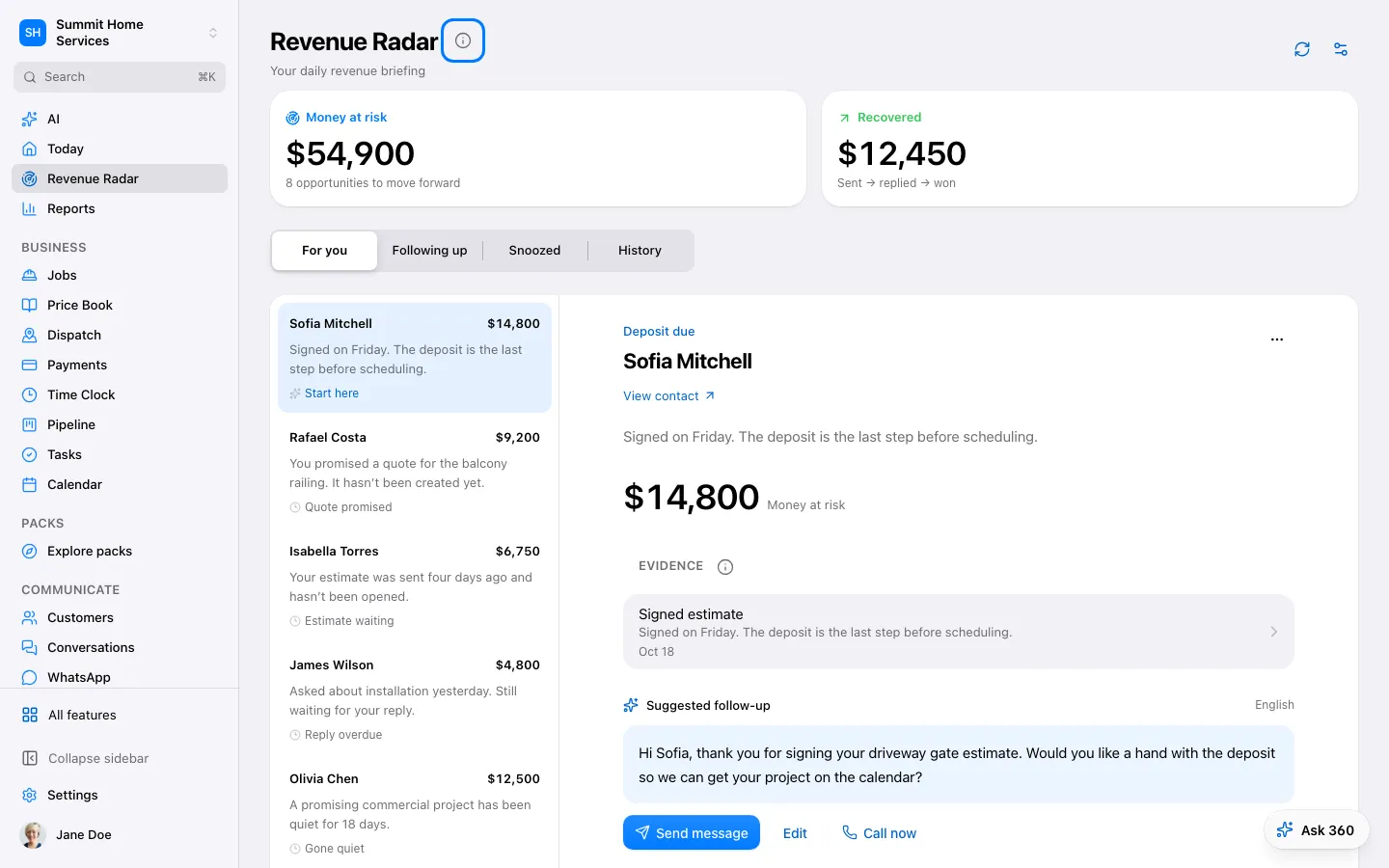
360 Genius finds the people who are waiting on you (a reply, an estimate, a follow-up or a payment) and writes the follow-up. You tap Send. It never sends by itself.
Step by step
Open 360 Genius from the top of Today, or choose 360 Genius in the sidebar. Your team (Lia, Theo, Max, Nina, Sam and Ana) is the Team tab in the bottom bar; Estimates are in Theo’s page and in More.
Tap a person to see what happened and the suggested reply.
Choose Send, Call back, Done, Snooze or Remove.
Get the 360 Genius morning summary by email or Telegram in Settings → Notifications.