
Help home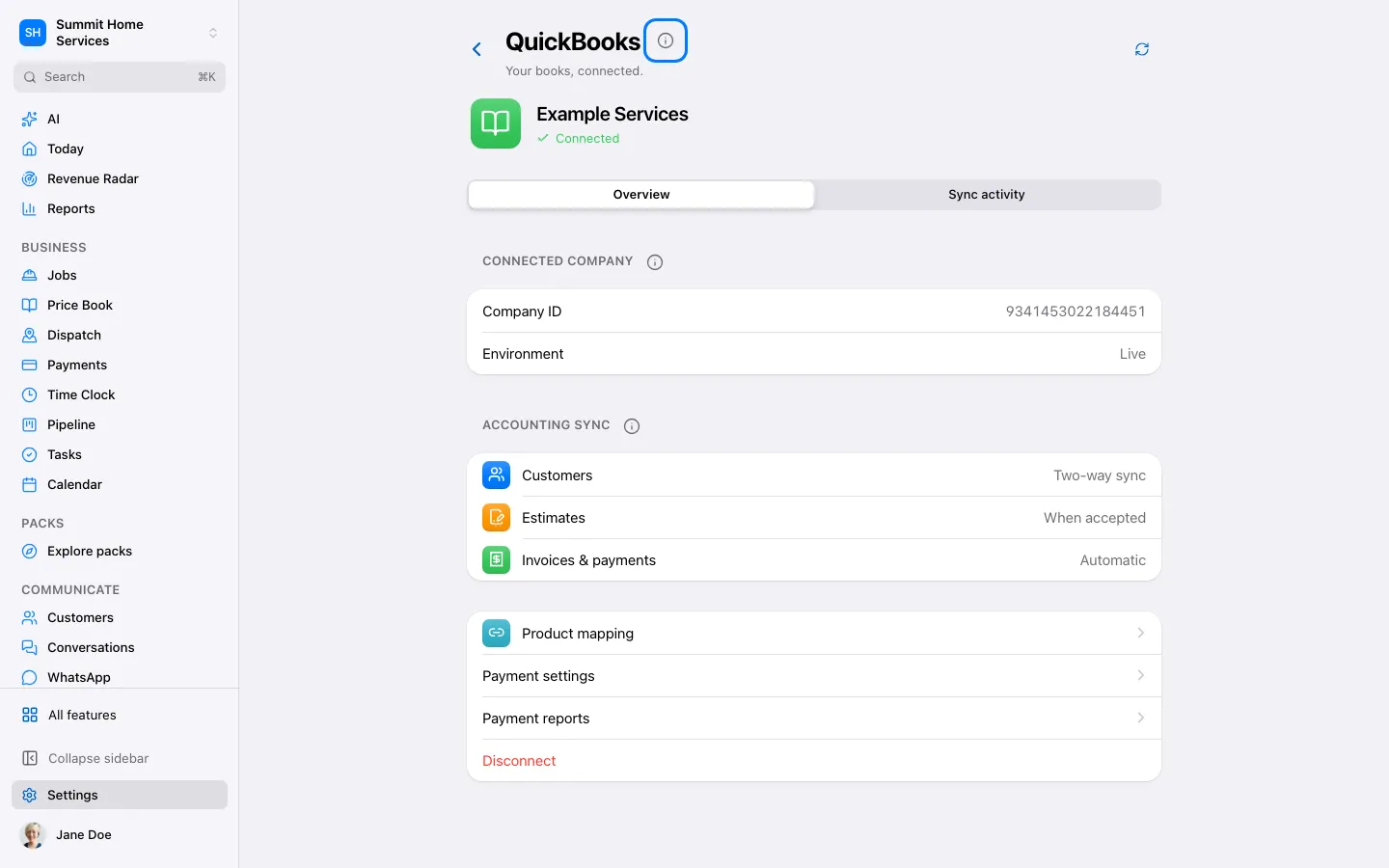
Connect QuickBooks and review sync
Connect QuickBooks and review sync
Open Settings → Connections → QuickBooks and choose Connect. Sign in with the account authorized to manage your company.
Step by step
- Open Settings → Connections → QuickBooks and choose Connect. Sign in with the account authorized to manage your company.
- Select the correct QuickBooks company and approve the connection. Return to the app and check the company name.
- Open the connection’s mappings and choose the accounts and items needed for your workflow.
- Open Accounting to review sync results. Resolve a failed item before retrying; verify the existing QuickBooks entry before creating another copy.
On your screen

Was this helpful?
Sign in to send your feedback.
Yes / No