
Help home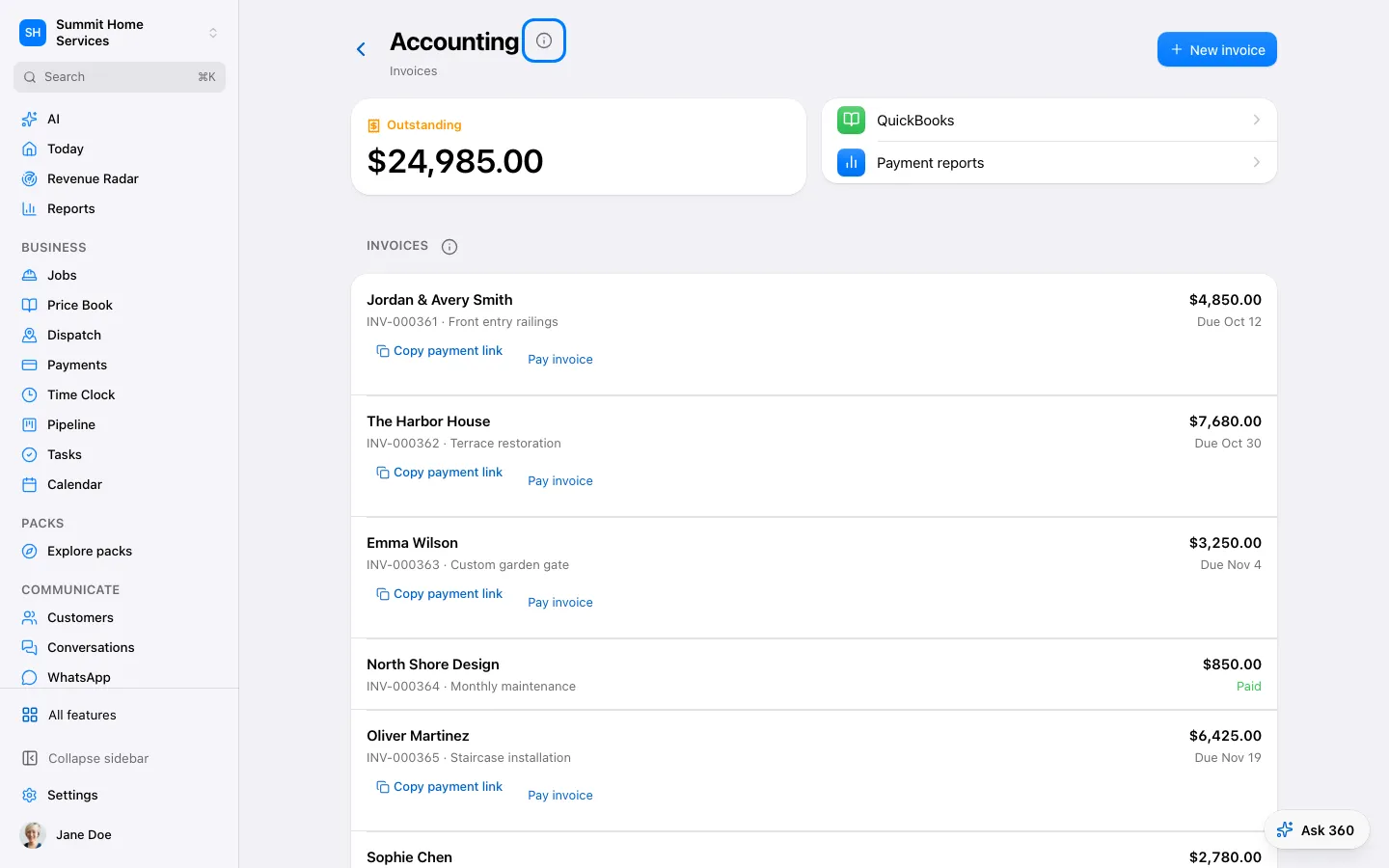
Accounting connection
Accounting connection
Accounting connections share supported financial records with your connected accounting service.
Step by step
- Open Accounting and connect the supported account.
- Review customer and item matching.
- Sync the selected records and check any reported errors.
On your screen

Was this helpful?
Sign in to send your feedback.
Yes / No