
Help home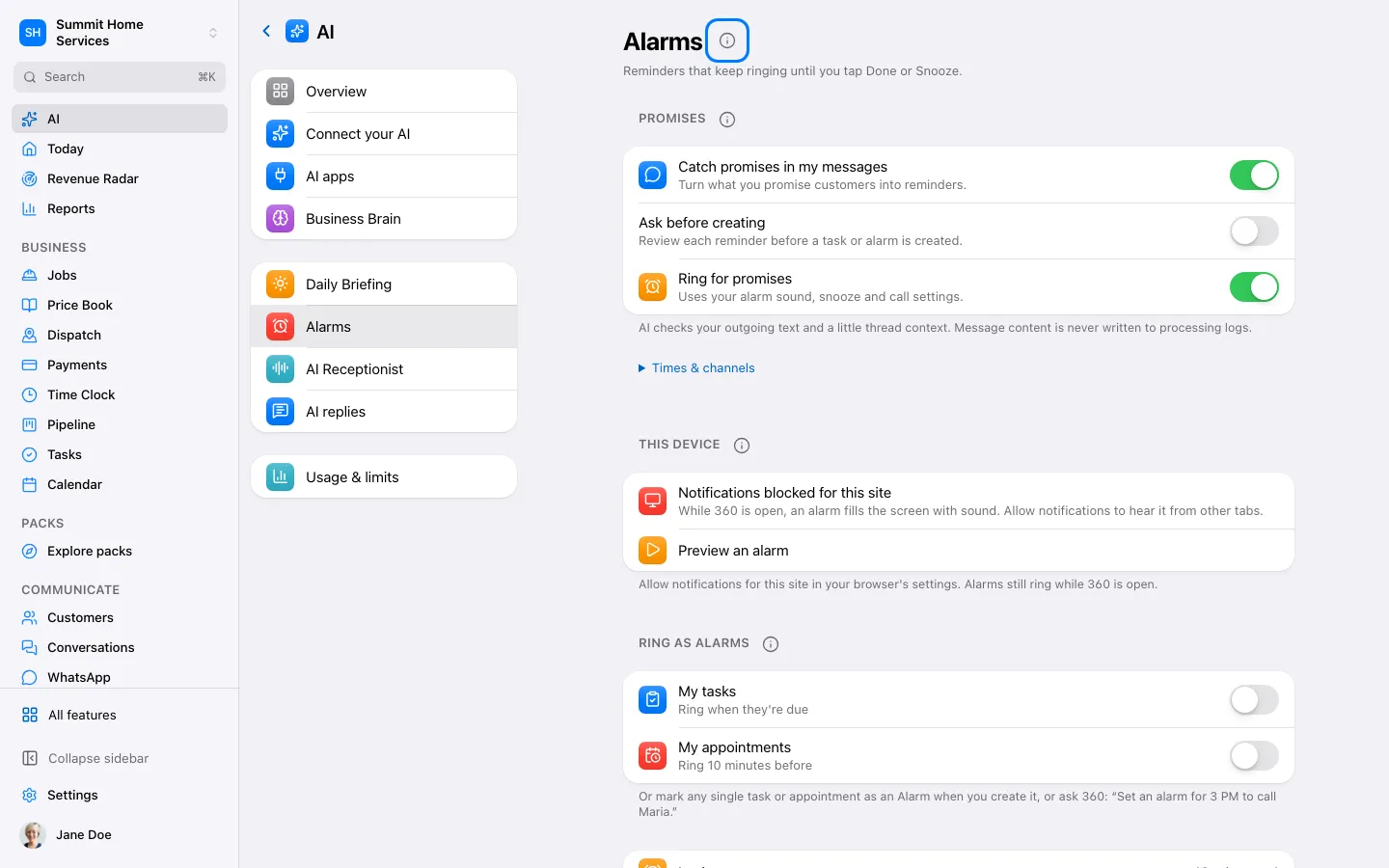
Alarms
Keep track of promises to customers
Open Settings → AI → Alarms and review Promises, its default times and alarm preferences.
Step by step
- Open Settings → AI → Alarms and review Promises, its default times and alarm preferences.
- Send a customer a clear commitment in Conversations, such as sending the estimate tomorrow. Only confirmed outgoing messages are considered.
- Review the promise beside the conversation or in Tasks. Correct the action or deadline if needed; confirm any suggestion that asks for approval.
- Mark the promise done when you finish the work. Sending an attachment or estimate may suggest completion, but you confirm it.
- If analysis fails, use the displayed Retry action or create a task manually. AI availability and your permissions still apply.
On your screen

Was this helpful?
Sign in to send your feedback.
Yes / No