
Help home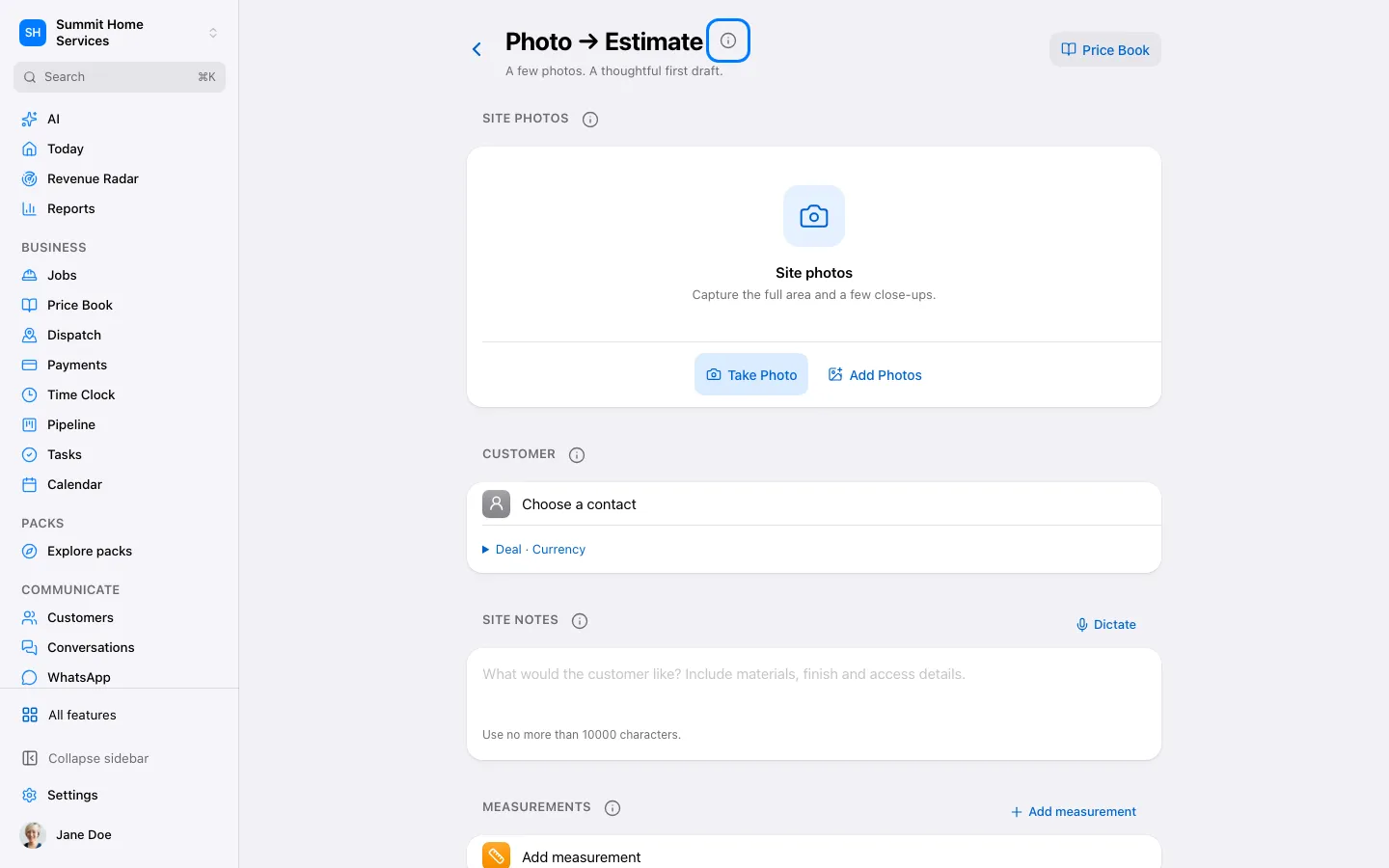
Photo to estimate
Photo to estimate
Photo to estimate helps turn job photos into a draft scope and estimate.
Step by step
- Open Photo to estimate and add clear photos.
- Review the suggested work, measurements, and items.
- Correct the draft and preview the customer quote.
On your screen

Was this helpful?
Sign in to send your feedback.
Yes / No