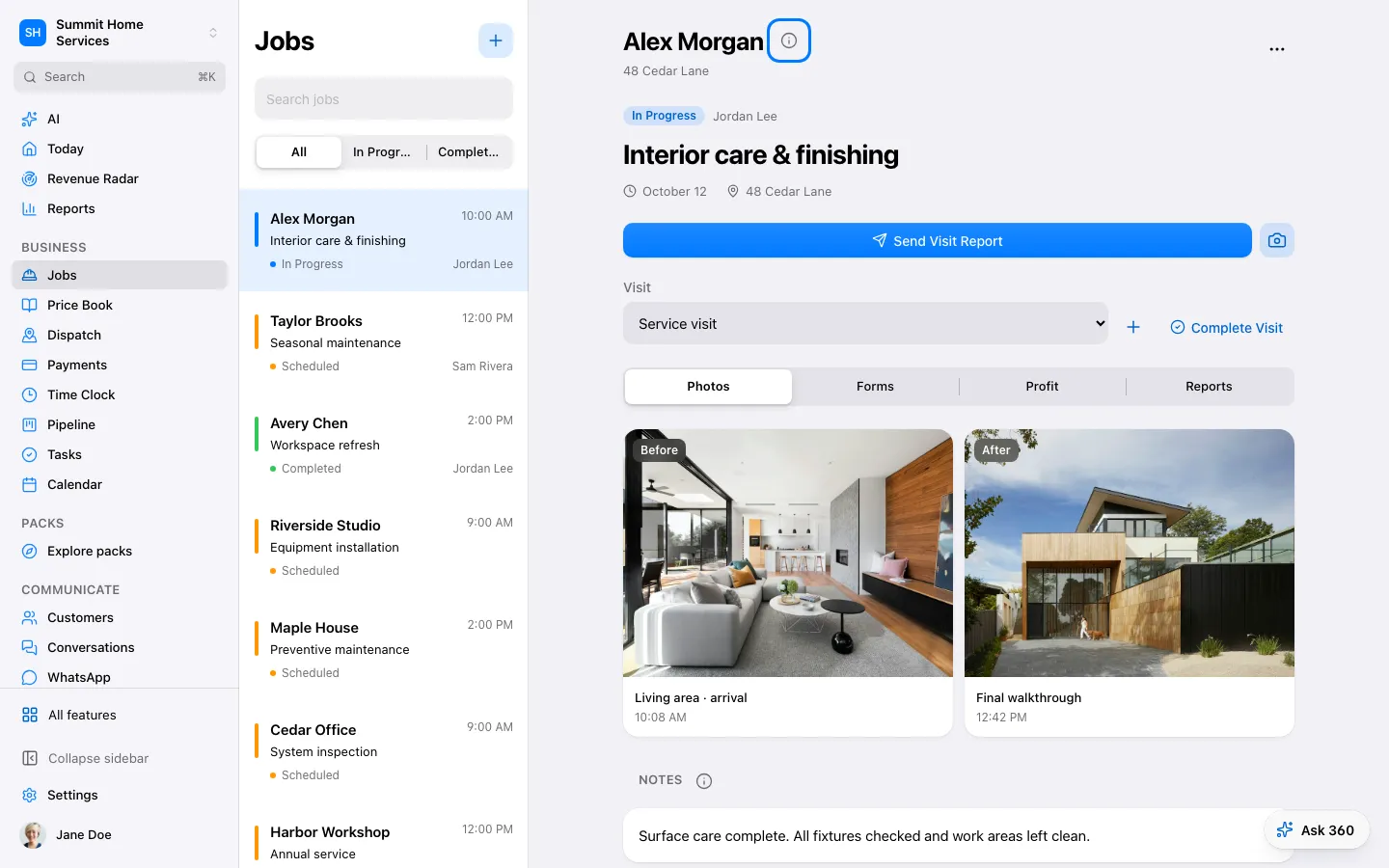
Jobs keeps the instructions and progress of accepted work together.
Step by step
Open Jobs and choose or create the job.
Add scope, schedule, and assigned people.
Record progress and complete the required checks.
Roofing jobs: open the job → Roof details for the crew, dumpster, permit and weather pauses (the homeowner's tracker shows the new day), and the manufacturer warranty checklist with its due date and proof. Today and Genius remind you before a registration or certification is due.