Open your business’s app link on the iPhone and sign in to the same account you use on your computer.
Step by step
Open your business’s app link on the iPhone and sign in to the same account you use on your computer.
For the web app in Safari, open Share → Add to Home Screen. If your business provides a native app link, install that app and sign in there.
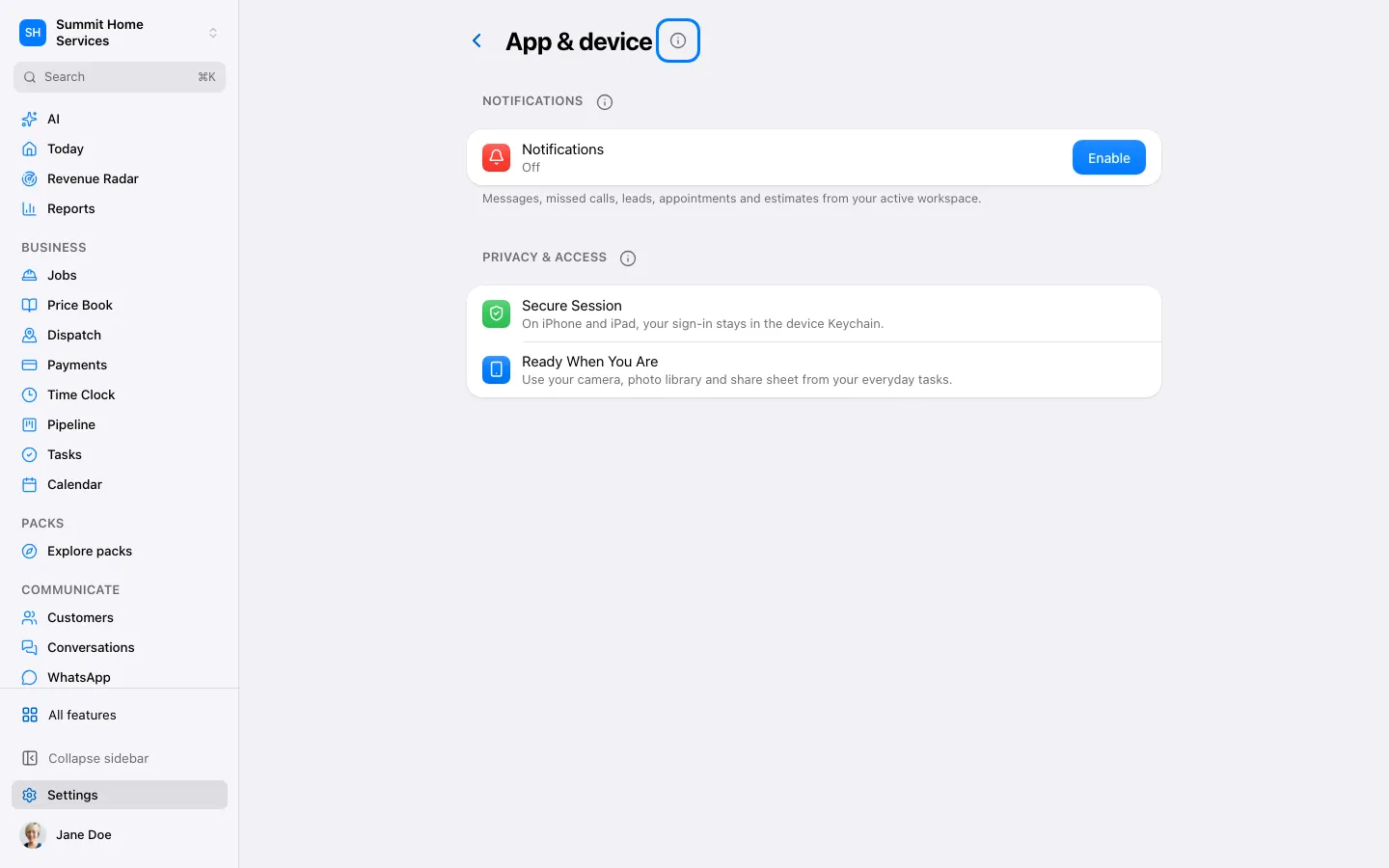
Open Settings → This device and enable the notifications you want. Allow notifications in iPhone Settings when requested.
Test a notification and a call if phone service is connected. If alerts do not arrive, check Focus mode, notification permission and the selected business.