
Help home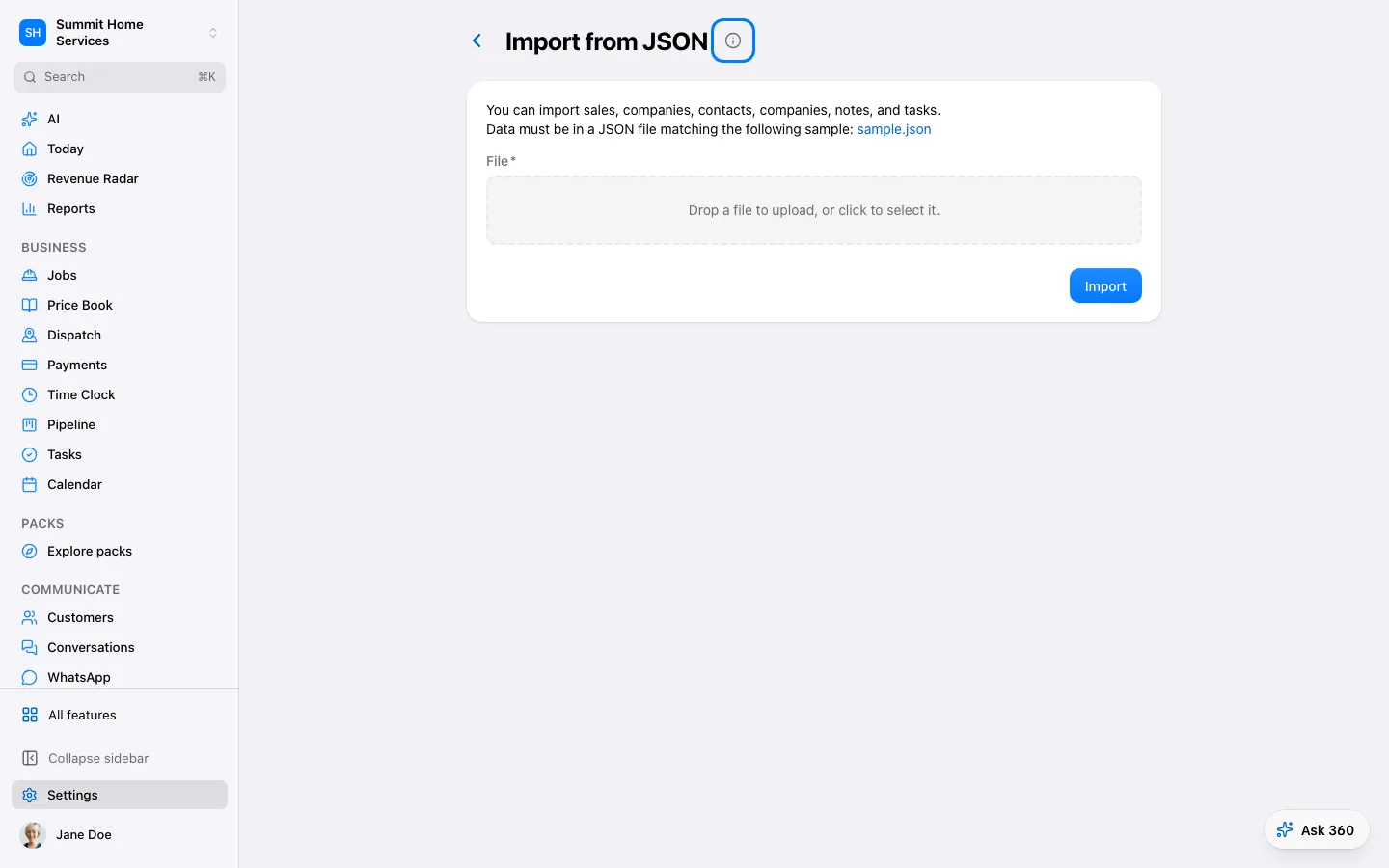
Import contacts
Import contacts
Import brings customer records from a file into your business.
Step by step
- Open Settings → Import contacts and choose the file.
- Match columns and review errors and duplicates.
- Fix flagged rows, then confirm the import and check the result.
On your screen

Was this helpful?
Sign in to send your feedback.
Yes / No