
Help home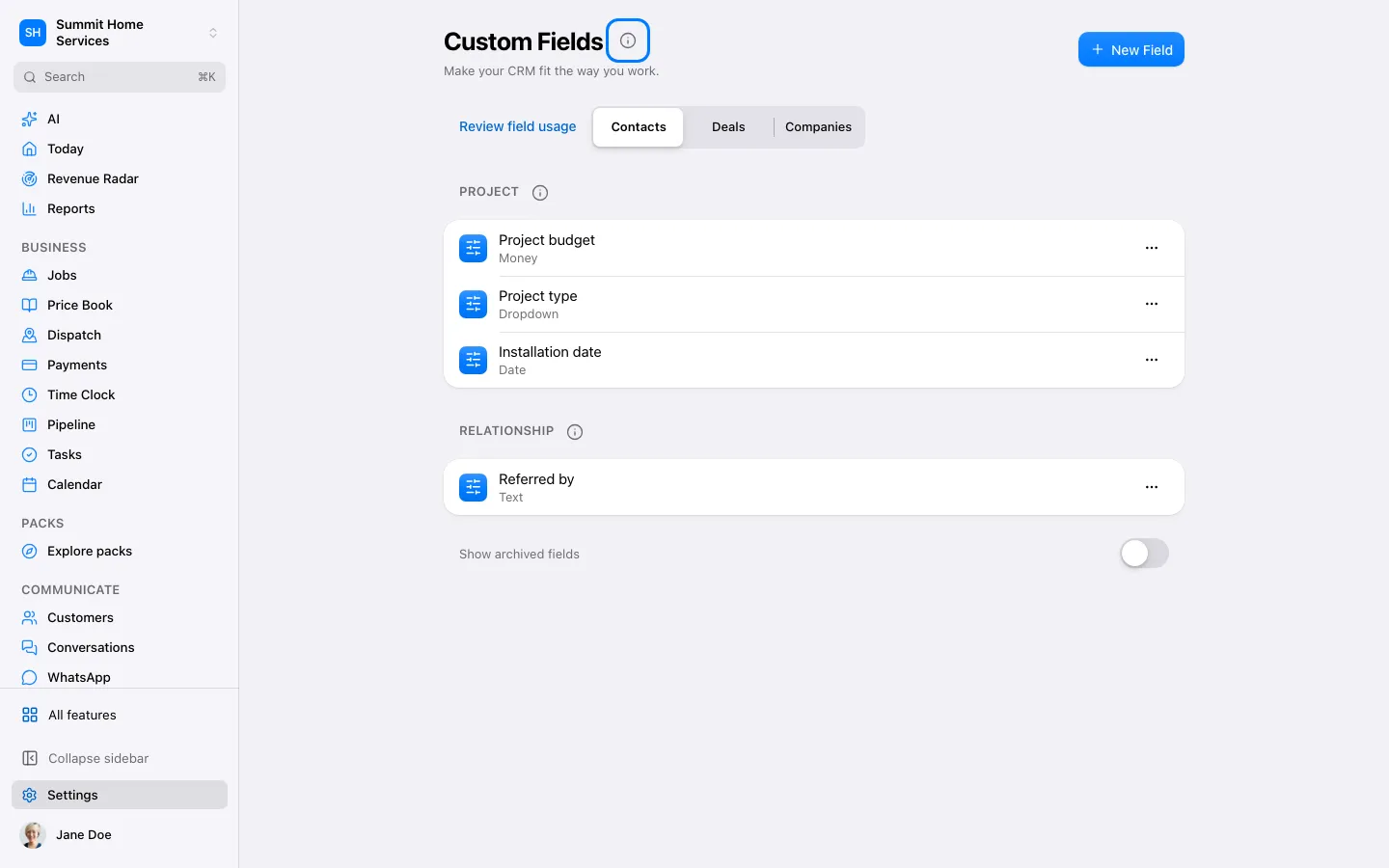
Custom fields & values
Custom fields & values
Custom fields store extra details per record; custom values store reusable business text.
Step by step
- Open Settings and choose Custom fields or Custom values.
- Name the detail and choose the right type or reusable text.
- Save, then use it on the relevant record or template.
On your screen

Was this helpful?
Sign in to send your feedback.
Yes / No