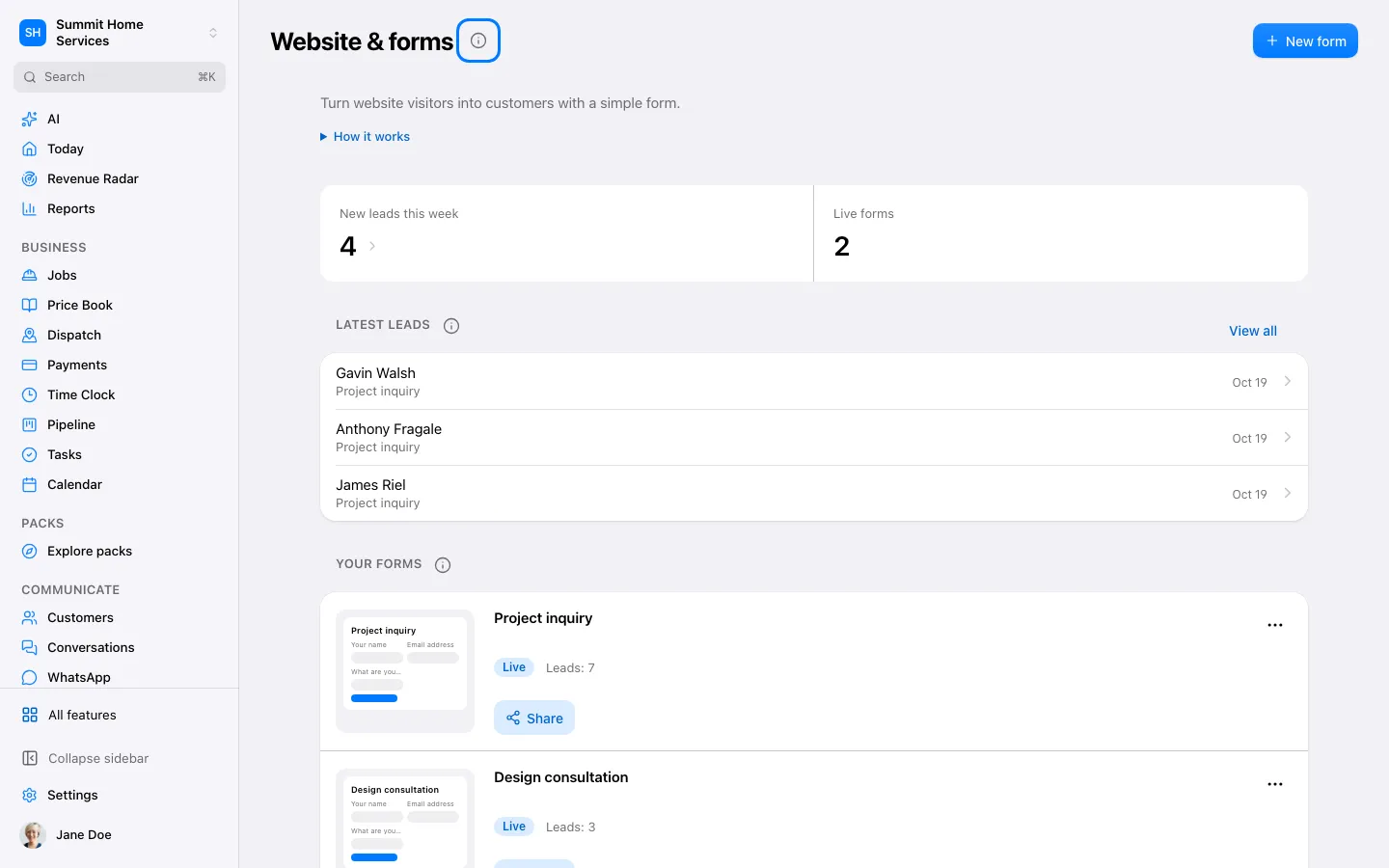
Open Website and choose the form you want to edit, or create a form for the information you need.
Step by step
Open Website and choose the form you want to edit, or create a form for the information you need.
Add the fields and mark only essential ones as required. Include the appropriate consent choices for any messages you plan to send. Or turn on Consent by submitting to show a notice by the Submit button instead of a checkbox: sending the form with a phone number is then the agreement to get texts.
Save and preview the form. Use its published link or embed instructions on your website.
Submit a clearly labeled test contact. Verify the new contact and any follow-up automation before sharing the form with customers.