
Help home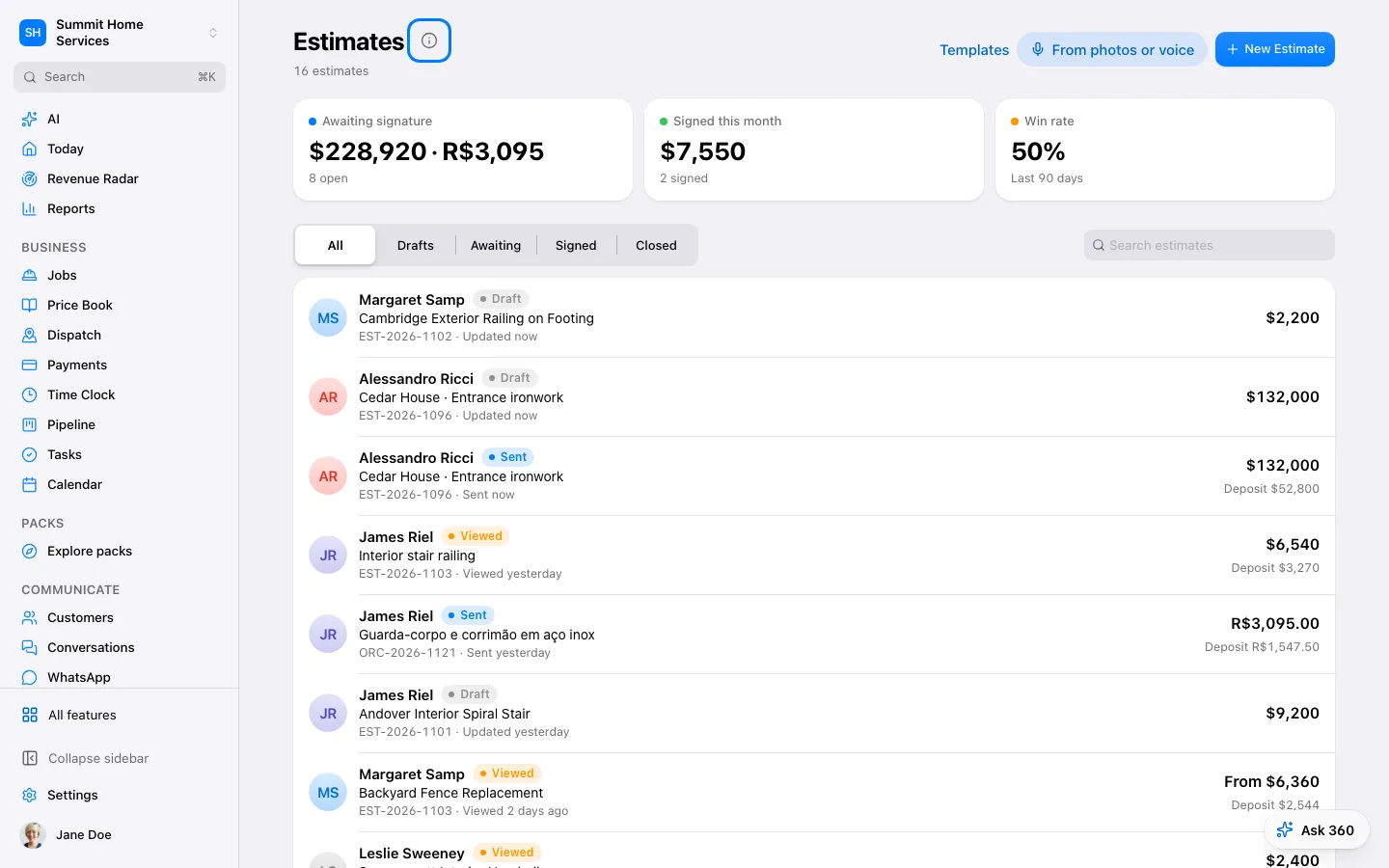
Estimates
Edit an estimate you already sent
Open Estimates and select the sent estimate. Check whether the customer has already approved it.
Step by step
- Open Estimates and select the sent estimate. Check whether the customer has already approved it.
- For an unsigned estimate, choose Edit to open or resume its draft revision. Change the scope, items, prices or terms and review the preview.
- Choose Save changes. The existing customer link now shows the published revision; unsaved drafts are not visible to the customer.
- Saving does not send a new notification. Share the link again if you need to tell the customer about the change.
- If the estimate is already approved, use a change order. To change the customer or document type, duplicate as a new estimate instead.
On your screen

Was this helpful?
Sign in to send your feedback.
Yes / No