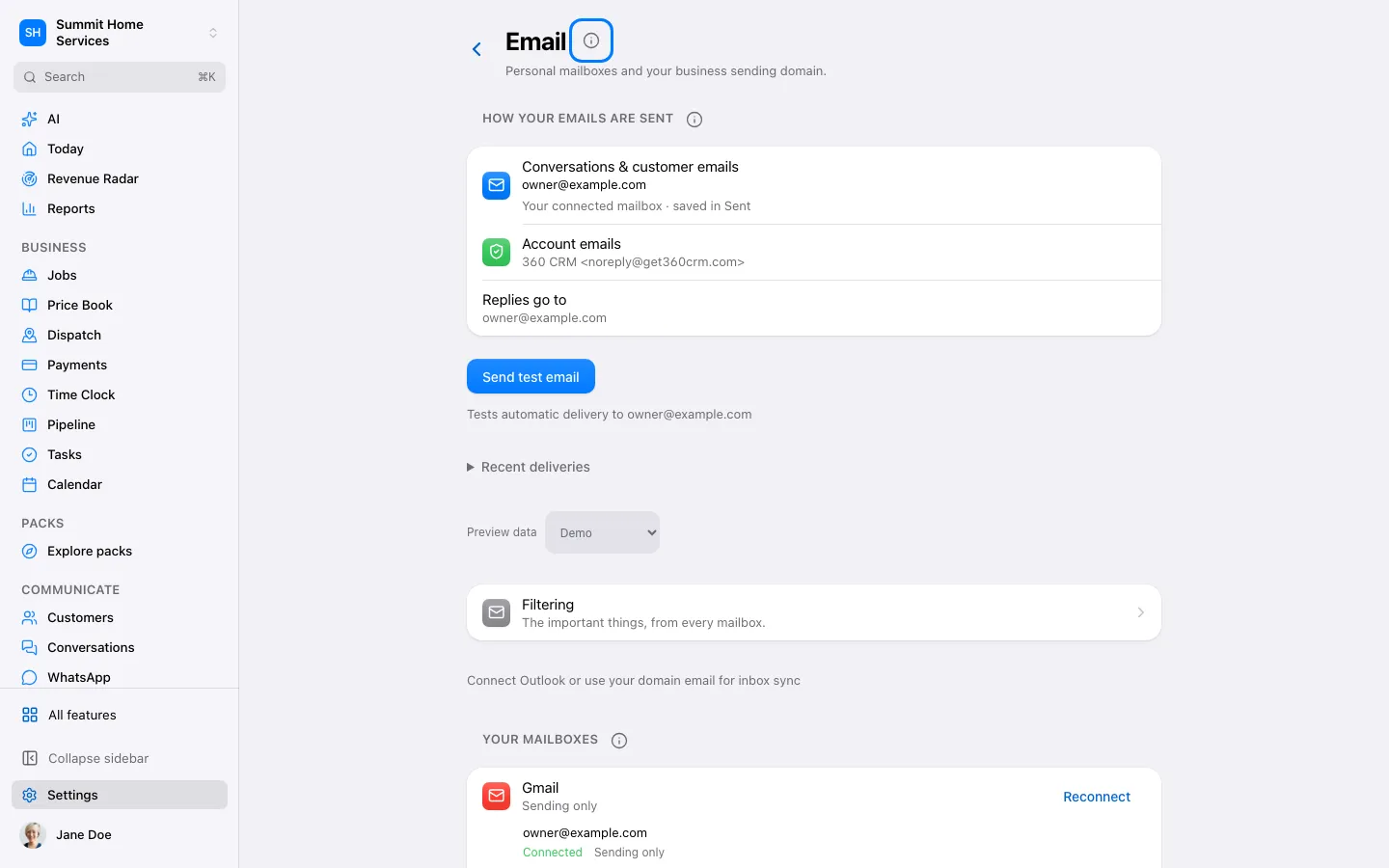
Open Settings → Email and add a mailbox. Choose Gmail or Microsoft for their sign-in flow, or Other email for IMAP.
Step by step
Open Settings → Email and add a mailbox. Choose Gmail or Microsoft for their sign-in flow, or Other email for IMAP.
For IMAP, enter your email and use the discovered settings if they match your provider. Otherwise enter its IMAP and SMTP hosts, ports and secure connection settings.
Use an app password when your provider requires it. Test the connection and select the Inbox and Sent folders.
Choose how much recent mail to import and finish connecting. Send a test email and reply to it; verify both messages appear in Conversations.