
Help home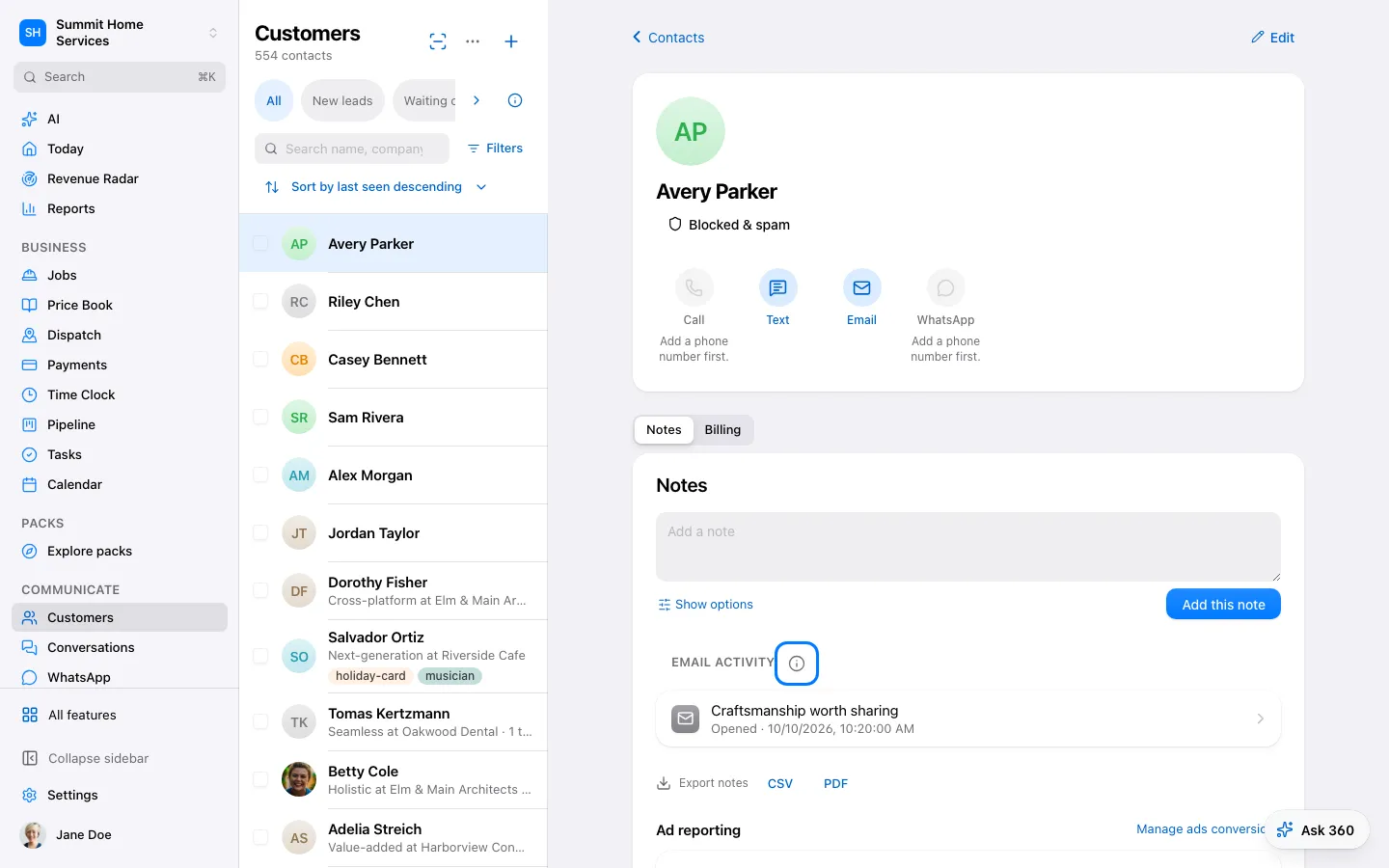
Contacts & leads
Contacts & leads
Contacts keeps a person’s details and related activity together.
Step by step
- Open Contacts and add or find a person.
- Review contact details and add useful notes.
- Save and use the record for the next conversation.
- Open Sell → Leads to see every inquiry by the date it arrived, how fast you replied and where it stands.
On your screen

Was this helpful?
Sign in to send your feedback.
Yes / No