
Help home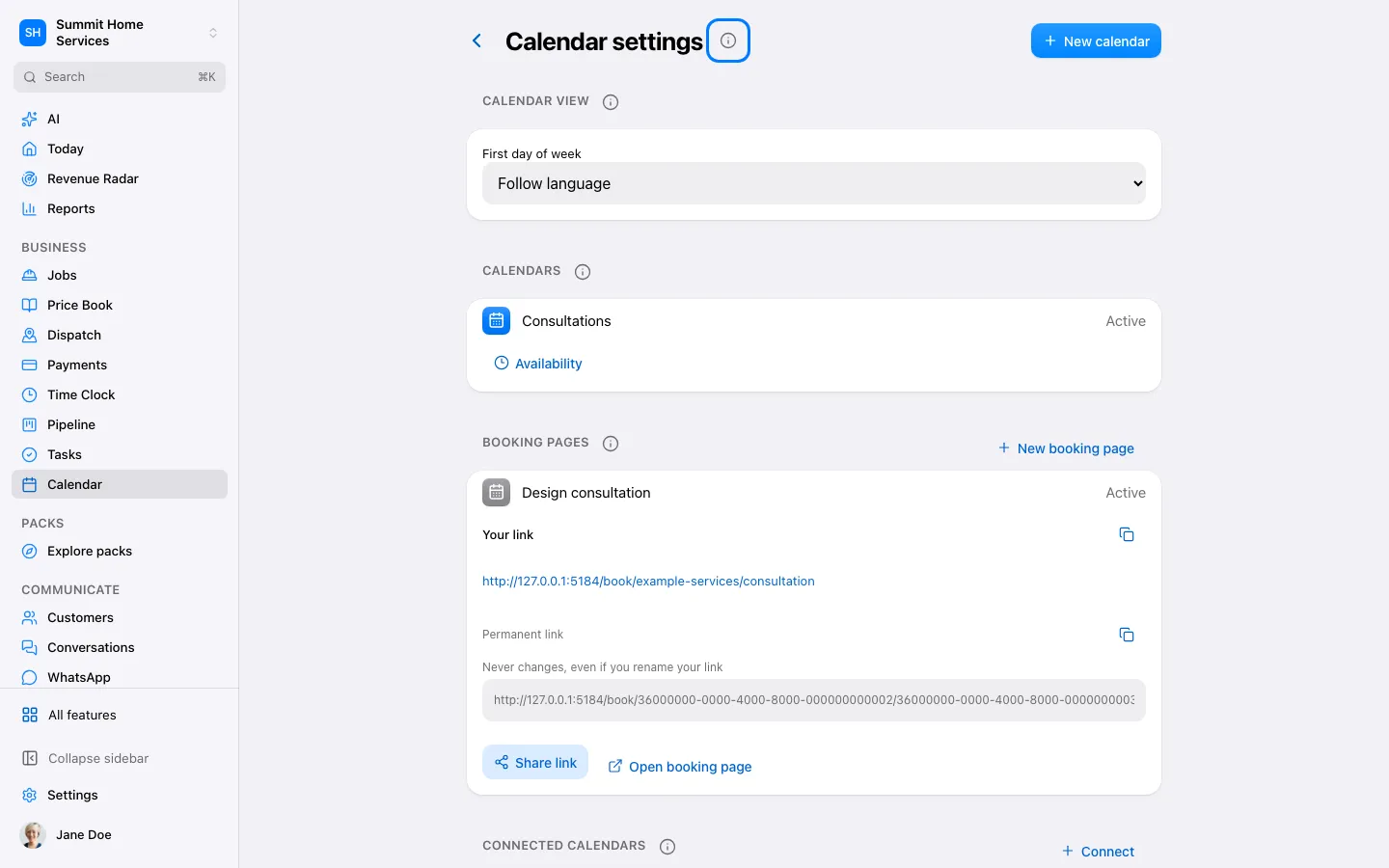
Share a booking link
Share a booking link
Open Calendar → Settings and choose the calendar customers should book.
Step by step
- Open Calendar → Settings and choose the calendar customers should book.
- Set availability, timezone, duration and the people who can take appointments. Check connected calendars for busy times.
- Open the booking page settings, review the questions and reminders, and copy the public link.
- Open that link in a private browser window and check the available times on a phone. Share it only after confirming the page is ready.
On your screen

Was this helpful?
Sign in to send your feedback.
Yes / No