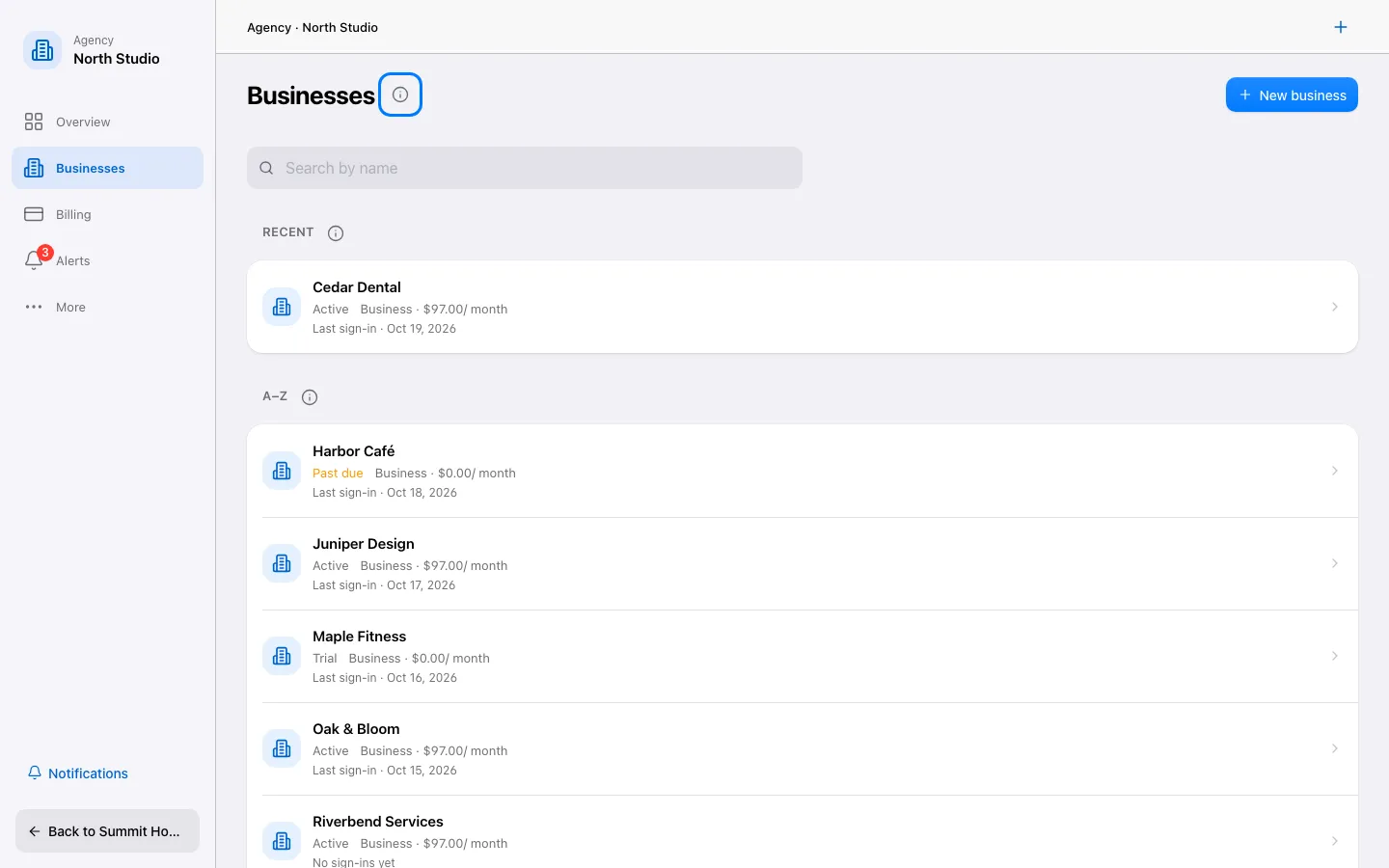
Switch to Agency mode and open Businesses. Choose New business.
Step by step
Switch to Agency mode and open Businesses. Choose New business.
Enter the business name, its address in the app and timezone. Choose an industry edition and an optional snapshot that fit this client.
Review the plan and any charges shown before confirming. Create the business once and wait for it to appear in the list.
Open the new business and invite its team with the appropriate permissions. Configure its own branding, phone numbers and connections; entering a business switches to the customer view.