
Pest control estimate & invoice template
A pest control estimate that names the target issue, treatment areas and follow-up. Keep exclusions and recurring service terms clear.
Free PDF and editable Word files. No email required.
Use in Google Docs
- Download the Word (.docx) file above.
- In Google Drive, choose New → File upload and select the file.
- Open it with Google Docs, then choose File → Save as Google Docs. Edit your own copy.
A Google account is needed to save a copy. You can also edit the Word file offline.
Scope in this example
Inspect and service the agreed areas for the identified pest issue. Structural repair, wildlife removal and continuing visits beyond the listed follow-up are excluded. Follow the provided preparation and re-entry instructions.
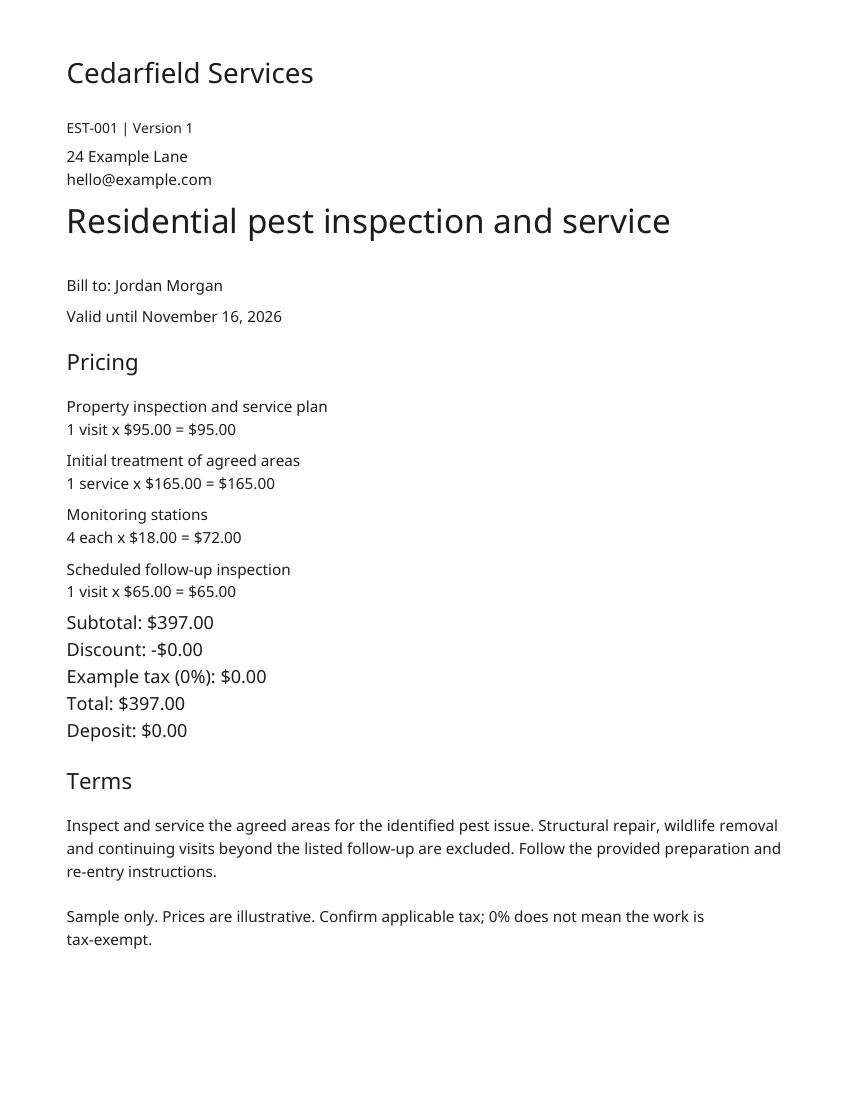
Fictional example · Replace the sample details and prices before sending.
How to fill it
Identify the target and treatment areas
Name the pest issue, affected areas and inspection findings. Do not imply every pest or every building area is covered by one treatment.
List preparation and follow-up
Reference the service-specific preparation and re-entry instructions provided by the technician. State the number and timing of included follow-ups.
Separate recurring service terms
If offering ongoing service, specify visit frequency, price and cancellation terms. Describe any actual retreatment policy without inventing a guarantee.
Sample only. Prices are illustrative. Confirm applicable tax; 0% does not mean the work is tax-exempt.
Finished the work? Use the matching invoice.
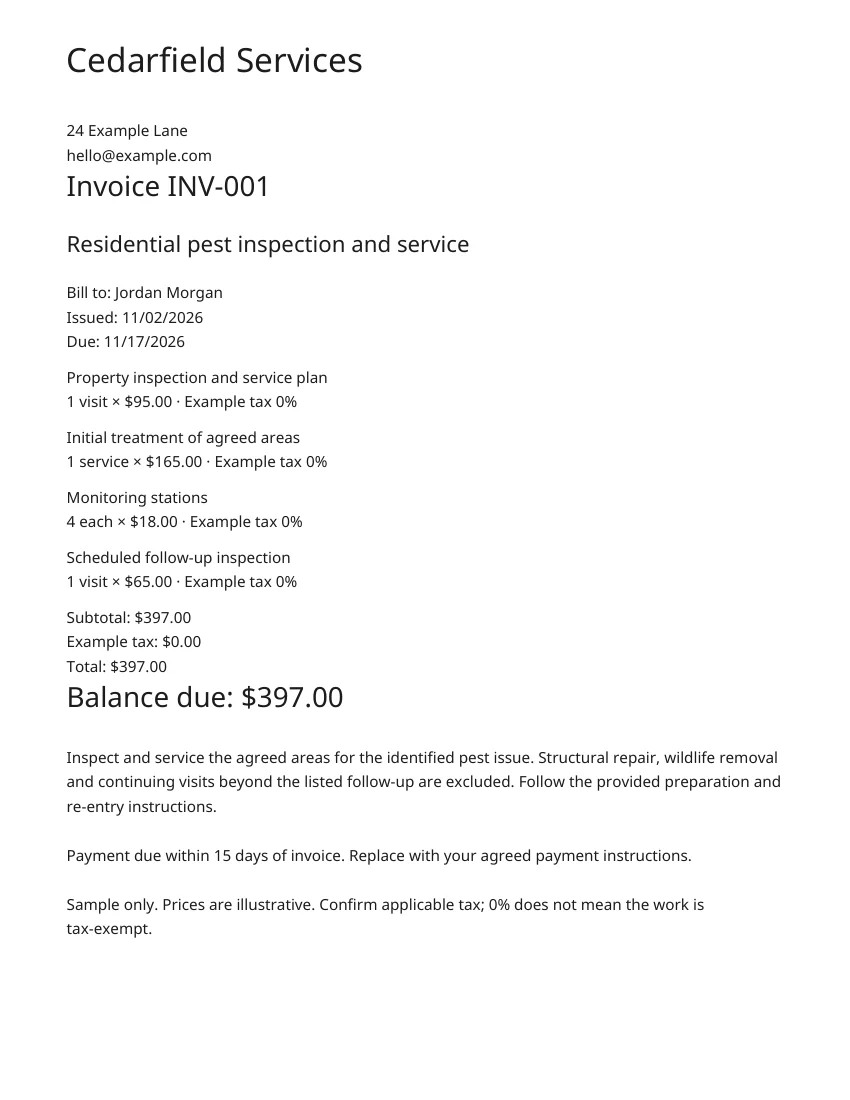
Keep the same scope and line items. Add the final quantities, invoice number, due date and payment instructions.
Use in Google Docs
- Download the Word (.docx) file above.
- In Google Drive, choose New → File upload and select the file.
- Open it with Google Docs, then choose File → Save as Google Docs. Edit your own copy.
A Google account is needed to save a copy. You can also edit the Word file offline.
Invoice
Before you send it
What should a pest control estimate say about follow-ups?
List how many follow-up visits are included, their timing and the target issue they cover. Explain which additional treatments require a separate approval and price.
Are these templates really free?
Yes. Download the PDF and editable Word file without an email address, account or payment. A 360 trial is optional.
Can I edit the template in Word or Google Docs?
Yes. The Word file contains editable text and tables. Upload it to Google Drive, open it with Google Docs and save your own copy. Recalculate totals after changing quantities or rates.
Are the example prices and tax ready to use?
No. They are fictional examples, not recommended prices. Replace them with your own rates and check the tax that applies to your work. The 0% sample tax is not a tax-exemption claim.
What is the difference between an estimate and an invoice?
An estimate describes proposed work and its expected price before approval. An invoice requests payment for the agreed work. Confirm the final scope and amounts when turning one into the other.
Can my customer sign the downloaded PDF online?
The download is a standalone document, not a live signing link. In 360, create an estimate and send its signing link so your customer can review and approve online.
Send this as a live estimate your customer signs online — try 360 free
Keep the conversation, approval and next step together in one place.
Try 360 free$79/month per business · Unlimited users · 14-day trial